


FM10: PDF output not including part of graphic in header
Here are my versions: (TCS3.0)
FM 10.0.1.402
Acrobat 10.1.1
Distiller 10.1.133
I have a book recently created in FM10. I needed to add a very large table. I followed Barb Binder's instructions for setting up landscape master pages (from the IconLogic 8/9/11 Skills & Drills newsletter). Everything worked perfectly. I was able to create the master pages and body pages using them, and eventuallly get the large table in the doc file. So far so good... I wanted to see how the new pages and table would look in PDF, so I did a File > Save as PDF. The PDF was created as expected.
However, I have a strange issue with our company logo in the header. It's in the header on all pages of this document and looks fine on all pages in FM - both on the body and master pages. But in the PDF, the last letter of the company name is cut off. I cannot figure out what's going on. I've also tried to Print to File using the Adobe PDF printer and creating a PS file that I then distilled to PDF. Same problem no matter what method I use. In the PDF, the logos on all non-landscape pages are fine.
Here are some screen caps.
The document open in FM - this shows the Telesoft logo on left and right body pages using the landscape master pages:
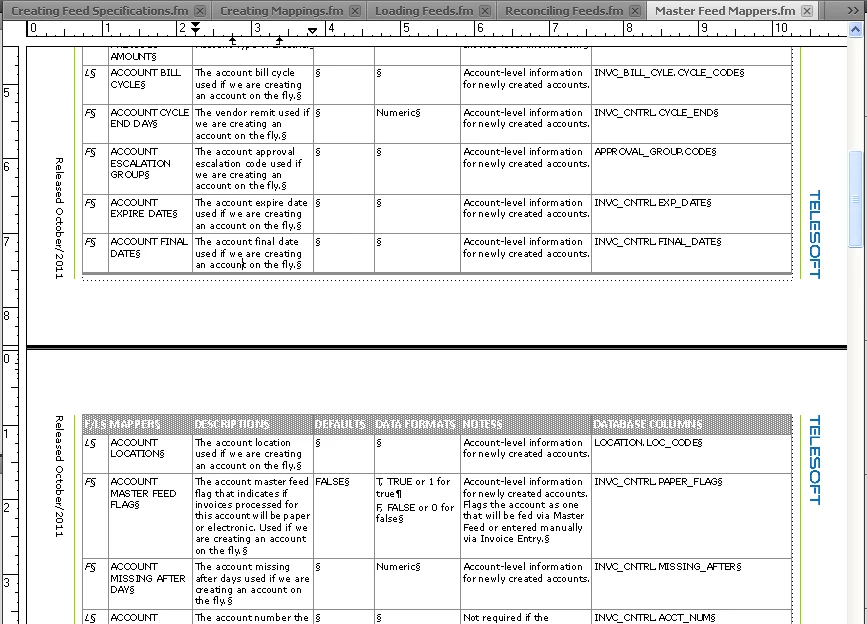
Here is the LandscapeLeft master page:
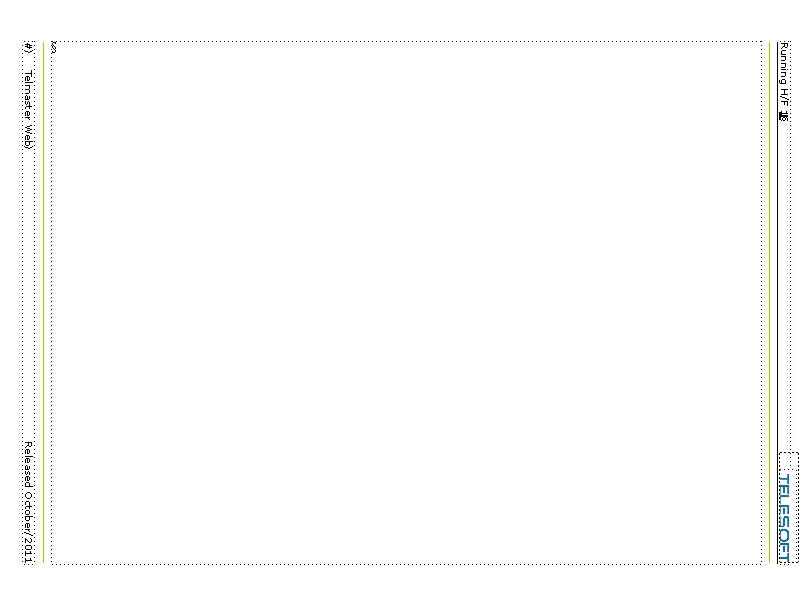
The LandscapeRight master page:
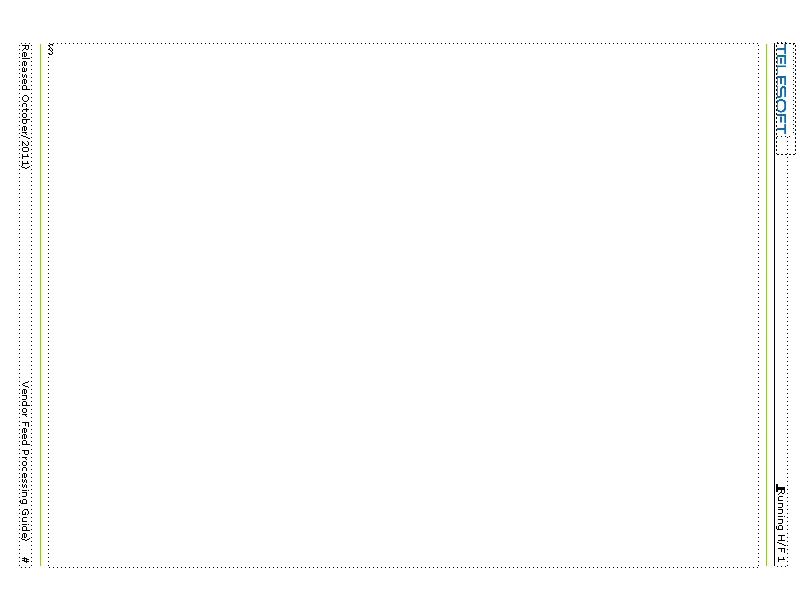
Here's a screen cap of a LandscapeLeft page in the PDF:
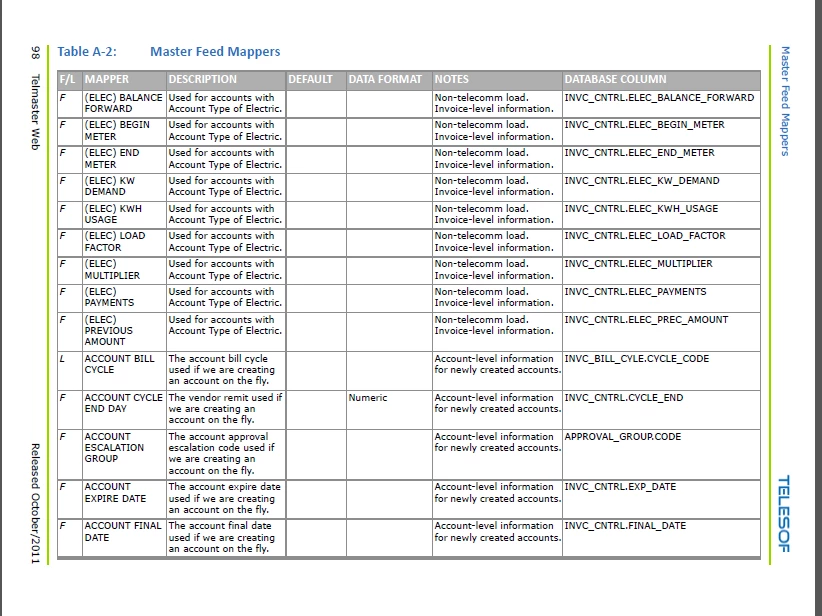
Here's a screen cap of a LandscapeRight page in the PDF:
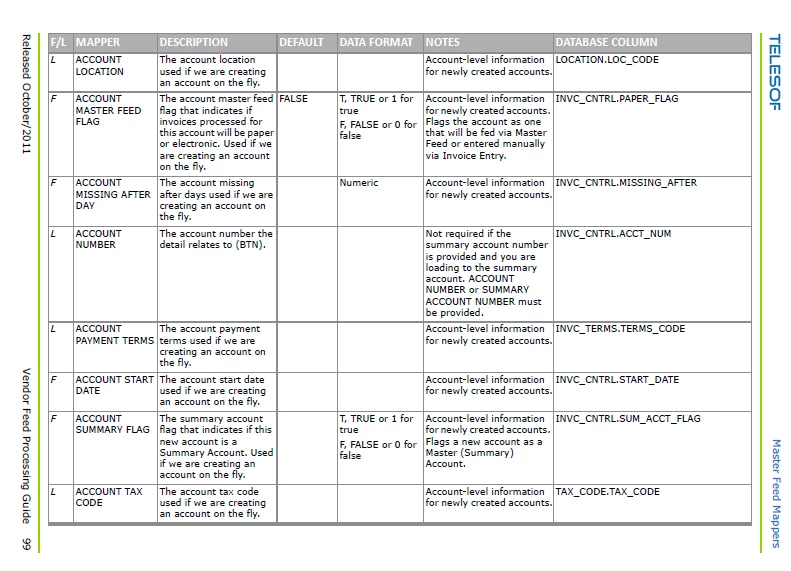
Notice the final "T" missing for the header graphic on both the right and left pages. On the master page, there is plenty of room in the anchored frame that holds the graphic, so the frame isn't cutting anything off. The exact same headers are used on both the regular and landscape master pages and all is well in the PDF for the regular pages.
I really appreciate any suggestions!
Kim
 AdChoices