



Question
Adobe Fresco 'Save has failed'
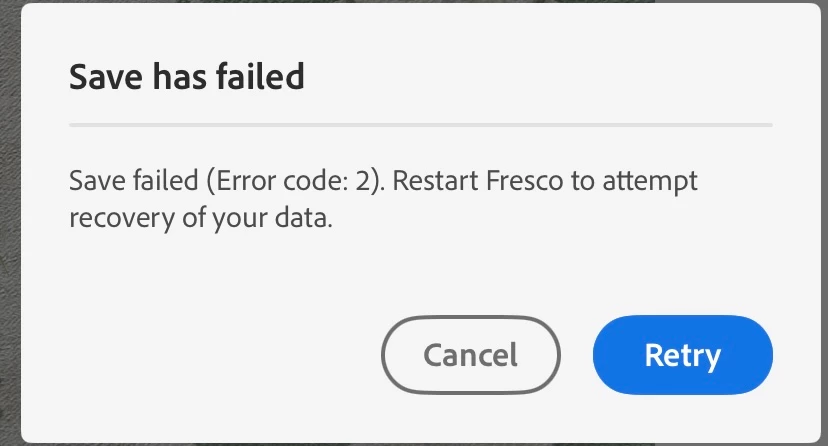
Have lost two current files I've been working on, everytime I try and save or leave the app I get the notification 'Save has failed' Save failed (Error code2) Restart Fresco to attemtp recovery of data.
Have restarted my ipad a number of times. Checked the storage, internet connection etc.
Extremely frustrating as I'm on an end of day deadline for a client I freelance for.
Have attempted to redraw my files this morning and save minute by minute, but I'm getting the notification everytime and none of my work saves.
Please help!
 AdChoices