



Fresco v3.4 - Tilt & Rotation support for Vector brushes, Resize docs, Better layer control & more.
Here’s all that’s new and exciting in the March update:

SHOW/HIDE OTHER LAYERS:
Now, you can quickly isolate just the layer you need to work on. You may select your focus layer and select ‘Hide other layers’ from the Layer actions menu. After making the necessary changes, clicking on ‘Show all layers’ switches the visibility back.

TILT & ROTATION SUPPORT FOR VECTOR BRUSHES: The new support for tilt & rotation provides more power to you for enhanced artworks while using vector brushes. Fresco will adjust (tilt/rotate) the brush stamp accordingly to account for this input.
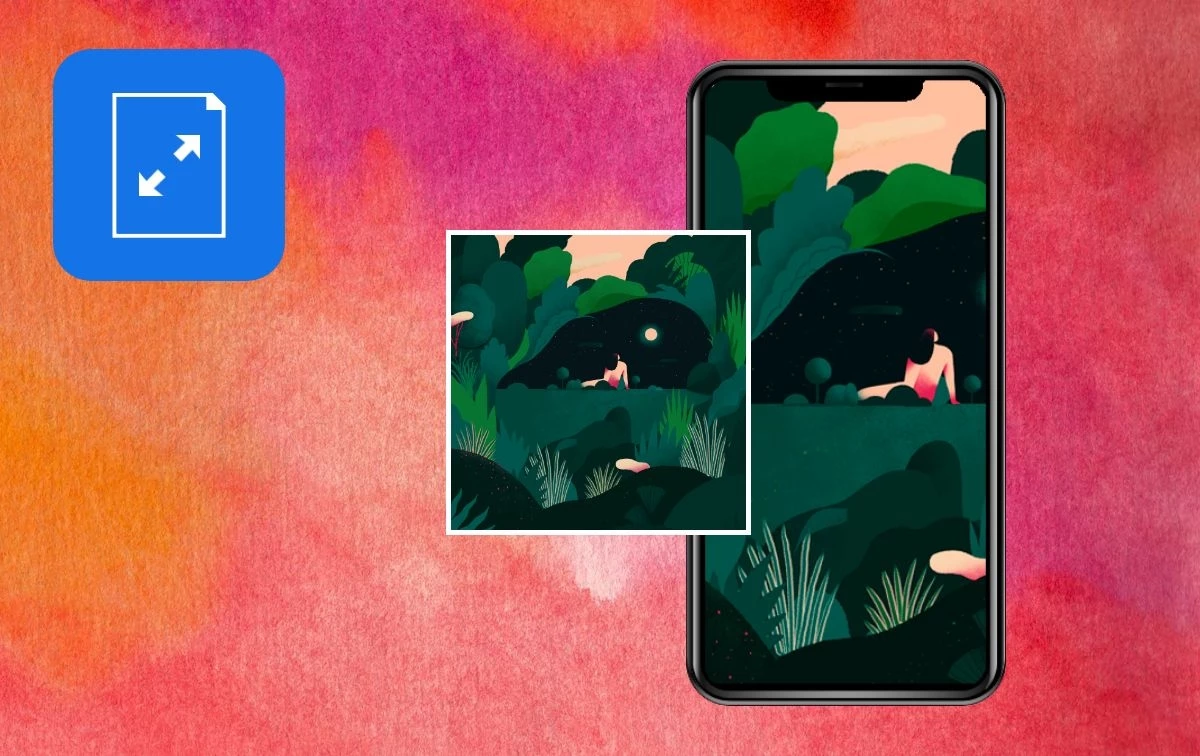
RESIZE DOCUMENTS:
Resize your documents easily with direct access to your custom document presets or the built-in presets. Tap the Settings menu to access.
'
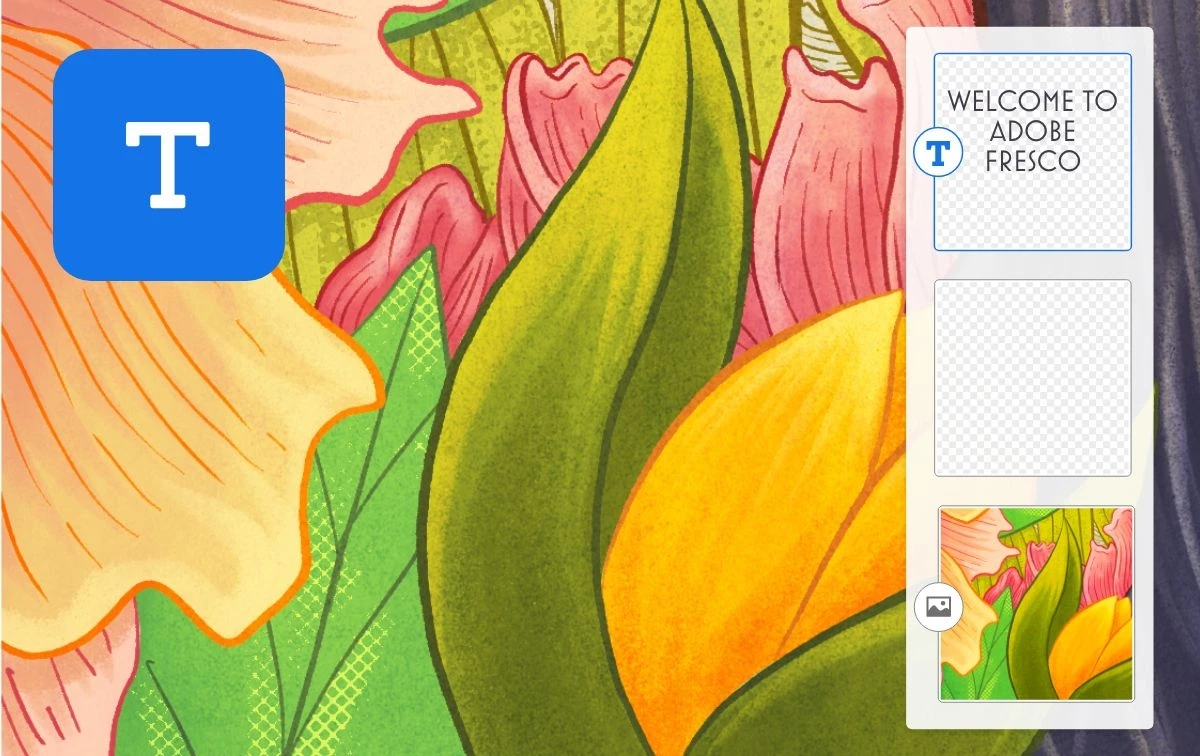
CREATE & EDIT TEXT LAYERS:
Unleash your creativity by adding text flourishes to your illustrations with new text layer capabilities including controls for font size, spacing and alignment.
See What's New for more information on the latest features. To help us have focused discussions, create separate posts for feedback on features related to this update.
Thanks,
Vivek
 AdChoices