Helen27693625g77v
Participating Frequently
December 24, 2022
Answered

[How To] Impossible to fill this kind of level

  • December 24, 2022
  • 2 replies
  • 1502 views

Hi,

The first time I used Fresco I succeeded in colouring my simple children's books images. Yesterday I wanted to go on and I had this message: "

  • impossible to fill this kind of level

So I cannot color at all. I have not set any level, though it seems so. Could you please help me?

I have tried to color again the first image that I was able to color, but I got the same message. I've even disinstalled and reinstalled the app on my pc Windows but nothing changes.

I'm still blocked by that message that does not allow me to color anymore.

Thanks in advance and Merry Xmas & Holyday season!


[Renamed by Mod]
This topic has been closed for replies.
Correct answer Imaginerie

Merry Christmas to you!
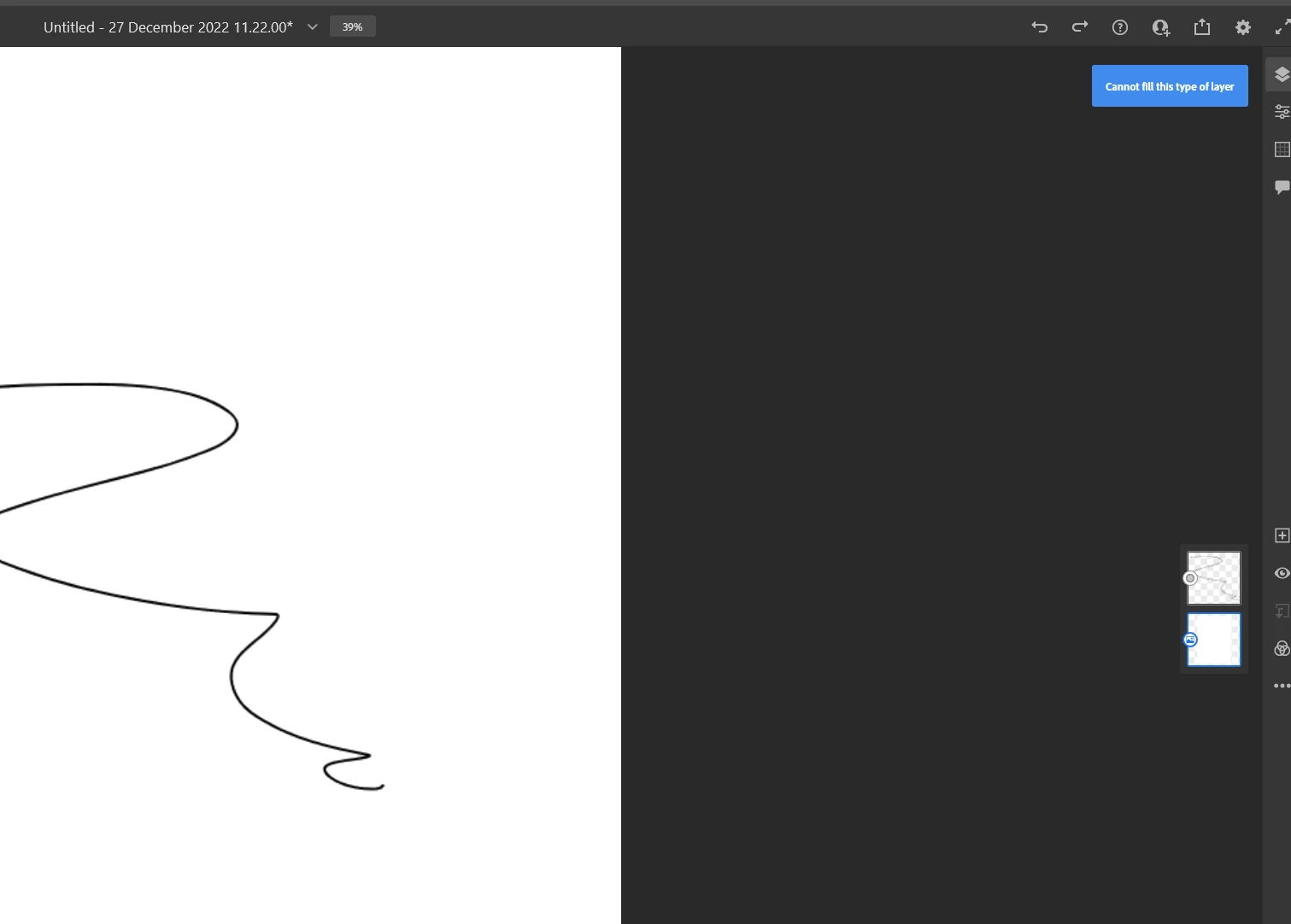
Now, I don't peak Italian, but from the photo, I am assuming that "livello" means layer. So it's a wrong type of layer.

Your highlighted (selected) layer seems to be an image, it cannot be filled...

Try clicking on an empty layer and fill it from there (after all you wouldn't want to fill where your drawing is!)


see my screenshot below

I cannot fill that type of layer as it's considered an image.

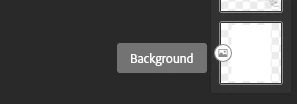
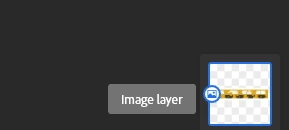
See the little (Very small) icon next to the layer, it looks like a mountain (symbol for image)

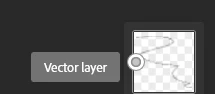
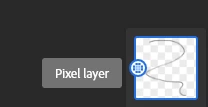
Now try to draw with a vector brush (which will create a new vector layer) and see how the icon next to it is different, and same with a standard brush, the icon will look different too:


You can fill the last two, but not a background or an image layer.


Hope I explained it well 🙂

2 replies

Imaginerie
Community Expert
ImaginerieCommunity ExpertCorrect answer
Community Expert
December 27, 2022

Merry Christmas to you!
Now, I don't peak Italian, but from the photo, I am assuming that "livello" means layer. So it's a wrong type of layer.

Your highlighted (selected) layer seems to be an image, it cannot be filled...

Try clicking on an empty layer and fill it from there (after all you wouldn't want to fill where your drawing is!)


see my screenshot below

I cannot fill that type of layer as it's considered an image.

See the little (Very small) icon next to the layer, it looks like a mountain (symbol for image)

Now try to draw with a vector brush (which will create a new vector layer) and see how the icon next to it is different, and same with a standard brush, the icon will look different too:


You can fill the last two, but not a background or an image layer.


Hope I explained it well 🙂

Helen27693625g77v
Participating Frequently
December 27, 2022

Hi, thanks a lot for replying!

I did it, yay!!!

Thanks a lot!


Imaginerie
Community Expert
Community Expert
December 27, 2022

You're most welcome! Happy drawing! 😉

kglad
Community Expert
Community Expert
December 24, 2022

<moved from cc services - and merry christmas eve>

Helen27693625g77v
Participating Frequently
December 24, 2022

Hi Klad,

what should I do? Sorry, I do not understand your message.

Merry Christmas eve to you too

kglad
Community Expert
Community Expert
December 24, 2022

@Helen27693625g77v 


don't worry. you posted in the wrong location so i moved your message to the correct location.  now we just have to wait for a fresco expert to help you.