


Answered
[How To] Organize Brushes in Fresco
My brushes on the ipad are not sorted as in the photoshop library, it is possible to look at my brushes as they are in PS?
[Renamed by Mod]

My brushes on the ipad are not sorted as in the photoshop library, it is possible to look at my brushes as they are in PS?
[Renamed by Mod]
As far as I know, Fresco displays brushes groups/folders in an alphabetical order, with no option to move/drag them around as it is in the Photoshop brushes panel or the libraries.
But that would be interesting to have that as well in Fresco!
You can use the feature request embedded in the Fresco app (cog wheel at the top right>app settings> help>request a feature)
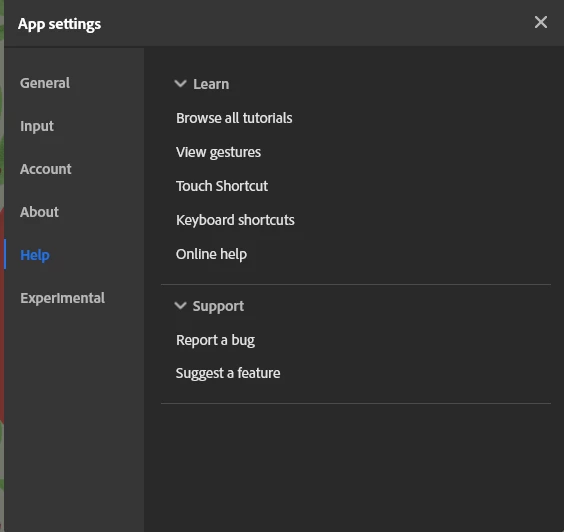
Once done, you can post it here so people interested in it, can vote for it (me included) and the votes will get the attention of the dev team... let's hope!
Already have an account? Login
Enter your E-mail address. We'll send you an e-mail with instructions to reset your password.
 AdChoices