


Is a vector Fresco - Illustrator workflow possible?
Hello, I'm new to the platform and seeking some advice. My setup includes both an iPad and a Mac, and I'm using Adobe Fresco to create vector art. I tend to stick to vector brushes and layers since my style is more line/graphic art, and I want to be able to export my art to large scales like a 75-inch TV or a poster at 36 x 24 inches.
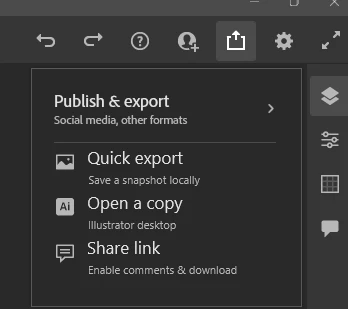
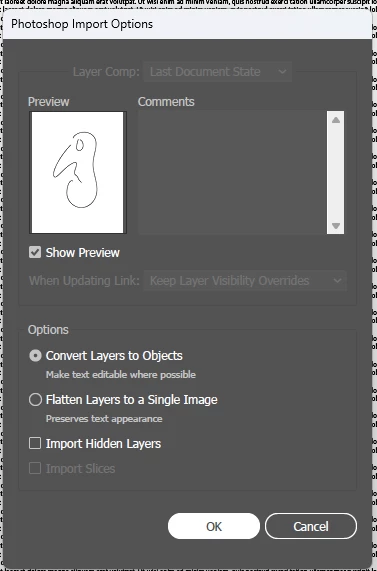
My preferred workflow involves moving my images back and forth between Fresco and Illustrator, as I use the mirror, grid, and radial tools in Illustrator to create patterns from my Fresco drawings and then rework these in fresco. However, I'm struggling with this process since exporting from Illustrator to Fresco (.PSD) converts the image to a raster image.
I've looked for workarounds, but it seems like this has been an issue for a while and hasn't been resolved yet. In the meantime, I've tried working solely in Illustrator, but it's not great for drawing, and I'm missing some of the fun features in Fresco like a basic resizable pen.
My last option is to give up on vector work and use raster layers, but that limits my ability to create large images - Fresco on the ipad seems to have much lower exports than illustrator and photoshop. Do you have any suggestions or workarounds that I may have missed? I'd appreciate any advice!
 AdChoices