
Participant
December 14, 2018
Answered

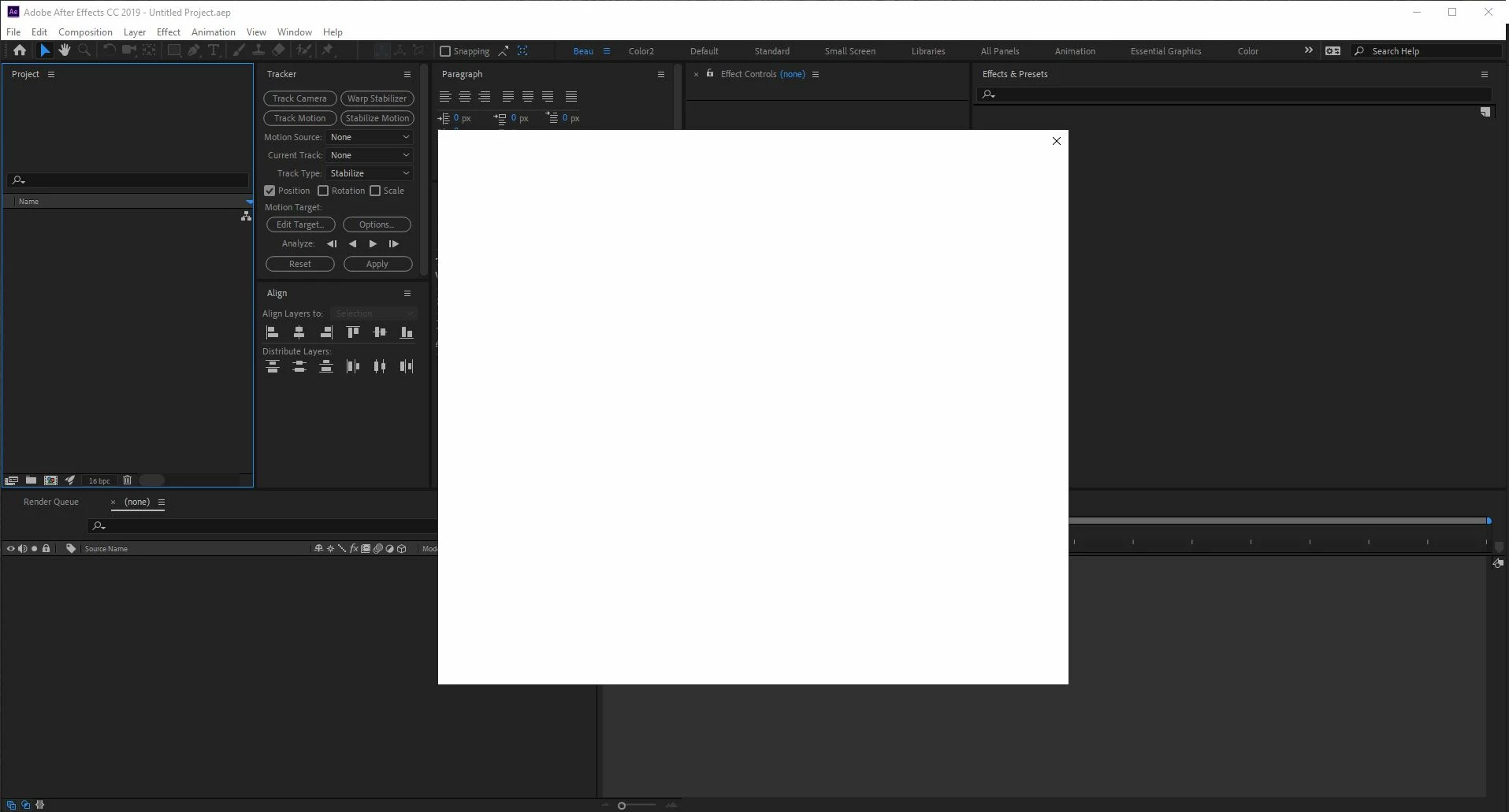
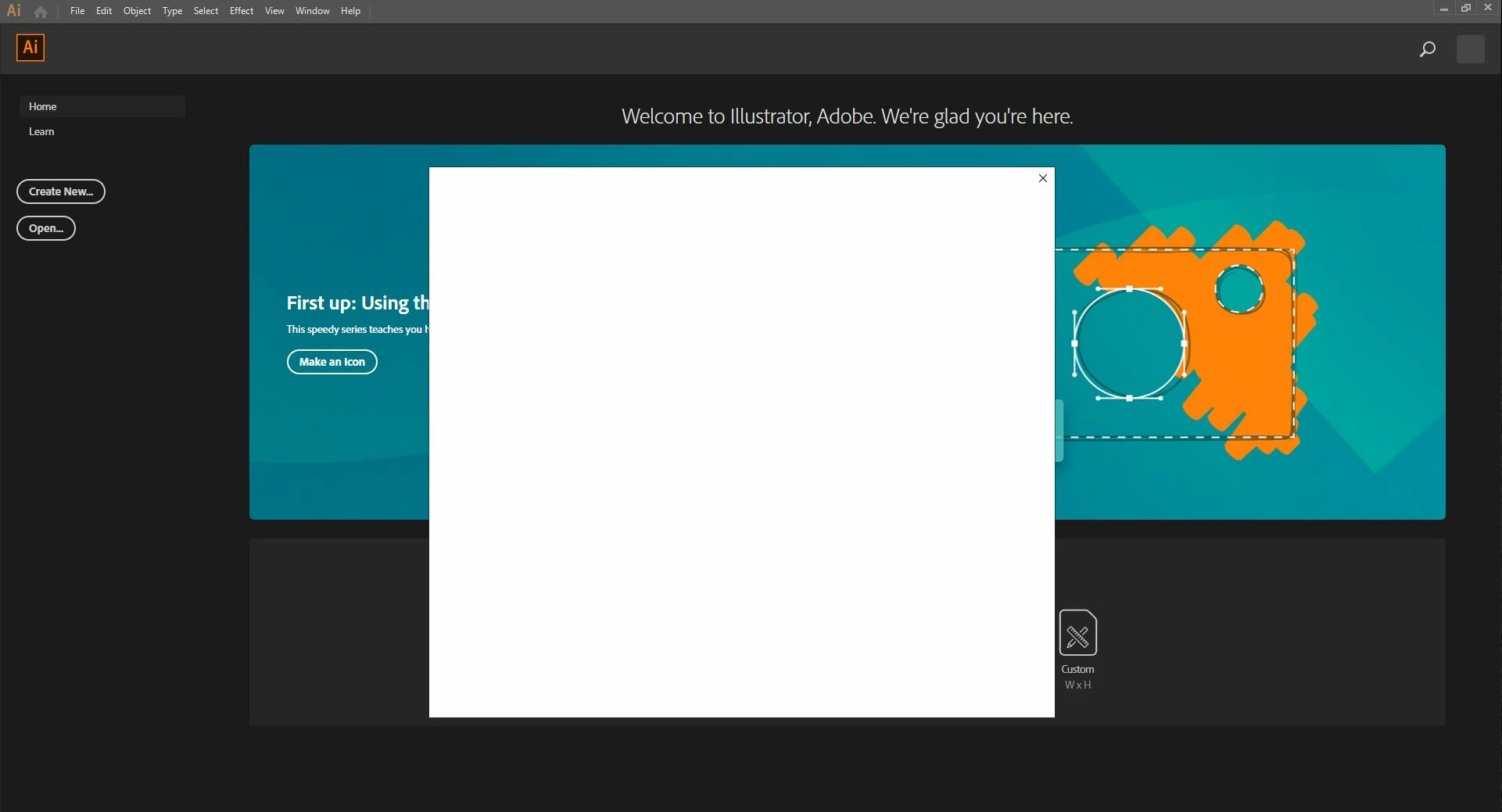
Account verification screen blank, cc 2019

  • December 14, 2018
  • 1 reply
  • 3209 views

I am running a freshly installed Windows 10 Pro.

I upgraded to Windows 10 just so I can use cc 2019.

But all I have been getting are blank account verification screens when I try to open any app (Photoshop, Illustrator, After Effects, Premiere Pro cc 2019)

I can still open 2018 no problem. But 2019 I get white boxes, which I am assuming are the  account verification screens... but they are all blank, and if I try to close them, it closes the whole app.

I have combed through a ton of forums and try everything from reinstalling to renaming or replacing files. Nothing is working. Please help!

After Effects CC (v 16.0.1):
Premiere Pro CC (v 13.0.2)

Illustrator CC
This topic has been closed for replies.
Correct answer Jeffrey_A_Wright

I have tried to do a complete reinstall to include a delete any and all adobe files. I do not have any 3rd party plugins installed. I have the latest video drivers.

Even still, the apps load fine with no errors it's only after the apps open and what looks like the "Subscription Verification" opens do I have an issue. I am logged into the desktop app just fine, no issues there.


VelocityEditor, please try removing the Adobe-related certificates from the Windows Certificate Manager.  You can find details regarding the process at User and license information issues | CC 2019 .

If you continue to encounter errors, then please try signing out of any other activated computers at http://www.adobe.com/.  You can find information regarding the process at Learn how to activate and deactivate Creative Cloud apps..

1 reply

kglad
Community Expert
Community Expert
December 14, 2018

are you signed into your cc desktop app?

if yes, reset your preferences -

acrobat:  https://forums.adobe.com/thread/1595848?start=0&tstart=0

adobe media encoder: https://forums.adobe.com/thread/1713540

after effects:  http://helpx.adobe.com/after-effects/using/preferences.html

audition: https://forums.adobe.com/thread/1079494

bridge:  https://helpx.adobe.com/bridge/kb/troubleshoot-errors-freezes-bridge-windows.html

captivate: https://forums.adobe.com/thread/975032

dreamweaver:  https://helpx.adobe.com/dreamweaver/kb/restore-preferences-dreamweaver-cs6-cc.html

flash:  http://helpx.adobe.com/flash/kb/re-create-preferences-flash-professional.html

    (or remove Win:  C:\Users\<username>\AppData\Local\Adobe\Animate CC <version>\ and

                                  C\Users\<username>\AppData\Roaming\Adobe\Animate\<version>\

                        Mac:   /Users/<username>/Library/Application Support/Adobe/<Animate CC version>/ and

                                    /Users/<username>/Library/Preferences/Adobe/Animate/<version>/)

fireworks:  https://helpx.adobe.com/fireworks/kb/restore-preferences-fireworks-cs5.html

illustrator:  http://helpx.adobe.com/illustrator/using/setting-preferences.html

incopy:  https://forums.adobe.com/thread/526990

indesign:  https://forums.adobe.com/thread/526990

lightroom: https://helpx.adobe.com/lightroom/help/setting-preferences-lightroom.html

muse: https://forums.adobe.com/thread/1127564 (message 7)

photoshop:  https://forums.adobe.com/thread/375776

photoshop elements:  https://helpx.adobe.com/photoshop-elements/kb/preference-file-locations-photoshop-elements.htmlhttp://www.photokaboom.com/photography/learn/Photoshop_Elements/troubleshooting/1_delete_preferences_file.htm

prelude: https://helpx.adobe.com/prelude/using/prelude-set-preferences.html

premiere elements:  https://helpx.adobe.com/photoshop-elements/kb/preference-file-locations-photoshop-elements.html

premiere pro: http://www.mediacollege.com/adobe/premiere/pro/troubleshooter/trash-preferences.html

[moved from Downloading, Installing, Setting Up to Creative Cloud Download & Install]

Participant
December 14, 2018

Thank you for your prompt response, kglad

I have tried to clear/delete or change my preferences, but unfortunately, nothing seems to work.

I have noticed that the box does at least try to load something, but fails.

Trying to load...

Fails.

kglad
Community Expert
Community Expert
December 14, 2018