Inspiring
January 21, 2020
Answered

3D object Map Art dialog: bounding box missing for my symbol (but visible for default symbols)

  • January 21, 2020
  • 2 replies
  • 1520 views

I'm making a custom version of the Back To The Future logo.


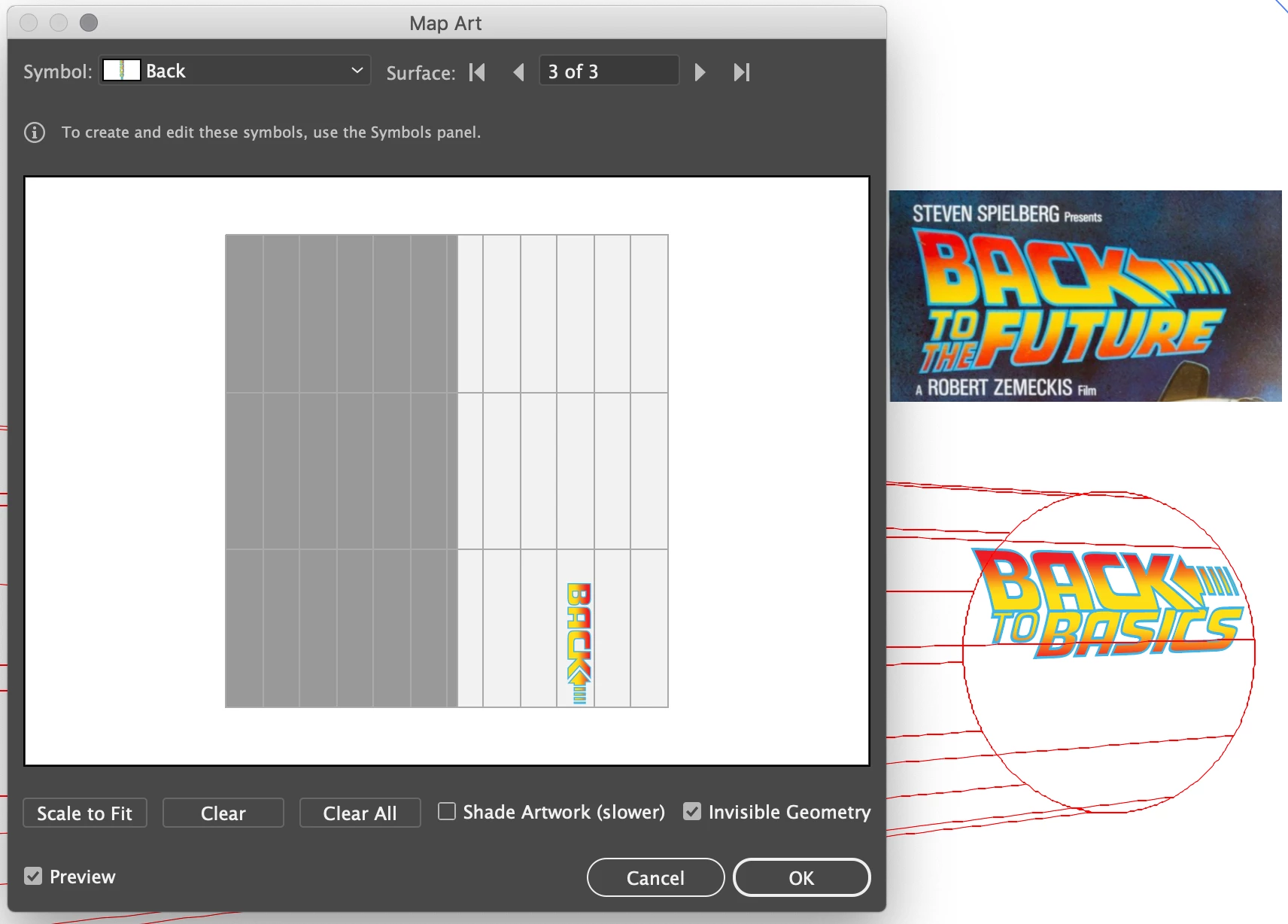
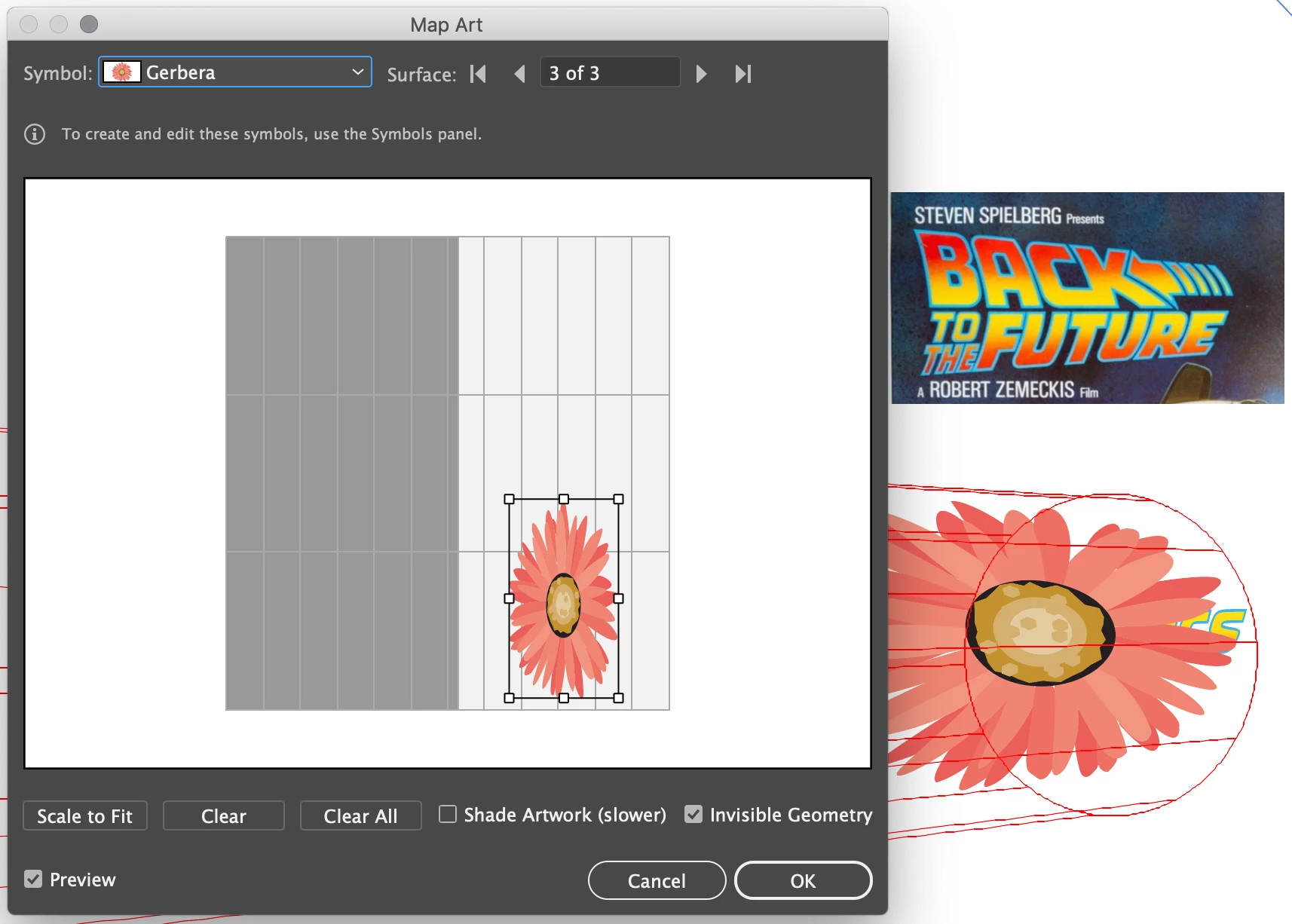
But I've hit a roadblock on my most recent attempt: there is no bounding box visible when I select my custom symbol, but there is when I select a default symbol.


This means I cannot scale, rotate or stretch my symbol (and I even had to resort to editing my initial symbols so as to rotate the words vertically, simply to get them to display in the correct orientation on the imaginary cylinder)


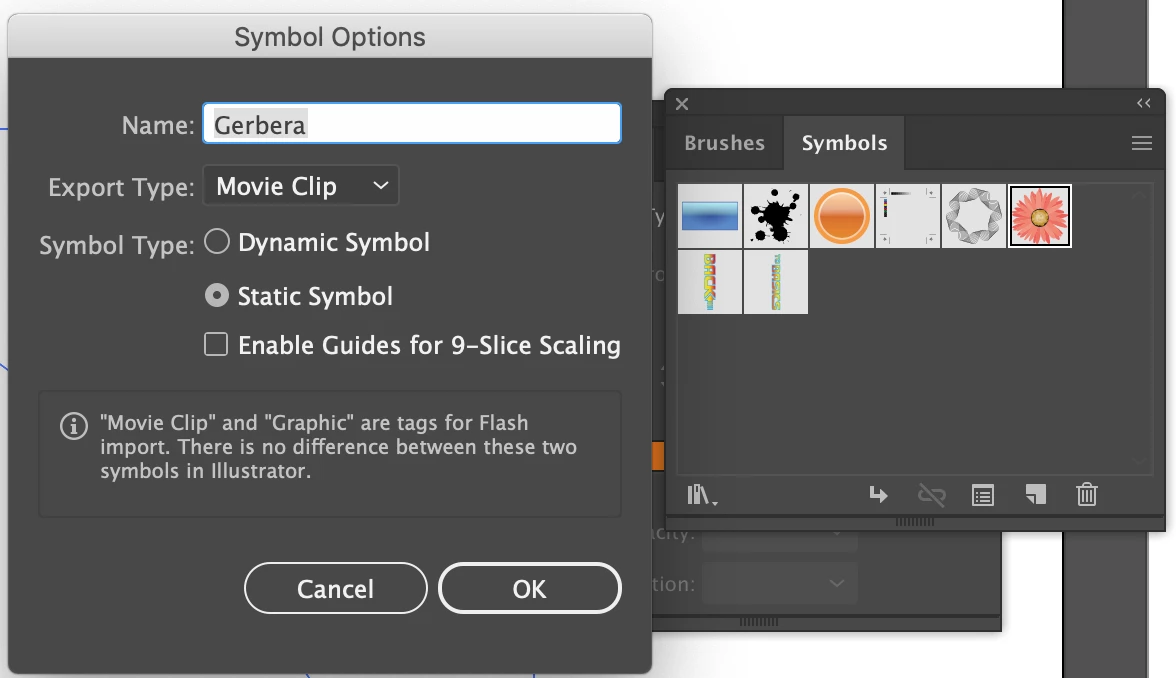
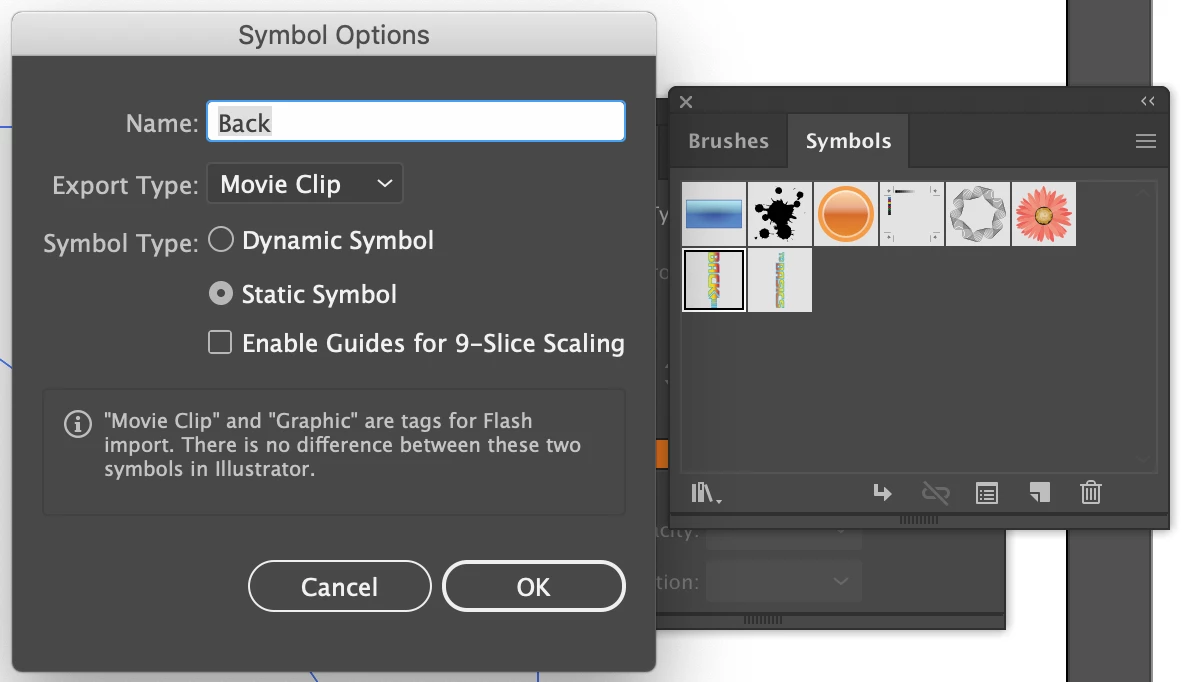
I have checked the symbol options, and they are the same for both symbols.


Frustratingly with earlier versions of my symbols that I made when first experimenting I could see the bounding box. Arggghhhh!


Any ideas? Thanks in advance

Any ideas on what I can

This topic has been closed for replies.
Correct answer tromboniator

It appears to be necessary to Expand Appearance of the artwork with the gradient before creating the symbol.


Peter

2 replies

Larry G. Schneider
Community Expert
Community Expert
January 21, 2020

You can always use the appropriate tool to Scale, Rotate or Stretch any object without the bounding box. The keyboard shortcuts to access the tools are "s" key for Scale, "r" for Rotate and select, click and drag to Stretch. These were available long before there was a Bounding Box.

tromboniator
Community Expert
Community Expert
January 21, 2020

Larry, that doesn't help in the 3D Revolve Map Art window in trying to scale the mapped symbol.

tromboniator
Community Expert
tromboniatorCommunity ExpertCorrect answer
Community Expert
January 21, 2020

It appears to be necessary to Expand Appearance of the artwork with the gradient before creating the symbol.


Peter

puffmoikeAuthor
Inspiring
January 21, 2020

Thanks! That solved my problem.