In the spirit of full disclosure I can now say that I must have been very sleepy last night when I made my initial post and did not notice that I had indeed created one of my test files as CMYK PANTONE 300 and the other file used the Spot Color version. That is why I did, in fact get the Swatch Conflict dialog that was shown in my original post so easily. So I think that we can be definitive that the colors must be mismatched in order for that dialog to appear no matter the version of Illustrator.
Hi Bill,
Additional conditions are needed for the error to show than the numbers mismatching. Below for example the error would not occur.
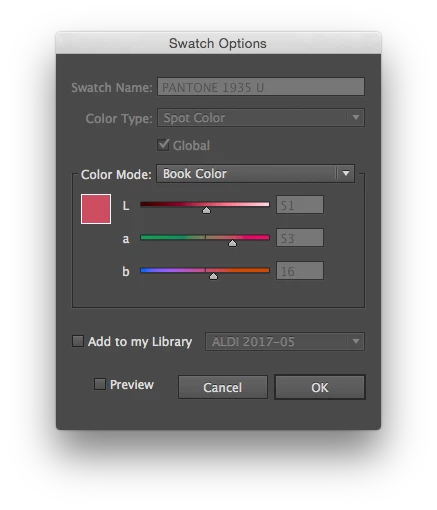
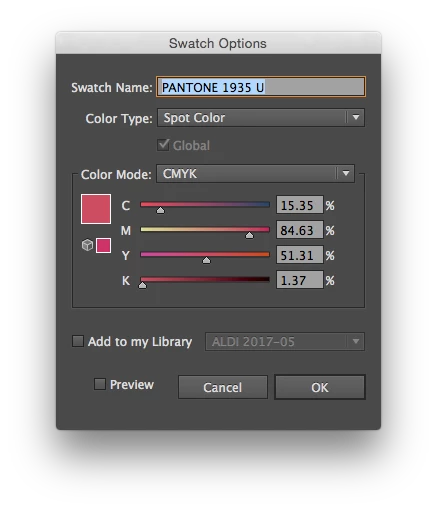
The numbers mismatch, but they are both spot. This is what I suspect the original post is inquiring about.
For the error to come up you minimally need
- one swatch to be CMYK or RGB
- the numbers to mismatch
- the names to be exactly the same



 AdChoices