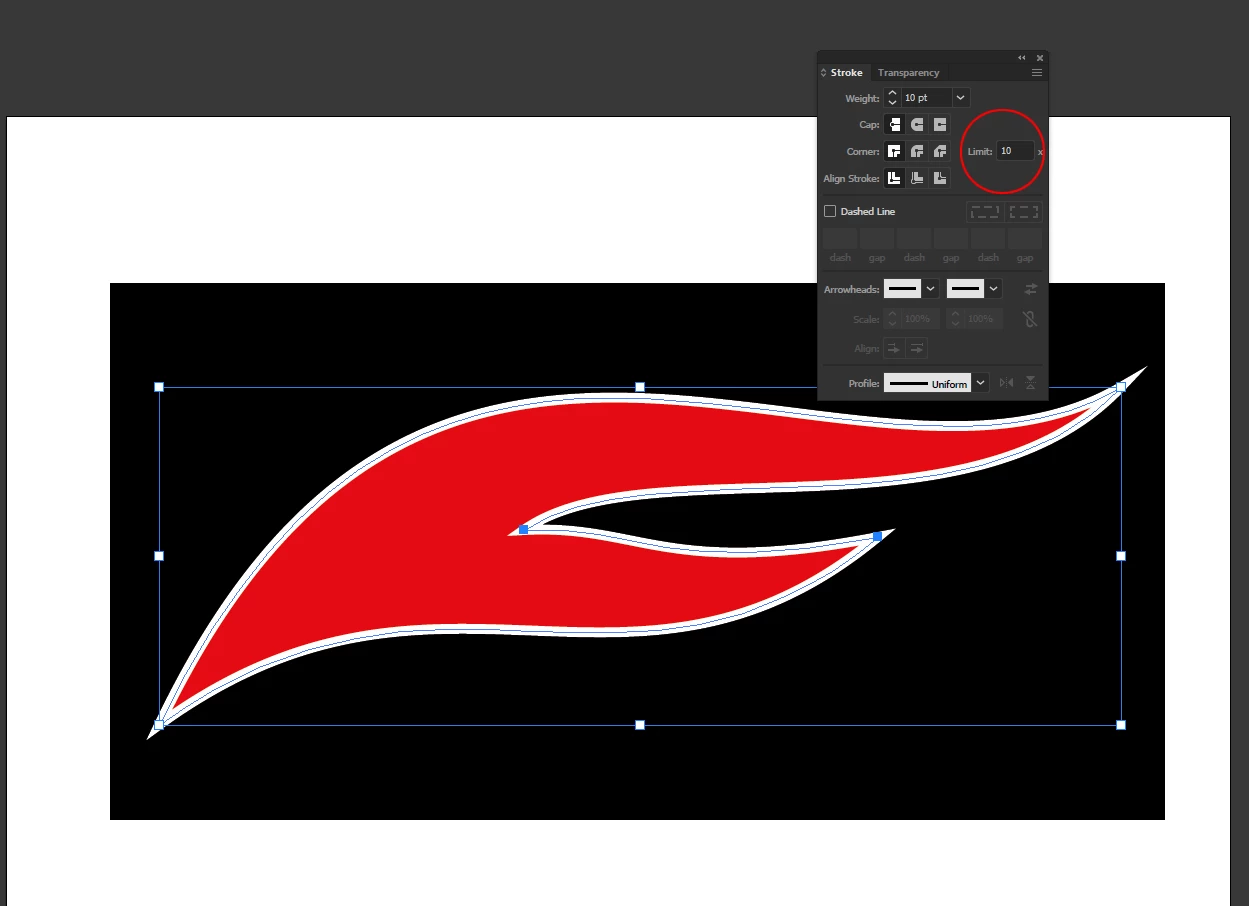
Often times, when I add a stroke to a path with sharp endpoints the outline will be squared off. I've tried changing the stroke cap, but nothing seems to help. Please see the attached screenshot. What am I doing wrong?
A sharp corner point in that instance might end up absurdly long. You can decide how long it gets before being mitred using the mitre limit in the Stroke panel. The default is 10 -- a point 10 times as long as the stroke width.
If that isn't what you want either, you might consider aligning the stroke to the inside of the path instead.



 AdChoices