

New Participant
January 17, 2020
Question

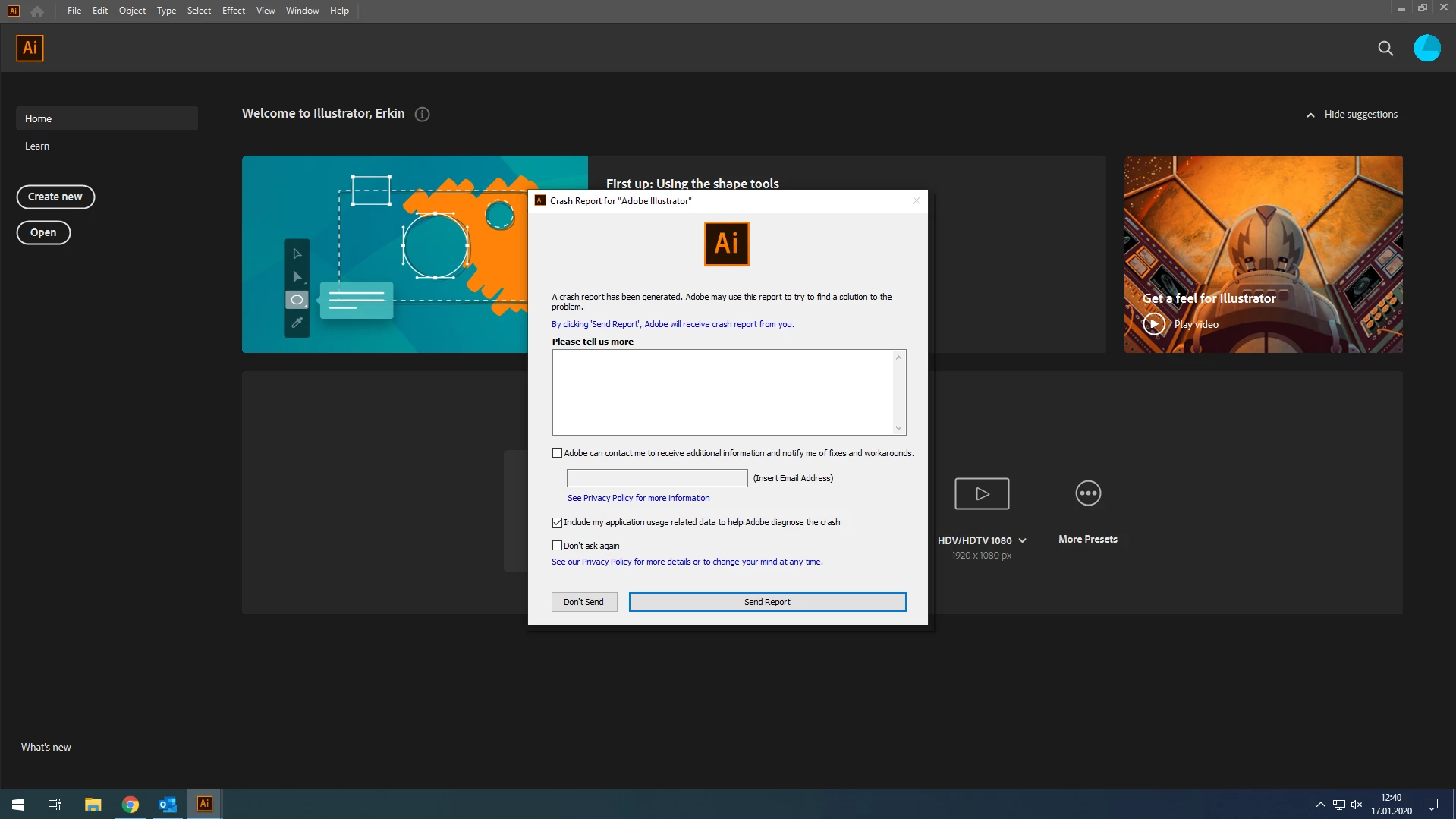
Adobe illustrator crashing at launch on Windows 10

  • January 17, 2020
  • 2 replies
  • 604 views

It closes immediately after you open the program. I tried all the solutions in the forum but I couldn't find a solution. Please help me.
 

{Renamed By MOD}

This topic has been closed for replies.

2 replies

Rishabh_Tiwari
Community Manager
Community Manager
January 17, 2020

Hi there,


Sorry to hear about the trouble. I would request if you can check and share the Event Viewer logs as suggested by Mylenium and look for Illustrator Error. For accessing Event Viewer Press Windows+R to open the Run dialog, enter eventvwr (or eventvwr.msc) and hit OK. I would also request to submit the crash report and share a few more details like:


  1. The exact version of Illustrator and Windows build.
  2. Please check if Windows Drivers are up to date.
  3. Could you please also try booting the system into Safe Mode (https://support.microsoft.com/en-in/help/12376/windows-10-start-your-pc-in-safe-mode) and check how it works there? It starts your system so that it performs certain checks and prevents third party software/ services from automatically loading or opening. If it works fine in Safe mode, then there is some third party service or application like antivirus, plugins or web extensions which are conflicting with the Illustrator. 


Regards

Rishabh

New Participant
January 17, 2020

Thank you for your reply.
I started Windows in safe mode, but I saw the same error again. there seems to be no problem sourced from windows.

Mylenium
Brainiac
January 17, 2020

Start by checking your system event viewer. Without any system info nobody can tell you much, anyway, but checking this stuff might reveal something. Most likely it's simply a driver or network component crashing.


Mylenium