

New Participant
June 6, 2021
Answered

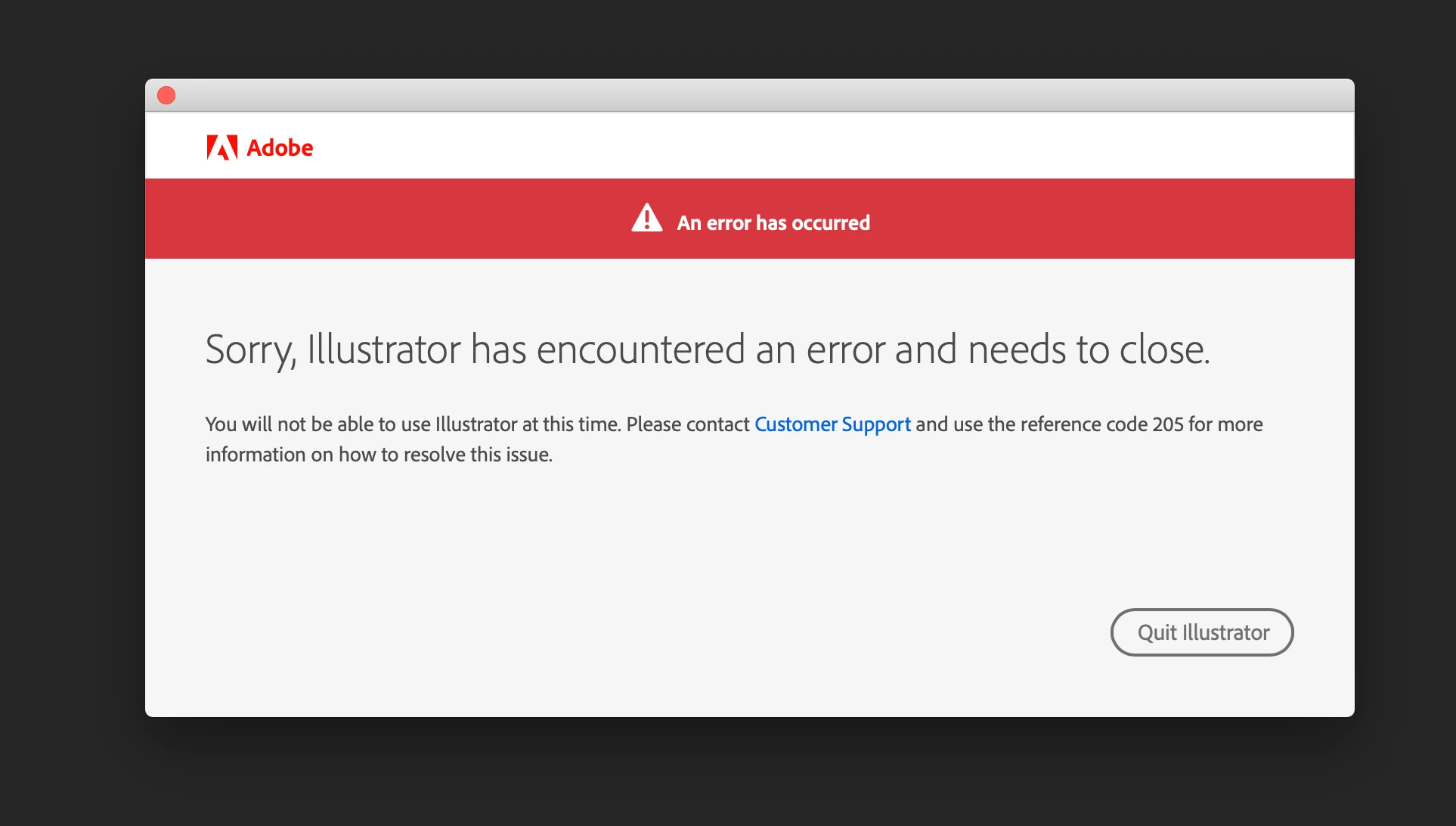
An error has occurred | Illustrator has encountered an error and needs to close
  • June 6, 2021
  • 11 replies
  • 18500 views

This topic has been closed for replies.
Correct answer Anshul_Saini

Hi @Eric27175746omn0,


We are sorry for the trouble and delayed response.

Would you mind trying the steps suggested in this helpx article (https://helpx.adobe.com/download-install/kb/fix-licensing-error-205.html) and see if that helps?


Kindly update the discussion if you still need assistance with it. We'd be happy to help.


Thanks,

Anshul Saini

11 replies

New Participant
November 30, 2022

I am having the same issue.  I tried the steps within this forum, but no luck.  Any other suggestions?


Anshul_Saini
Community Manager
Anshul_SainiCommunity ManagerCorrect answer
Community Manager
December 6, 2022

Hi @Eric27175746omn0,


We are sorry for the trouble and delayed response.

Would you mind trying the steps suggested in this helpx article (https://helpx.adobe.com/download-install/kb/fix-licensing-error-205.html) and see if that helps?


Kindly update the discussion if you still need assistance with it. We'd be happy to help.


Thanks,

Anshul Saini

New Participant
December 7, 2022
Following the steps solved my issue. Thank you.

Sent from my iPhone
New Participant
August 4, 2022

I have tried everything !!!!! on this thread and it still isnt working. urgently need to do work!!!

Srishti Bali
Community Manager
Community Manager
June 10, 2022

Hi all,


Sorry about the inconvenience caused by this issue. We are working on it and by the time it is fixed completely, please Sign out and sign in back to the Creative Cloud Desktop app. If that doesn't work then follow the instructions given in this help article. For more details, please refer to this community link.


Regards,

Srishti

New Participant
May 31, 2022

Forgive me for not speaking French my Error code 205 occoured with the recent update to Illustrator 2022 there was a double issue in that there was a file extension in the RunwithList in the registry that didn't the installer have permissions to modify - this was solved via the Support instructions however when the update finally installed if you ran it, it immediatly failed with the 205 Error Code & forced you to shut down - after reading a few other related Forums I uninstalled the Illustrator App & logged/signed out of the Creative Cloud desktop app (with the usual warnings) then re signed in waited a minute or so while it reactivated all the fonts etc then reinstalled Illustrator & Low & behold the error has gone away - the other forums indicated there could be a security issue - so it was my 1st step to try, fortunatly it worked - hope this helps others

Regards

Stephen

New Participant
May 28, 2022

I was working on my cloud file in Illustrator, and it crashed the computer, everything including mouse & keyboard went unresponsive.


Upon restarting the computer i got error code 205 in illustrator.

Monika Gause
Community Expert
May 28, 2022

So you rebooted the computer and then got this error code? Or you restarted Illustrator and then got it?

New Participant
May 28, 2022

i rebooted the computer with the reset-button; then got the code

New Participant
April 19, 2022

Adobe me dit "Adobe à rencontrer un problème et doit se fermer - Vous ne pouvez pas utiliser Illustrator pour le moment. Contactez le service clientèle et précisez le code de référence 205 pour savoir comment résoudre le problème", je suis étudiant et mon compte m'est délivré par l'organisme ou je suis la formation.

Merci d'avance

GUIBERT Ludovic

New Participant
April 19, 2022

Bonjour


Je suis sur une version étudiante et illustrator plante au démarrage en me disant

"Vous ne pouvez pas utiliser ILLUSTRATOR pour le moment. Contactez le service clientèle et précisez le code de référence 205 pour savoir comment résoudre le problème"

J'ai essayer de contacter le service clientèle mais étant sous version entreprise car étudiant on me dit que je n'y est pas accès.


Merci d'avance


GUIBERT Ludovic

Monika Gause
Community Expert
April 19, 2022
New Participant
March 9, 2022

Adobe Illustrator keeps showing me the Error and the message says to contact customer support and use the reference code 205 to solve the issue. Can someone help me with this? I can't open the Illustrator and Acrobat. Others are working fine.

Mylenium
Brainiac
March 9, 2022
New Participant
March 9, 2022

Hi Mylenium,

Thank you for this. 🙂 I've done all the steps but did not worked. PS and Indesign works fine. I just don't understand why just the Illustrator and Acrobat are not working. Is there any way I can do to resolve this?

New Participant
December 23, 2021

I updated my Illustrator recently and when I opened it, it keeps on prompting that there was an error 205. I did everything including changing or connections, firewalls and everything but non seems to work. My other apps work except Illustrator. Please help in need to do my work. Thanks

marliton
Community Expert
December 24, 2021
New Participant
December 24, 2021

Hi Marlinton, I tried searching for the dlm log. However my latest logs are back in 2019. What should I do? And how does the download network works? I am quite confuse on it.

Jacob Bugge
Community Expert
June 6, 2021
