

jodib40508108
New Participant
January 3, 2019
Question

Anti-Aliasing NONE not working in export

  • January 3, 2019
  • 3 replies
  • 775 views

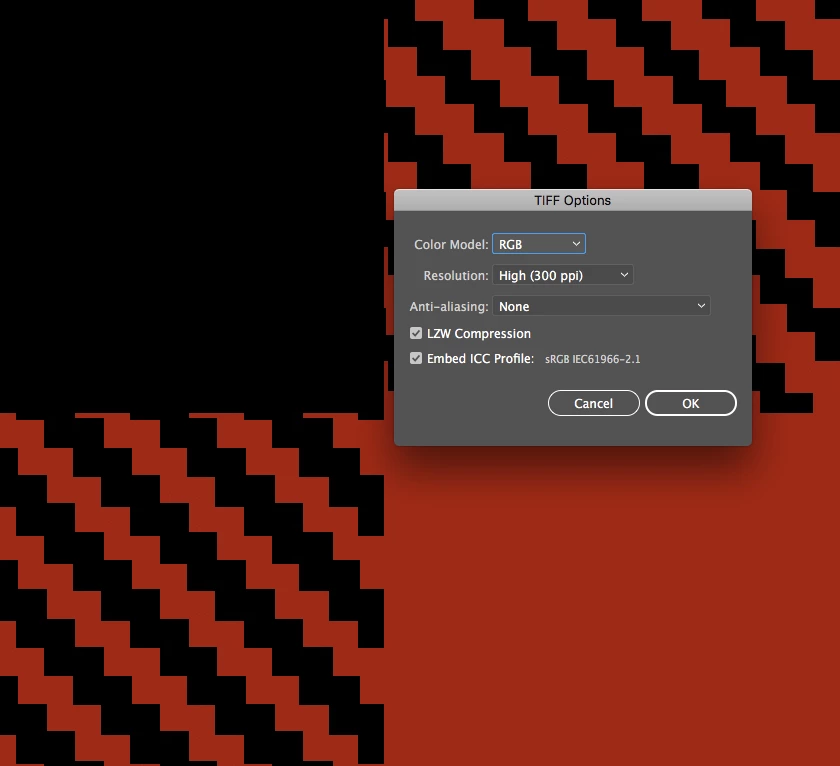
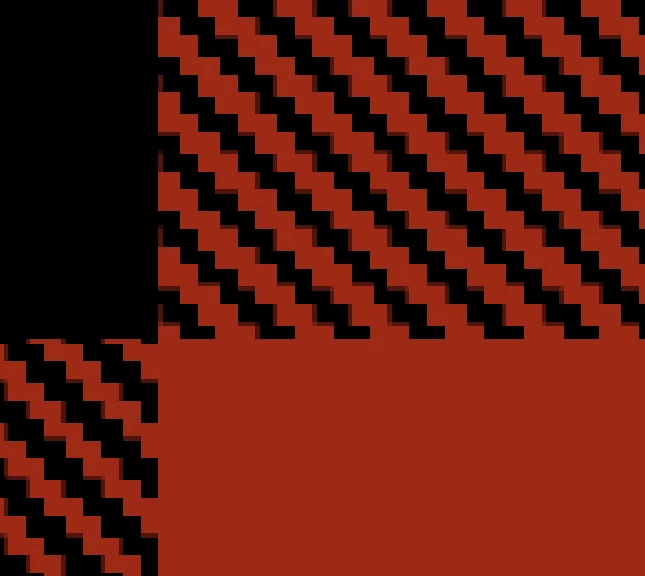
I'm exporting an AI artboard as a tiff with anti-aliasing off, but when I open in PS, it's blurring. Help!
This topic has been closed for replies.

3 replies

jodib40508108
New Participant
January 3, 2019

Seems to be the actual file I'm having issues with. Just did a test with another file and it's fine. Still makes no sense to me, though.

Ton Frederiks
Community Expert
January 3, 2019

Did you use a Rasterize effect maybe?

Ton Frederiks
Community Expert
January 3, 2019

Which Illustrator version?

jodib40508108
New Participant
January 3, 2019

CC 2019

Monika Gause
Community Expert
January 3, 2019

Do you have antilaising off when exporting as well?

Do you scale it on export? Or have resolution set to anything other than 72 ppi?

jodib40508108
New Participant
January 3, 2019

I'm exporting just as the screen shot shows: 300dpi, anti-aliasing set to none. I've only just started having this issue; I've been doing this for years with the same settings with no issue.
