Inspiring
May 26, 2020
Answered

Artboard display issue in Illustrator 2020 v24.1.2 on macOS 10.15.4

  • May 26, 2020
  • 2 replies
  • 557 views

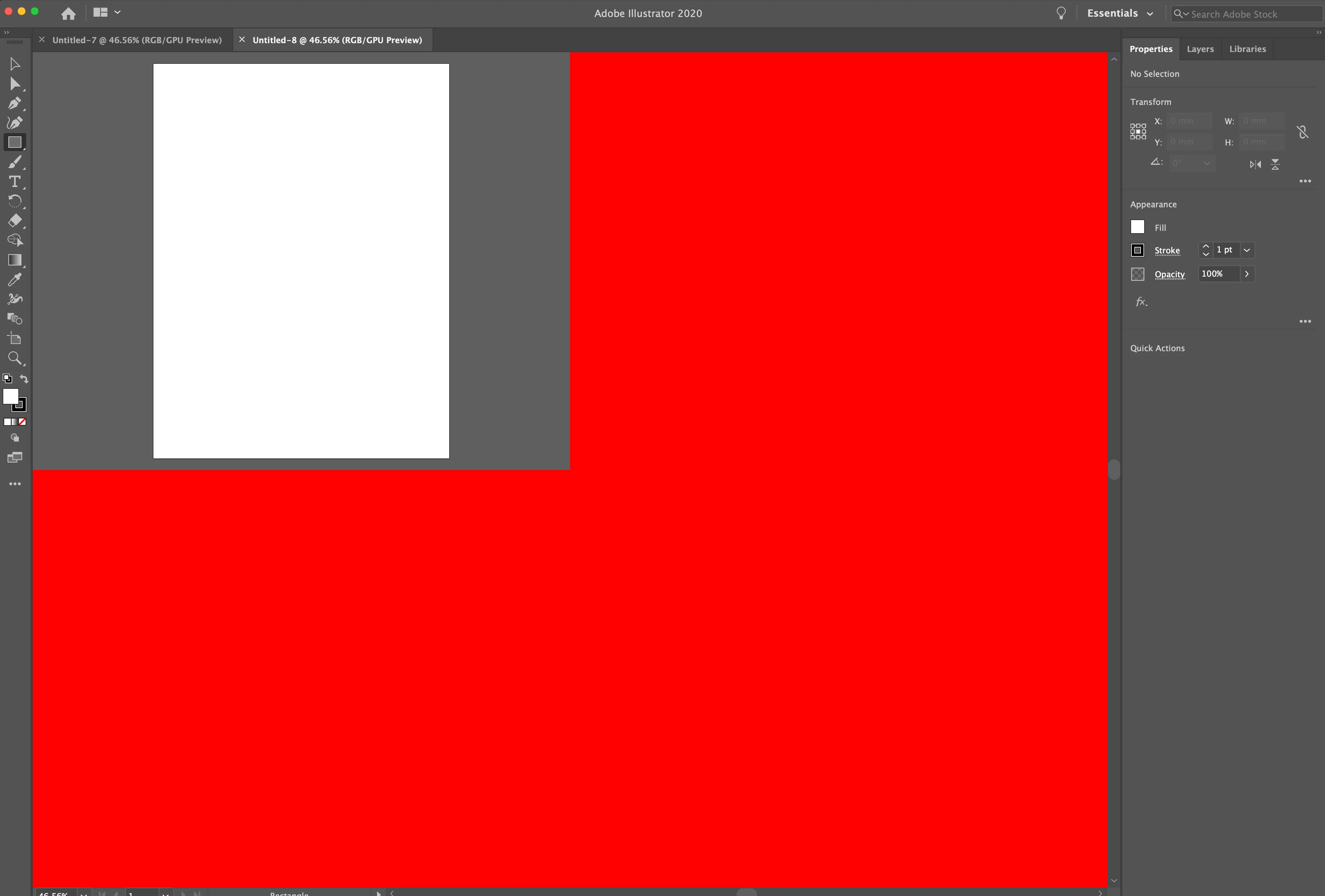
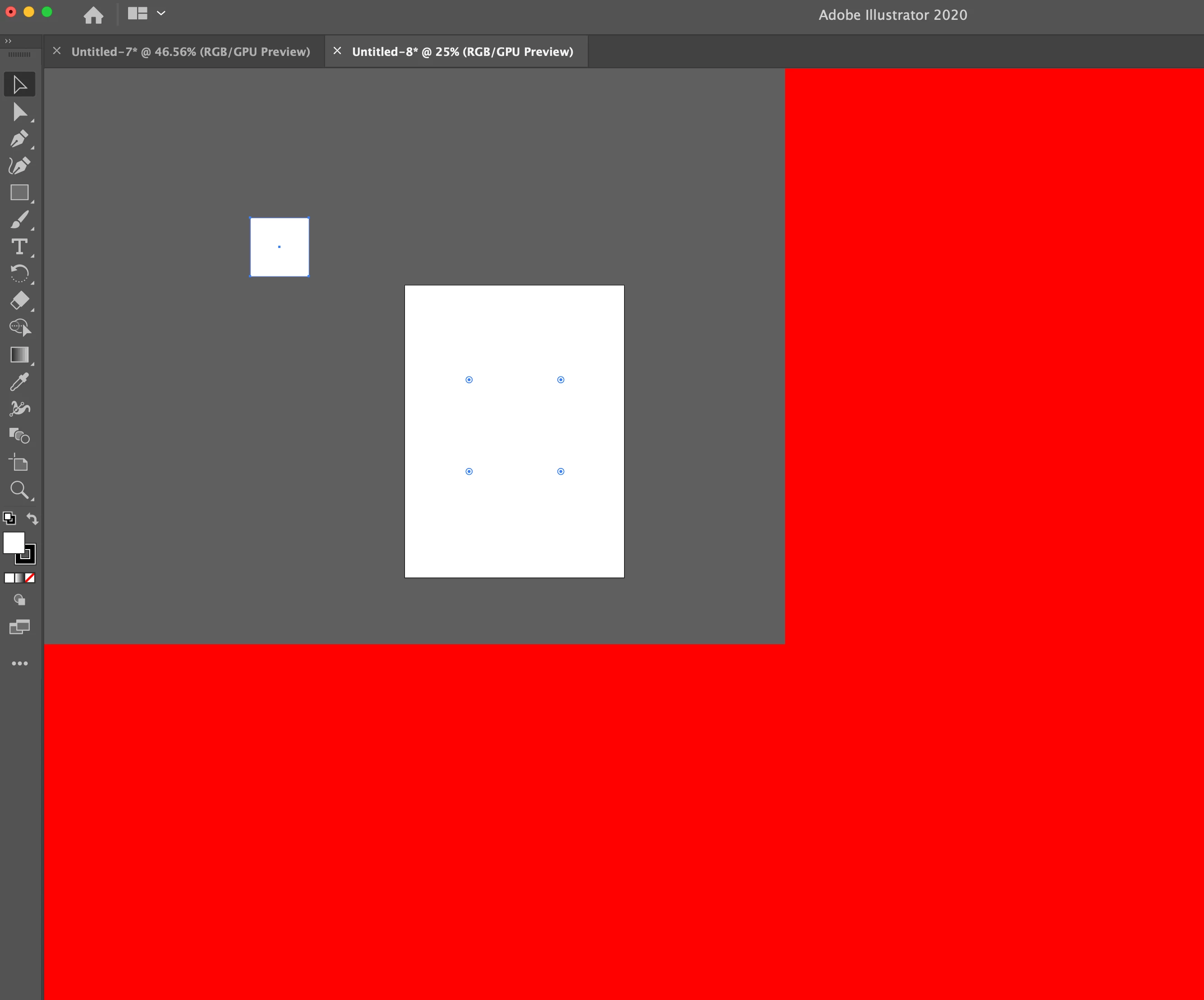
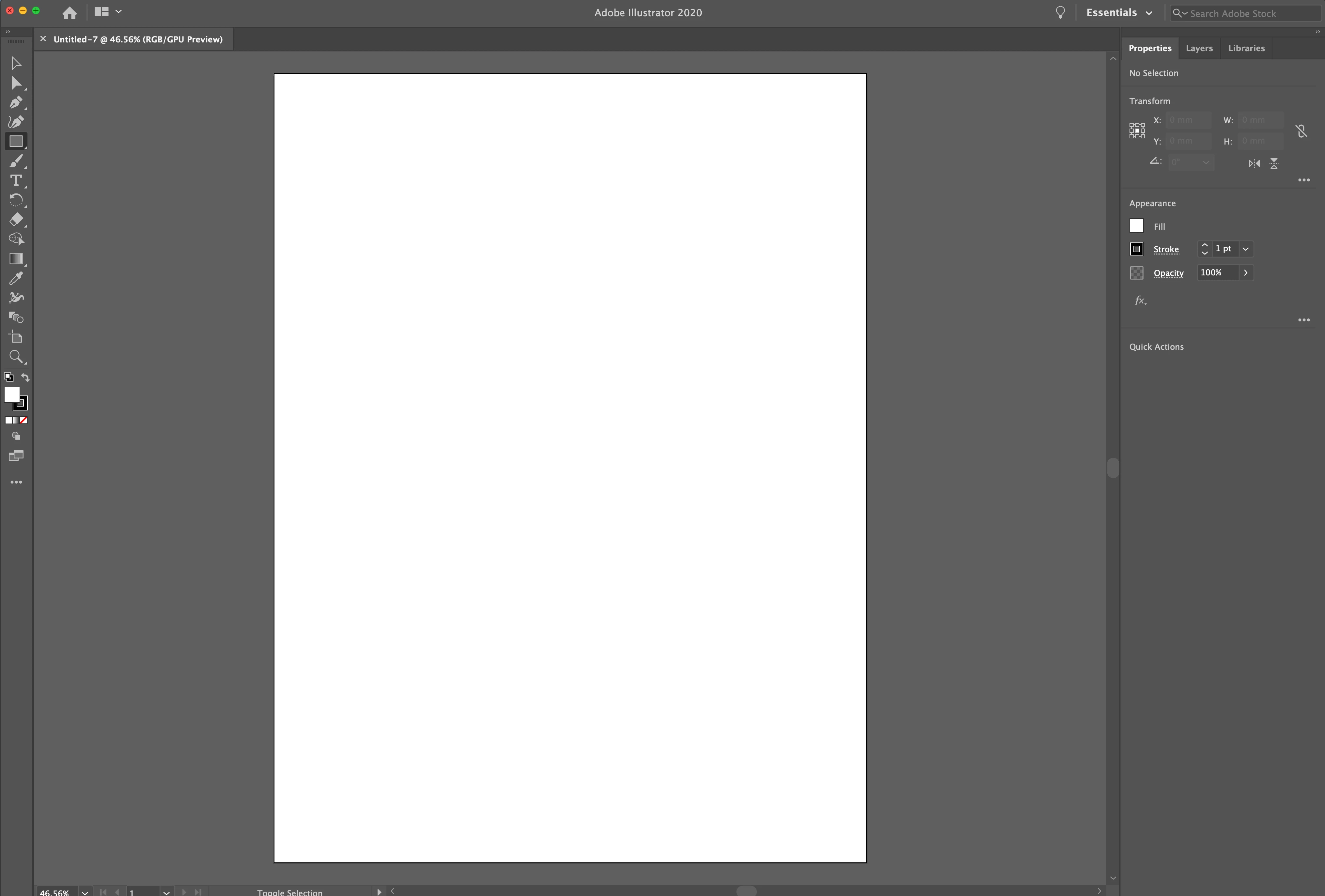
Hi - When I open or create more than 1 document in illustrator I have a display problem. The first doc is fine, but the others will only display in a quarter of the workspace, (and the workspace is red). If I try to draw anything it doesn't appear where I want it (picture 3)


I'm running OS 10.15.4 on iMac

Illustrator 24.1.2.


An adobe rep helped to completely uninstal and re-install but that didn't help the situation, he then put me in another queue, which I've been in for 4 hours.


Any help would be appreciated


{Renamed by MOD}

This topic has been closed for replies.
Correct answer user4762560

I think I fixed it. I turned off GPU performance.

2 replies

Ashutosh_Mishra
Inspiring
May 27, 2020

Hi there,


Sorry to hear about your experience. We're glad that you were able to find the solution and thank you for sharing it here. It'll help other users as well for sure.

In addition to this, I'd recommend resetting the preferences of Adobe Illustrator. You may follow instructions on help article https://helpx.adobe.com/illustrator/using/setting-preferences.html#setting_illustrator_preferences 


**Please note that resetting preferences will remove all the custom settings and Illustrator will launch with default settings. You can also take a backup of the folders in case you want to. Location is mentioned in the article.


Let us know if it helps you out.


Regards,

Ashutosh

user4762560AuthorCorrect answer
Inspiring
May 26, 2020

I think I fixed it. I turned off GPU performance.