


New Participant
December 16, 2024
Question

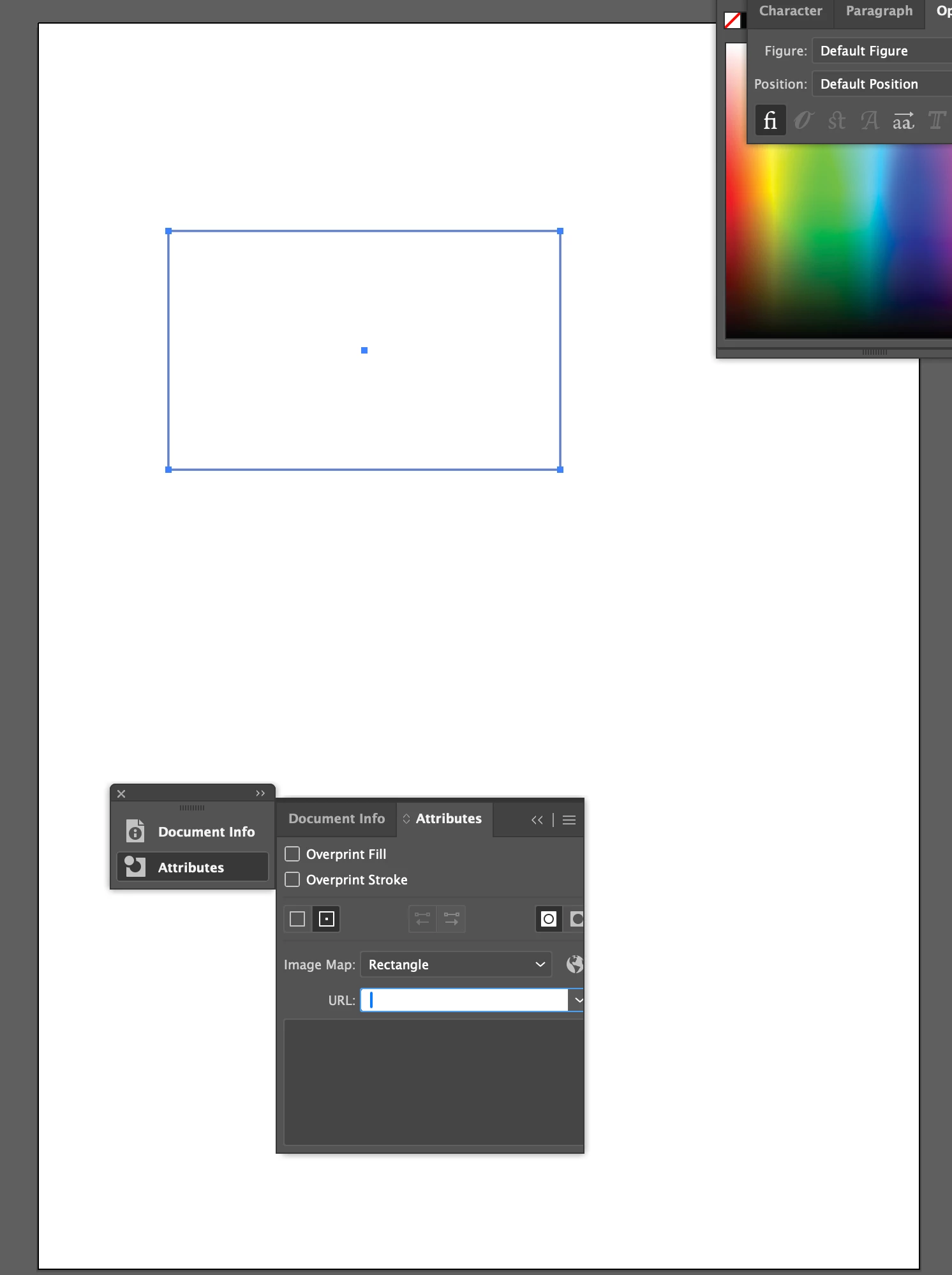
Attributes box - pasting in URL issue
  • December 16, 2024
  • 1 reply
  • 350 views

Having an issue in Illustrator. Creating a shape in Illustrator and trying to make it a hyperlink for final PDF export. I open the Attributes box but can't paste in url address needed. I can manually type in to URL box but can't paste long URL address straight in to it.

1 reply

Community Manager
December 16, 2024

Hello @alfie_5516,

I'm sorry to hear about the trouble you're having with Illustrator. Would you mind confirming the version of the OS/Illustrator, if you have any clipboard managers enabled, and if Illustrator behaves this way with all files so I can better assist you?

Looking forward to hearing from you.


Anubhav

New Participant
December 16, 2024

Hi Anubhav,

Illustrator 29.0.1. OS - Sequoia 15.1.1.

Don't think any clipboard managers operating.

This action has worked smoothly before but just can't seem to easily copy and paste URL in to relevant box.

Thanks, Alfie

Community Manager
December 20, 2024

Hello @alfie_5516,

Thanks for sharing the details. Would you mind trying to reset Illustrator's preferences as described in this article (https://adobe.ly/403BF1G) and checking if it helps?


Disclaimer: Please note that renaming preferences folders will remove all the custom settings, and Illustrator will launch with default settings. You can also save a backup of the folders, the location of which is mentioned above.


Also, try running Illustrator under Safe Mode (macOS) and under a different administrator account (macOS) and share your observations.


Looking forward to hearing from you.


Anubhav