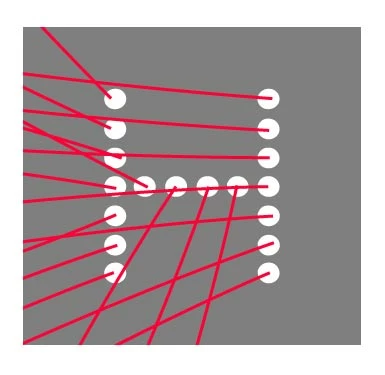
You can see from my AI file how I'd love the lines to work from the right hand side example. You can also see some of the brush styles I've begun to test with.
Thanks so much!
Try
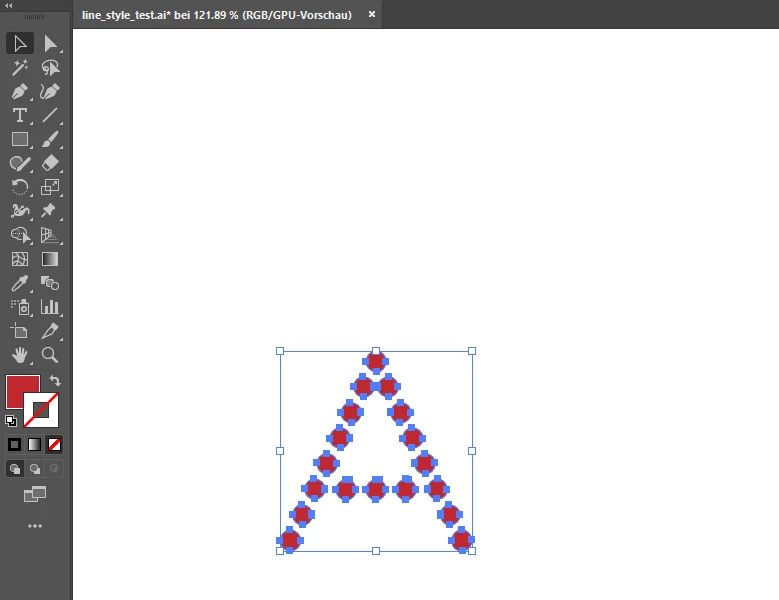
// required some filled circles - all selected
// regards pixxxel schubser
var aDoc = app.activeDocument;
var aSel = aDoc.selection;
var len = 100;
var line = null;
for (i=0; i<=aSel.length-1; i++)
{
var pI = new Array (2);
pI[0] = aSel.left + aSel.width/2;
pI[1] = aSel.top - aSel.height/2;
line = aDoc.pathItems.add();
line.setEntirePath ( new Array( new Array ( pI[0], pI[1] ), new Array( pI[0]+len, pI[1]+len )));
line.pathPoints[1].rightDirection = new Array( pI[0]+len, pI[1]+len);
line.pathPoints[1].anchor = new Array( pI[0]+len*1.2, pI[1]+len*0.8);
line.rotate(5*i, true, true, true, true, Transformation.BOTTOMLEFT);
line.filled = false;
line.stroked = true;
line.strokeWidth = 1;
line.strokeColor = aDoc.swatches[1].color;
}
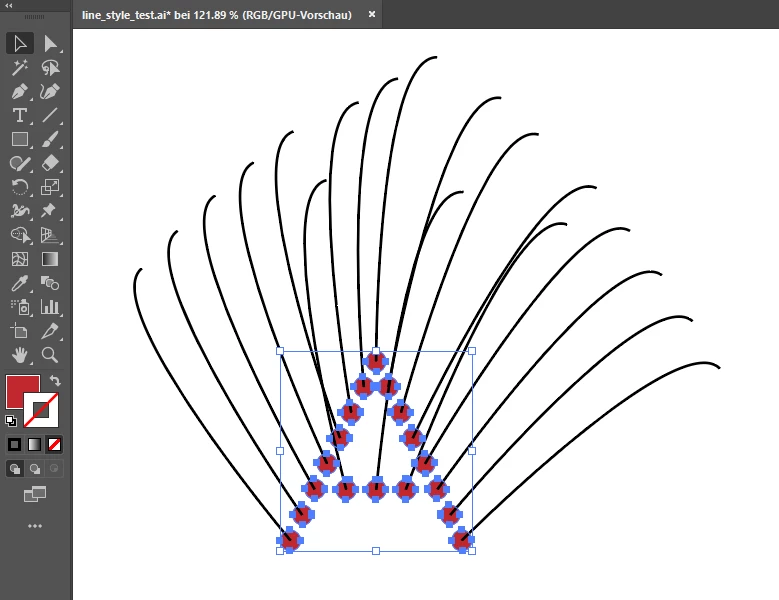
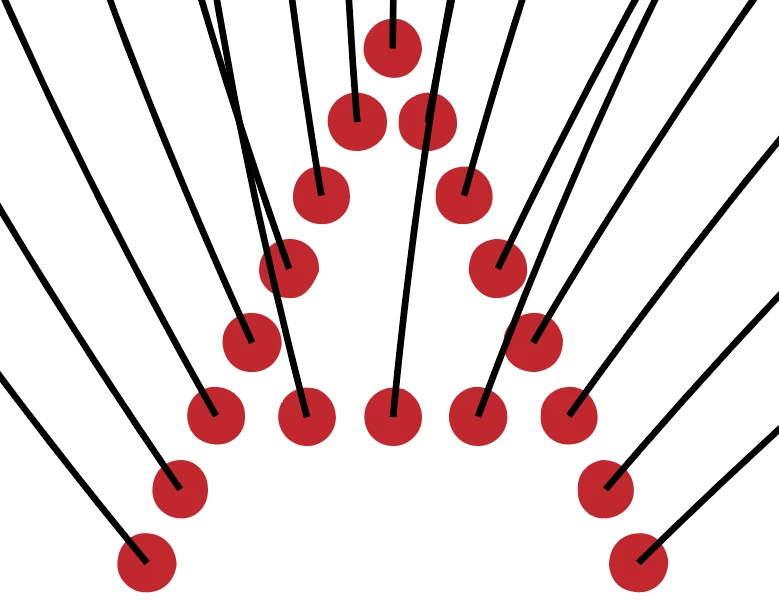
This snippet draws a line (Bezier curve) from the middle of each circle using setEntirePath function.
Before:
After:
If that works for you
have fun





 AdChoices