New Participant
February 19, 2025
Answered

Bounding Box automatically Resetting after rotating an Object or Group

  • February 19, 2025
  • 2 replies
  • 1836 views

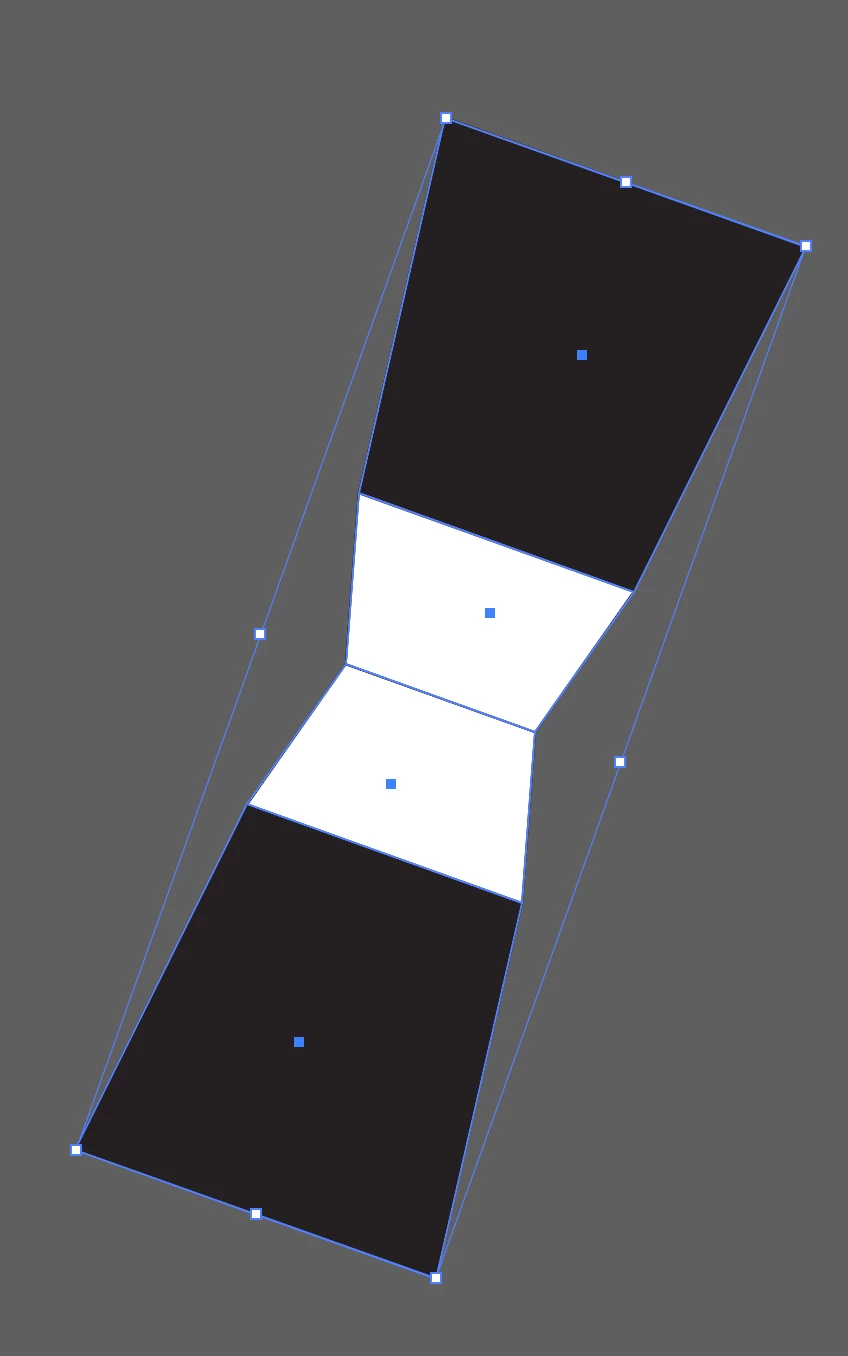
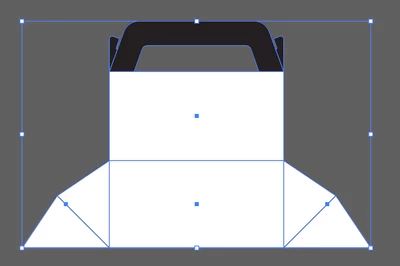
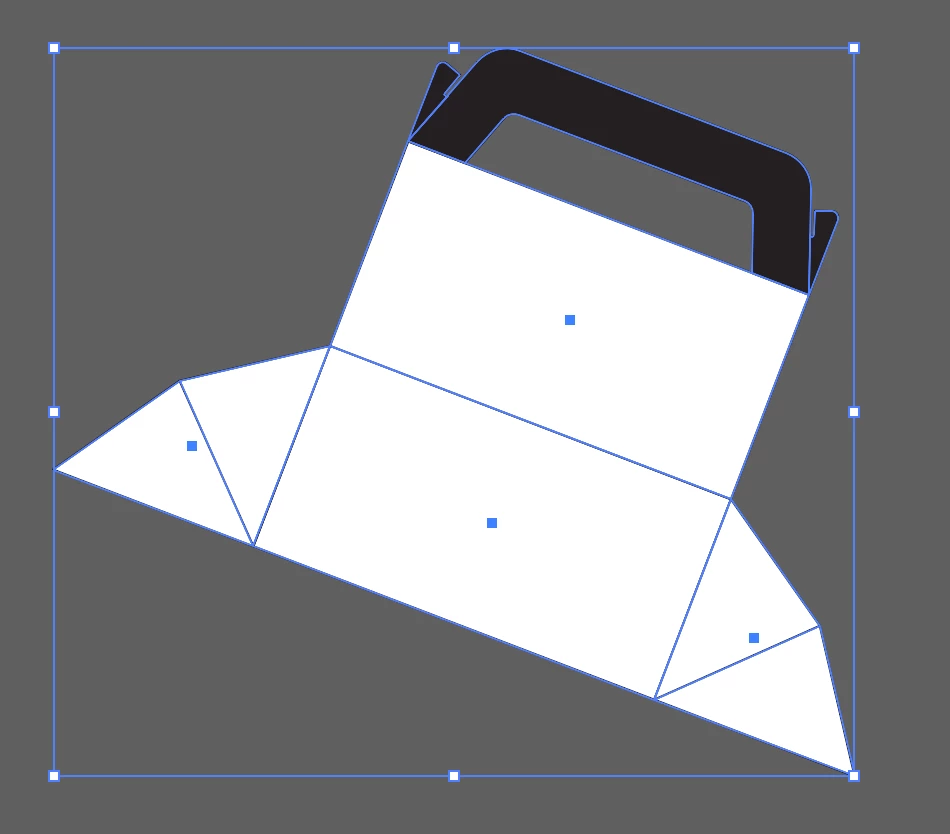
I rotated a group of objects, but the bounding box didn’t rotate with it or automatically reset itself. I have already reset the settings to default in Illustrator, but it didn’t work. I also tried regrouping, but that didn’t work either. I'm really frustrated with this— is there a solution? (1. Image Before) (2. Image After) (3. Image I want to be Like This)


Correct answer Laura Coyle.

Also this is happening in 2024 (28.7.1), and in 2025 (29.3). Maybe this is expected behavior, but I don't know. Happens with live shapes but also with pencil-drawn paths.


Reported as a bug in 2023 here: https://illustrator.uservoice.com/forums/601447-illustrator-desktop-bugs/suggestions/37713988-bounding-box-resetting-automatically-ruins-workf


2 replies

Participating Frequently
June 4, 2025

The only way I could solve this is to turn the group of shapes to a Symbol.

Monika Gause
Braniac
February 19, 2025

Are the objects really grouped? WHat kind of objects are they?

Does this happen after sving? If so: what do you save? Which version of AI is the file?

geri_5150Author
New Participant
February 19, 2025

Yes, I have grouped them, and this also applies to multi-selection. The objects include Rectangular, Custom Object, and Compound Object.

"Does this happen after saving?"

No, I noticed the bounding box was like that before saving. I assumed it was due to the save file, so I didn't save the project and restarted the program. But it's still the same.

I’m using Adobe Illustrator version 29.3.

Laura Coyle.
Inspiring
February 22, 2025

I have had the same issue. I noticed in groups where the bounding box automatically reset perpendicular to the artboard it was because the objects within originally had different angles, had been rotated differently previously. So if 3 paths in the group were at 0º and one was at 45º before grouping, the one with the 45º angle inside would reset the bounding box automatically. The one containing all 0º would maintain the bounding box angle after rotation.


Also this is happening in 2024 (28.7.1), and in 2025 (29.3). Maybe this is expected behavior, but I don't know. Happens with live shapes but also with pencil-drawn paths.