Participant
October 31, 2022
Answered

Can only open exported Rhino Illustrator files

  • October 31, 2022
  • 1 reply
  • 952 views

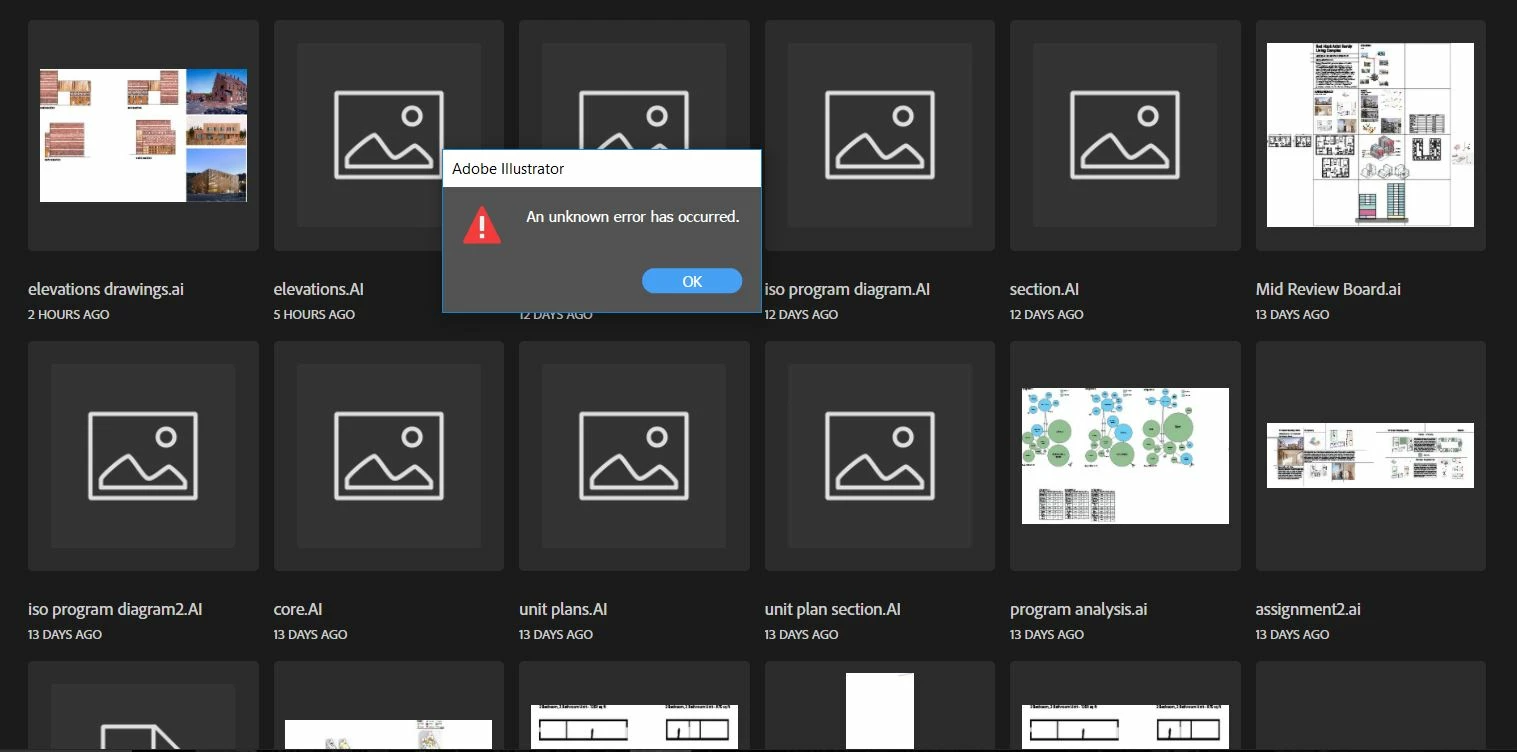
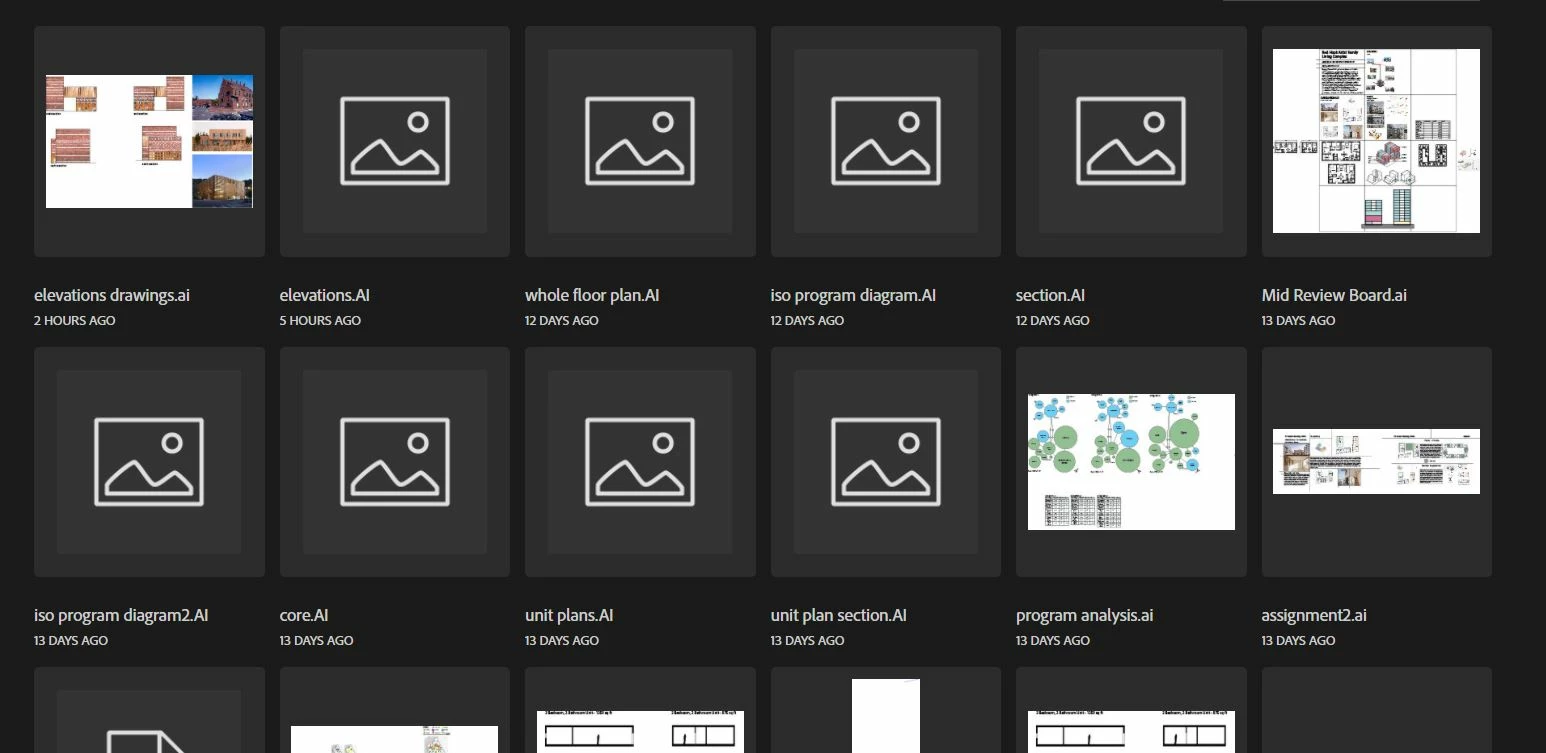
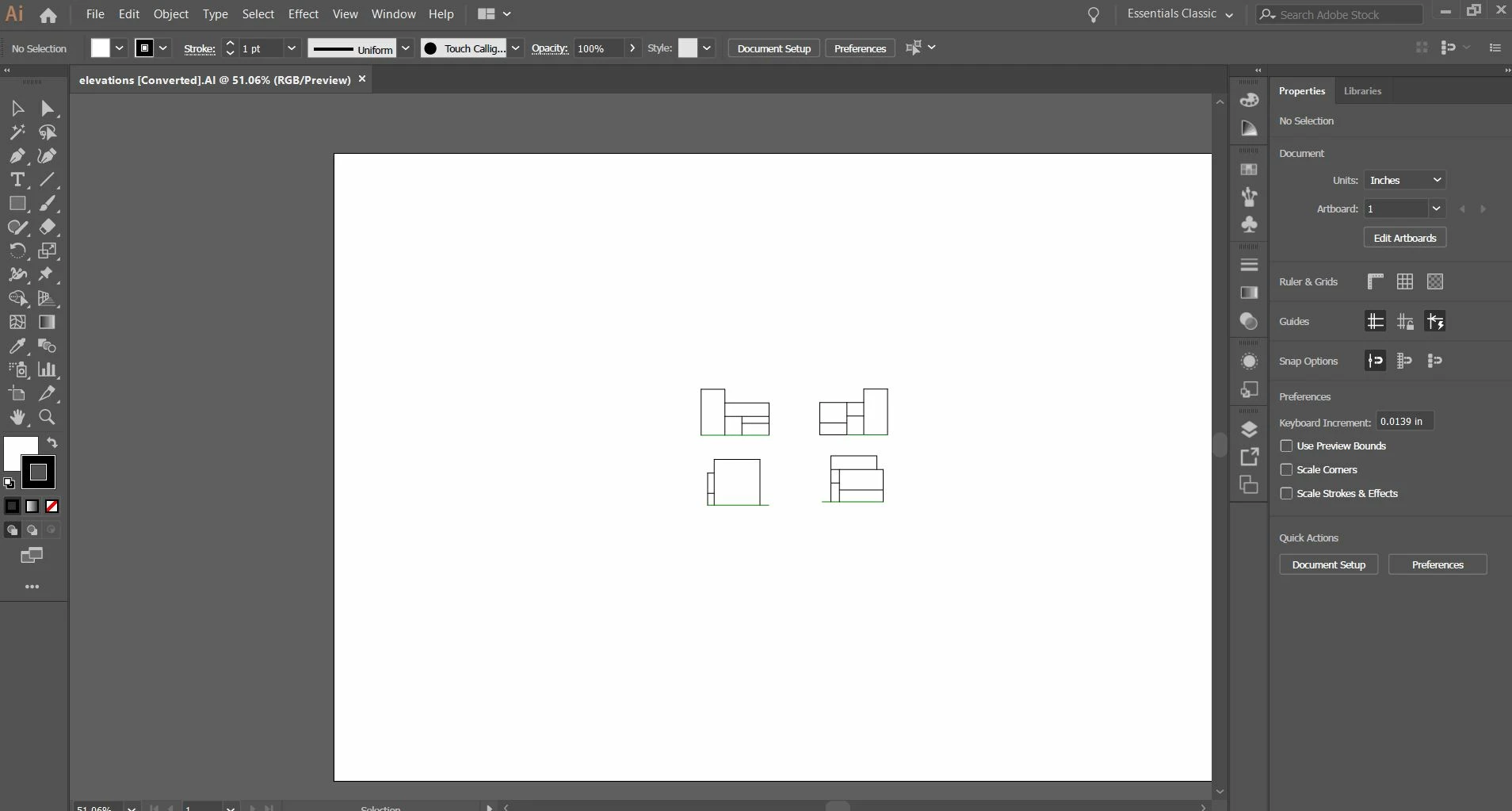
I am having an issue where I can only seem to be able to open illustrator files that have been exported from Rhino 3D. In Rhino, you have the option to convert your linework into an illustrator file. When it opens in illustrator it usually has the file name and [converted]. Whenever I try to open a regular illustrator file or even create a new template, I get an error message saying "an unknown error has occured." This makes illustrator almost completely useless as I can't open most of my files or even start a new one. I posted an image of my files and I can see that there is a distinction between the files that are exported rhino files and ones that aren't. The exported rhino files have a .AI label and the regular files have a .ai label. I'm sure this has something to do with the problem but I really don't know how to fix it. I am using Illustrator 2019. 
This topic has been closed for replies.
Correct answer Andrew266814891s30

Me neither. I'm using a Mac normally. It's just that resetting the printer driver has helped other people.


Apart from that you can reset the preferences (will erase all your settings) and reset the OOBE folder. 


Resetting the preferences fixed the issue. Thank You!

1 reply

Monika Gause
Community Expert
Community Expert
October 31, 2022

When was your last systemreboot?

Which system is it by the way?

Where are files located?

Is a printer connected, set up as the default printer and turned on?

Participant
October 31, 2022

1.) The computer's been on since about 10:30 but this has been a persistant problem for weeks

2.) Dell Inspiron 5565 (I don't know if this is what your asking for)

3.) The files are all located in a folder called "503 Studio" (This PC - Videos - 503 Studio)

4.) Illustrator is not connected to a printer. It is set to Adobe PDF. 

Monika Gause
Community Expert
Community Expert
October 31, 2022

Has there been a Windows update? THey sometimes mess with the printer setting.


Illustrator writes information about the printer into the file. So if it cannot find a printer when opening, it shows these kinds os messages. PDF printer is OK, but maybe you can set it up again, just to be sure?