



Answered
Can't use gradient over multiple objects in Illustrator
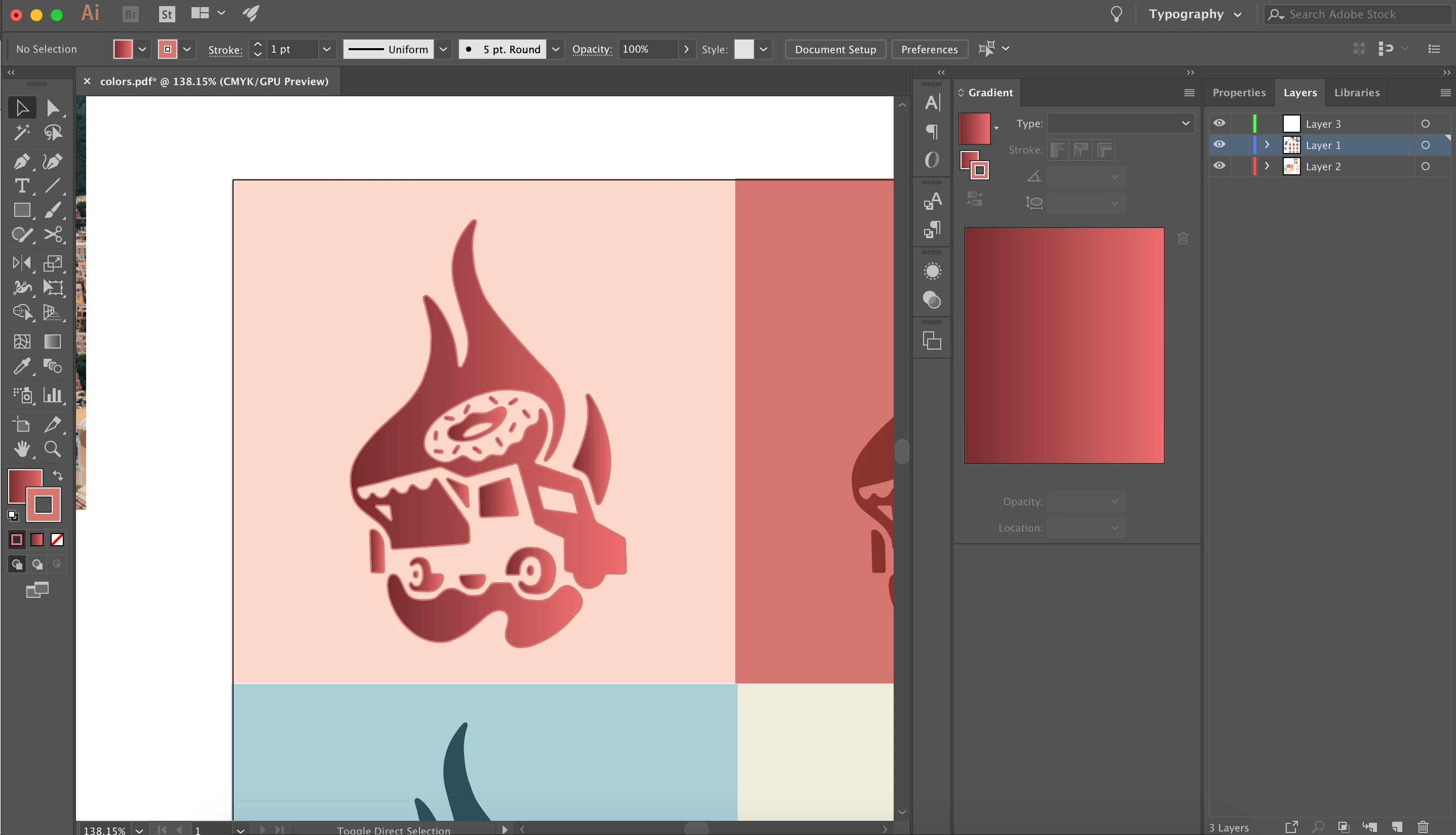
Hello! Trying to make this logo but every time I try to use the gradient tool after I select all of the objects I'm trying to use a gradient over, it gives me a little delete symbol next to my cursor indicating that I'm not able to do that. And when I press the gradient tab itself, even when all of the objects are selected, it puts the gradient over all of the objects individually. How do I put one gradient over all of the objects?
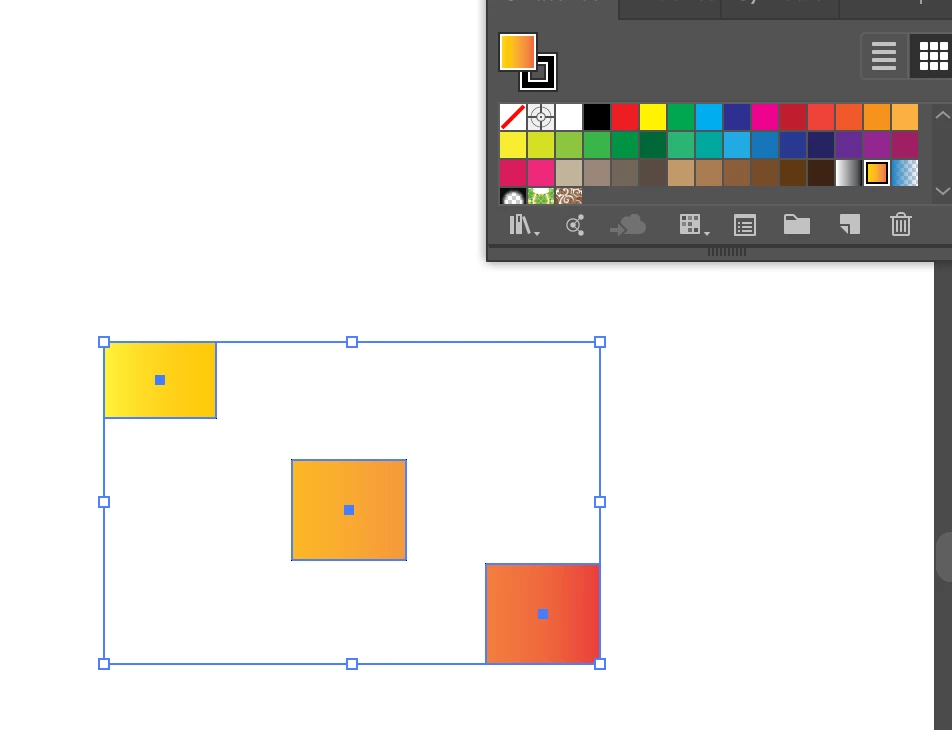 Make them a Compound Path. (Select all the Items and use Object>Compound Path>Make). Then apply the Gradient.
 AdChoices