


CC Library "Place Copy" giving error/missing message for library users
I created a CC library to use as my company's graphics library which is shared between myself and my boss. I built it so that each asset I created could be modified slightly as each project we do differs in some way or another. To my understanding this is when the difference between "Place Copy" and "Place Linked" comes into play. We have almost no use for placing a static image (Place Linked) and so we always will use "Place Copy" as to be able to maintain editing capabilities. Now, for me (library creator) I have no issue with missing files as I created all of the assets and then loaded them into the library. The issue comes when my boss, whom I've shared the library with, goes to place a copy of something. They get this error message here:
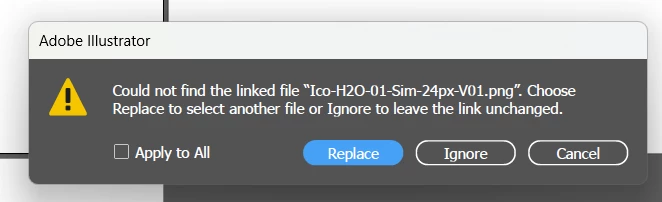
For clarity, the missing files are all images that I've used and compliled onto an artboard previously, grouped, and then loaded into the library. I've done it this way so that the arboard I created can still be fully editable for my boss if needed. When they click "Ignore" for each instance, it does not change the quality of the asset or seem to alter it any way, nor does it leave the newly placed item blank as can sometimes happen. It seems to be just an annoyance of a message that pops up every single time a file is opened or a new asset is placed as a copy. For further clarification here is a zoomed out version of the issue and a screen grab of the library item that had been placed as a copy:
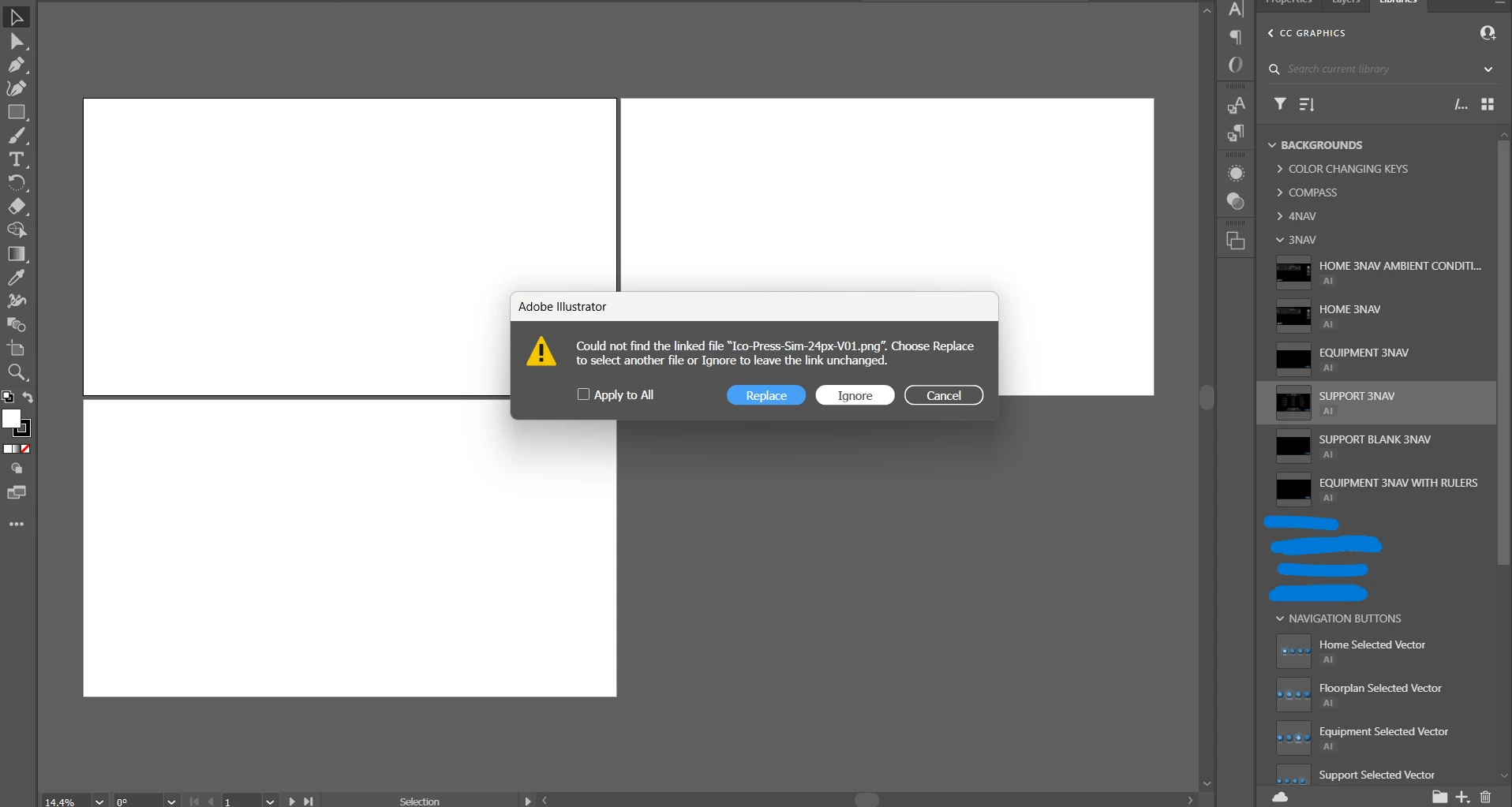
Is this happening because the original files only exist in the file path on my computer and not on the cloud itself? That seems like it can't be right because then what is the purpose of the cloud? Am I simply trying to make this function in a way that it was not intended? For even more clarification on this issue here is a screen shot of just one of the assets that gives this error message:

The grey outlined box and text are all vector objects that I created and the .png that constantly reports for my boss as missing is the green Avg square. When I created the library asset I combined both the vector creation, the text, and the .png into one group and loaded it into the library.
Hopefully this is enough info for someone to shed some light onto my issue and either tell me that I've exceeded the scope of the CC library or a possible fix for this issue. Thank you.
 AdChoices