


CEP Mac Extensions refuse to load. Desperate to deploy self-made script ecosystem with my coworker.
I've got a bunch of scripts I made for work to make our lives easier. Most repetitive, annoying tasks that my coworker and I face daily have been eliminated, and I'm working on more. There are a bunch now, ~25, so I made a script browser to make it easier for us to browse and launch the scripts. There are 2 versions of it, an Extenscript one that she uses now, and a CEP version I've been working on that adds a lot of features that will significantly increase its usefulness and the development speed of our scripts (Mainly, it adds GitHub support for auto-updating and bug reporting).
On my computer, all of this works perfectly. Unfortunately, on her Mac, the CEP extension version is showing in her extensions menu, but when she launches the extension, the panel is blank, and not even the earliest of debug alerts will run, so the extension is not running at all. Then I found out it's this way for all of her CEP extensions that she has tried; they show up, but will not run. We've added playerdebug for 11 and 12, and she is on Illustrator CC2025, so I am not really sure what to do at this point. I've tried to get a localhost connection to work, but that never connects, and we tried to figure it out with her Mac console (and AI guidance), but got nowhere. Any ideas? Pretty colors for attention:
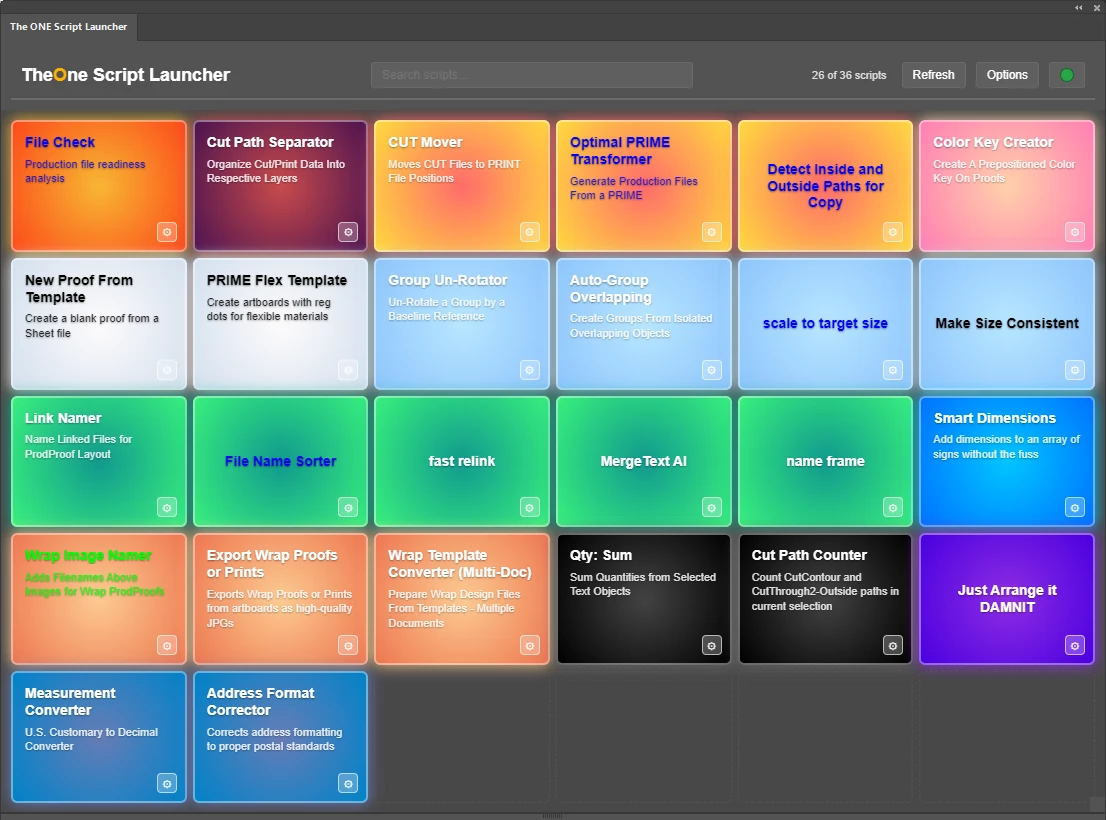
If anyone would like access to these, I'd be willing to share. They allow you to set custom script folders and customize their appearance in the launcher(in the CEP version). Scripts are searchable. You can set custom names and descriptions for scripts. You can use new scripts without restarting Illustrator. You can favorite, hide, or reorder the scripts.. I am sure there is more that I'm missing.
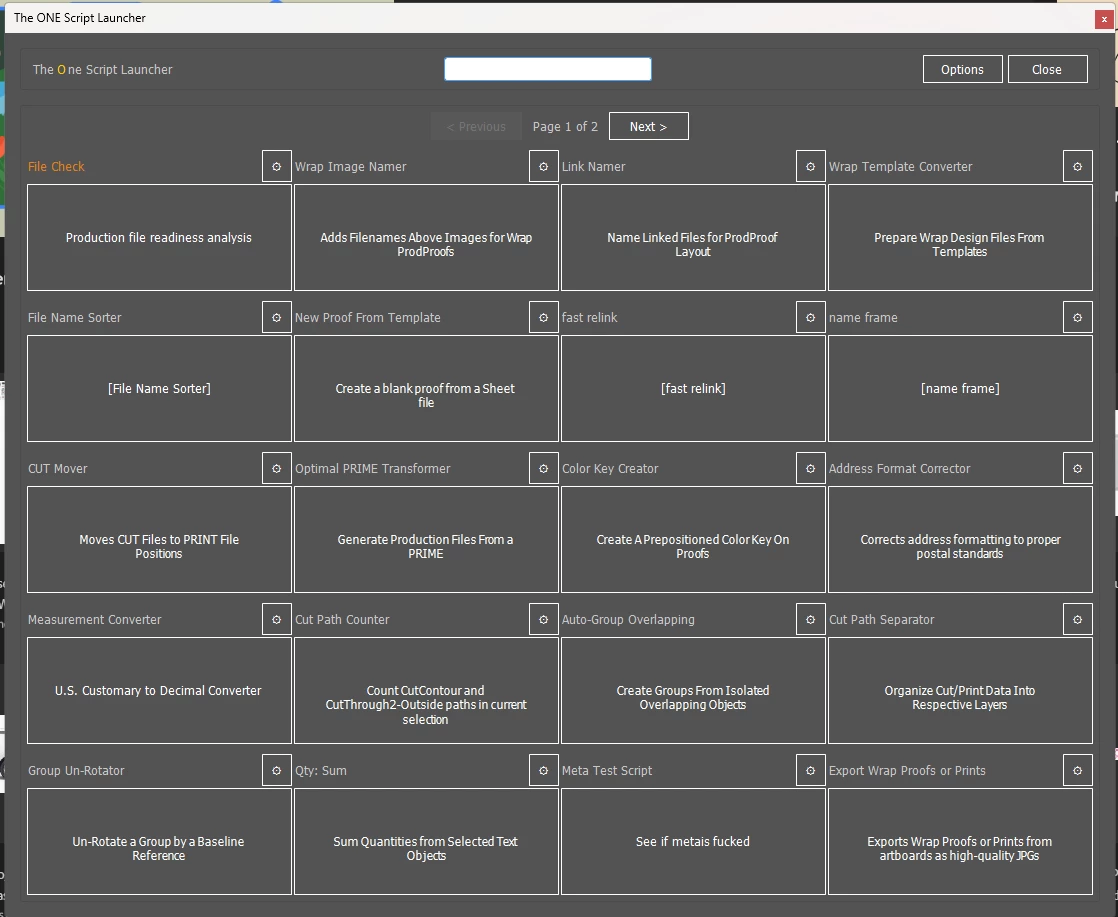
Here is the old ExtendScript one... NO PRETTY LIGHTS! Please help me help her get the pretty lights!
Thank you!!!!
 AdChoices