



Clear Recent Files in Illustrator Issue
Question:
Is there a fix for this?
---------------------
Goal:
Clear Recently Open Files in Illustrator CC 2017
The First Steps I Took:
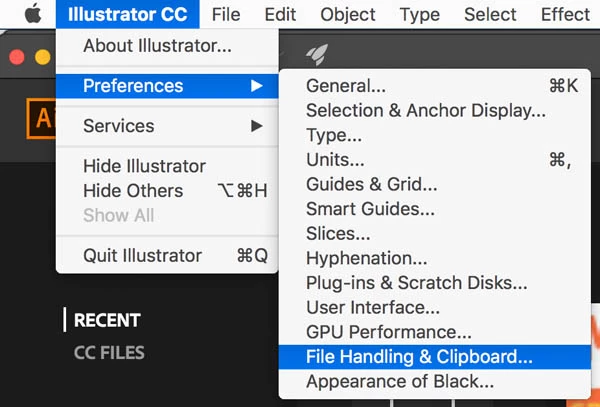
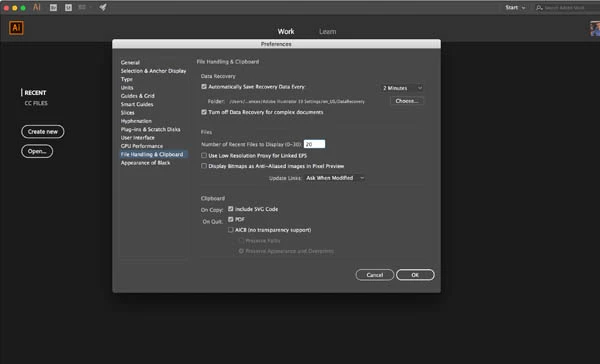
In Menu Bar...Illustrator CC>Preferences>File Handling & Clipboard
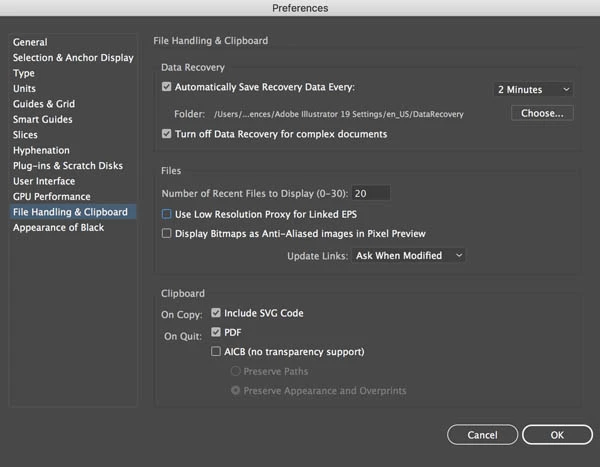
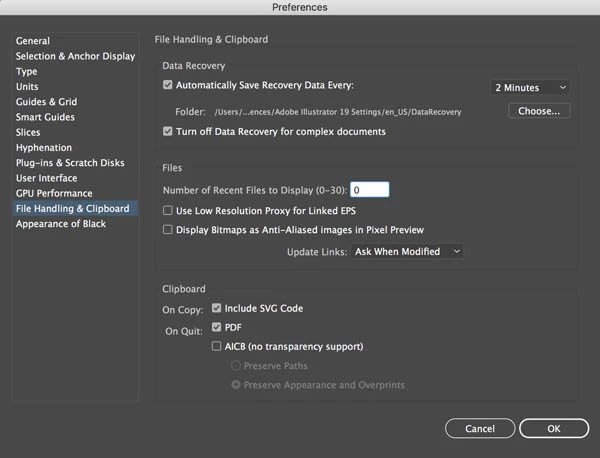
Change Number of Recent Files to Display from Default 20 to 0
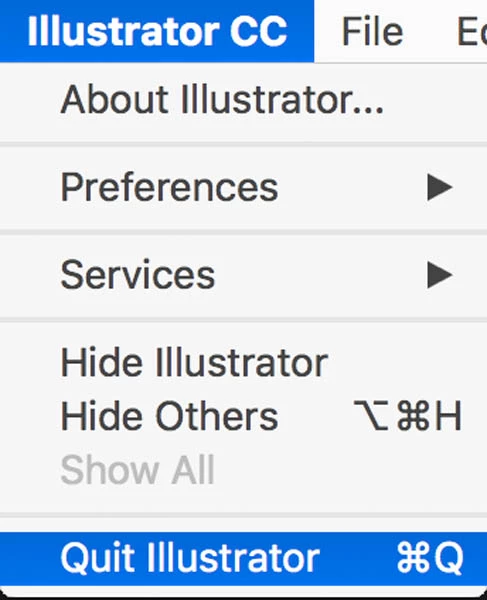
Close Illustrator
Reopen Illustrator
Fixed!
Next Steps (Change Settings Back):
Open Illustrator Preferences
File Handling & Clipboard
Change Number of Recent Files from 0 to Back to the default of 20
Close Illustrator
Re-Open Illustrator
Problem:
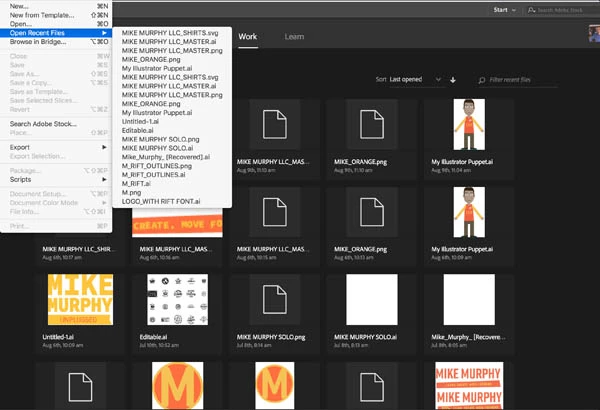
The old history of 20 Recently Opened Files is back.
-----------------------------------------------------------------------------------
STEP1: Preferences>File Handling & Clipboard
Step 3:
Restart Illustrator (Close & Open Again)
Appears as though problem resolved
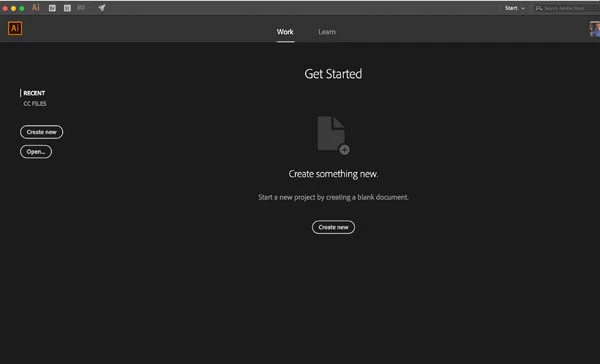
What I wanted....but,
Step 4:
Go Back to Preferences...File Handling & Clipboard... Change back to 20
Quit Illustrator
Reopen Illustrator
Problem: All of the old history returns
 AdChoices