



CLIPPING MASK PROBLEM IN AI FILES
Hi,
My colleague and I are having an issue where our AI files are creating multiple clipping masks (maybe compiund masks too?) when we save and send them to eachother.
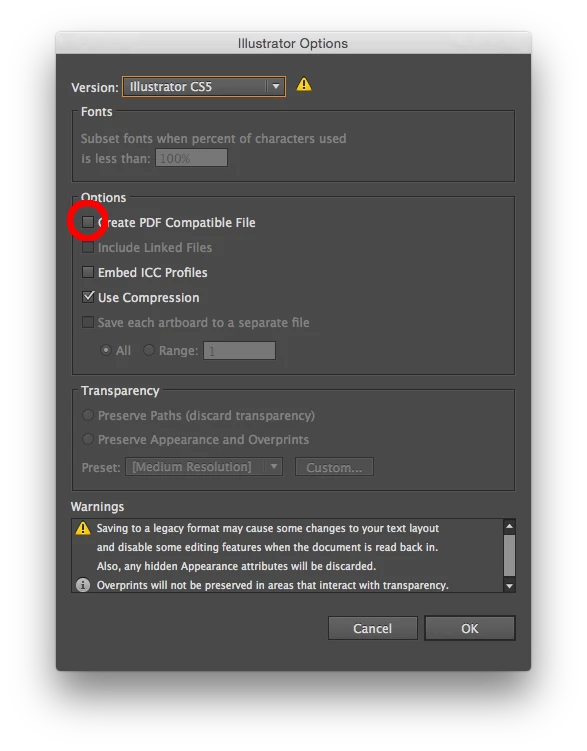
I work on CS6 but she has CS5 - I convert my files to CS5 before sending to her. She says when she opens my files the artwork is in multiple clipping masks which she has to release and it takes a while before she can get to my actual artwork. Why is this happening?
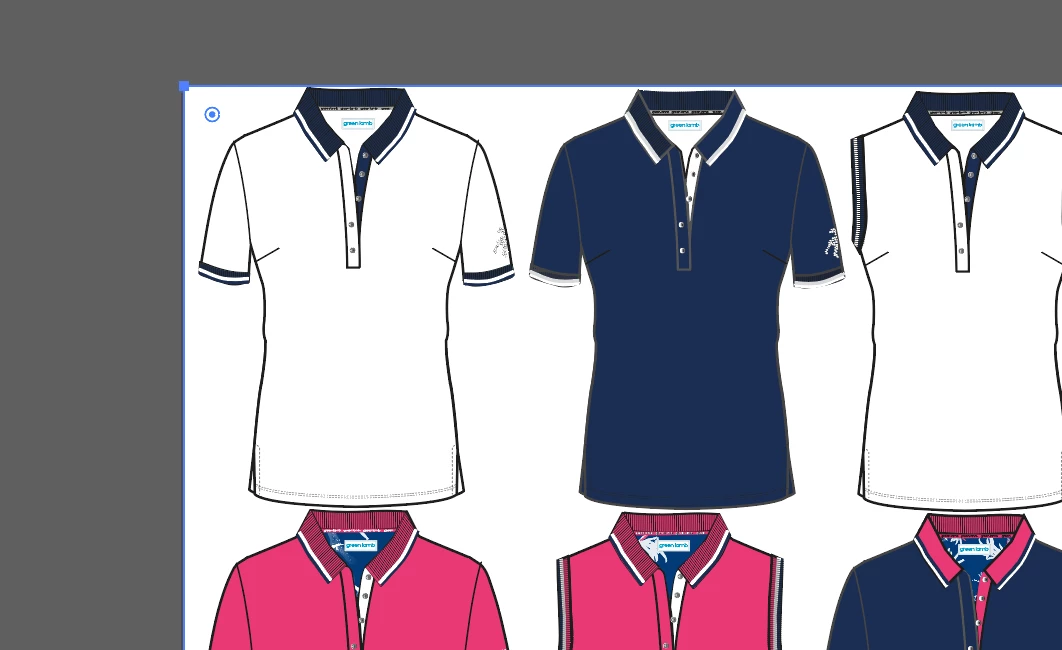
I have just received back from her artwork files in Adobe PDF format. I have opened them and they are in multiple clipping masks. I have saved the pdf as an AI file but it hasn't made a difference. I am having trouble releasing these unintentional clipping masks without accidentally realising a clipping mask that is part of the artwork :S Please see below where i have clicked on part of a collar and multiple pieces are attached to it around the artboard.. I have tried releasing clipping mask and release compound too and ungroup, but I cant separate these pieces  ..
..
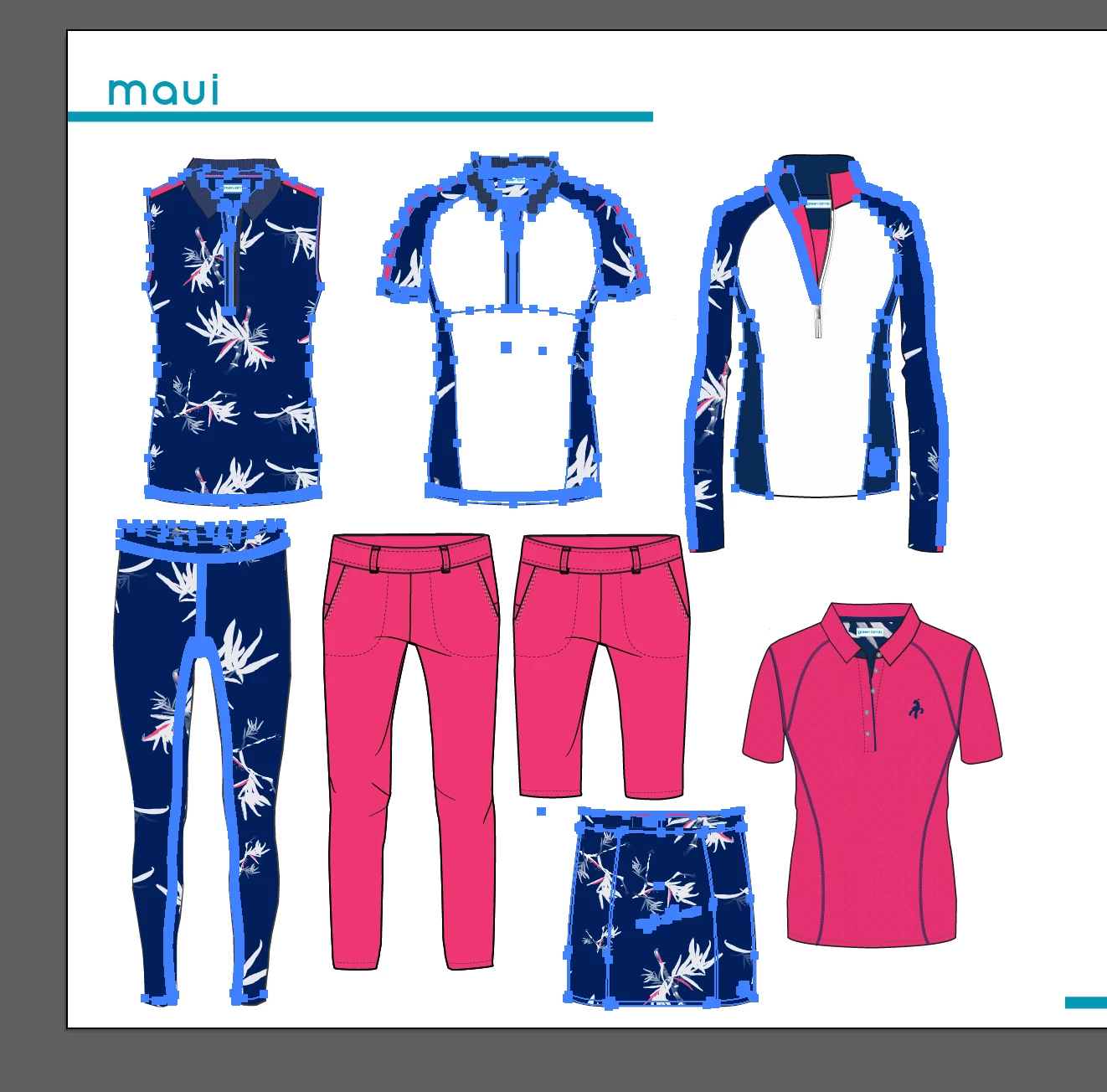
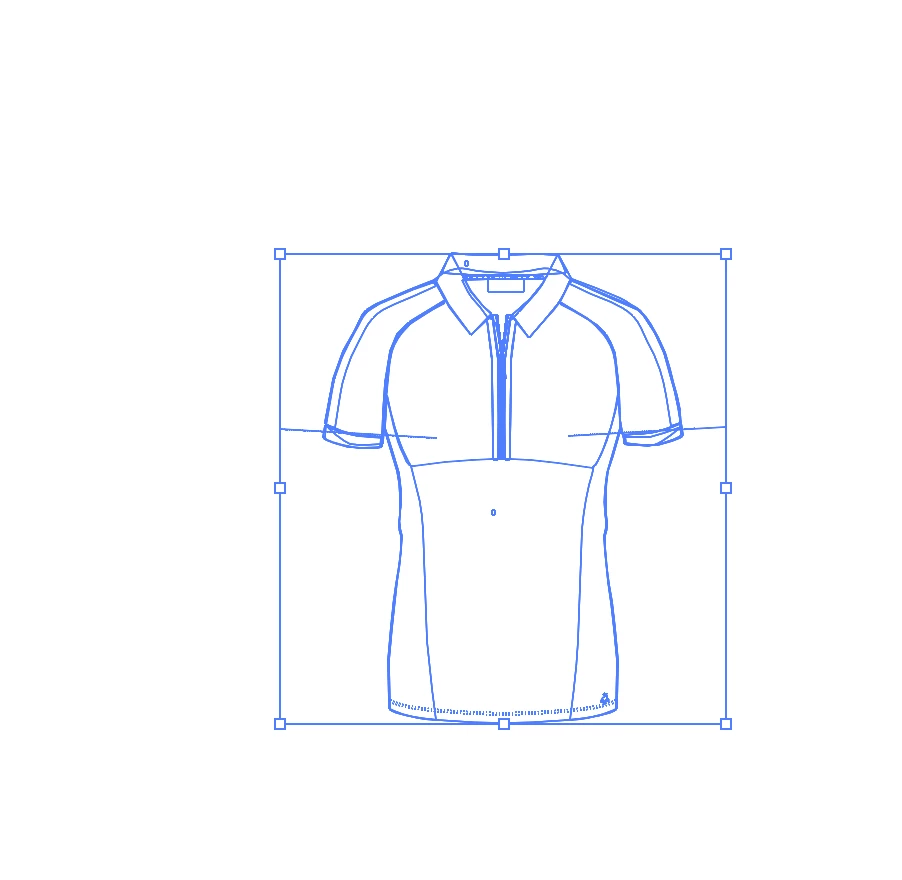
When i try to use the selection tool and copy one of the cads, to paste it onto a new AI document, there is only blank paths which paste. There is no colour, stroke or print etc copied over (Please see below).
This is very frustrating for both of us and i don't understand why it is happening.. please help!
 AdChoices