entroid
Inspiring
April 27, 2018
Answered

Combine objects in illustrator

  • April 27, 2018
  • 7 replies
  • 1189 views

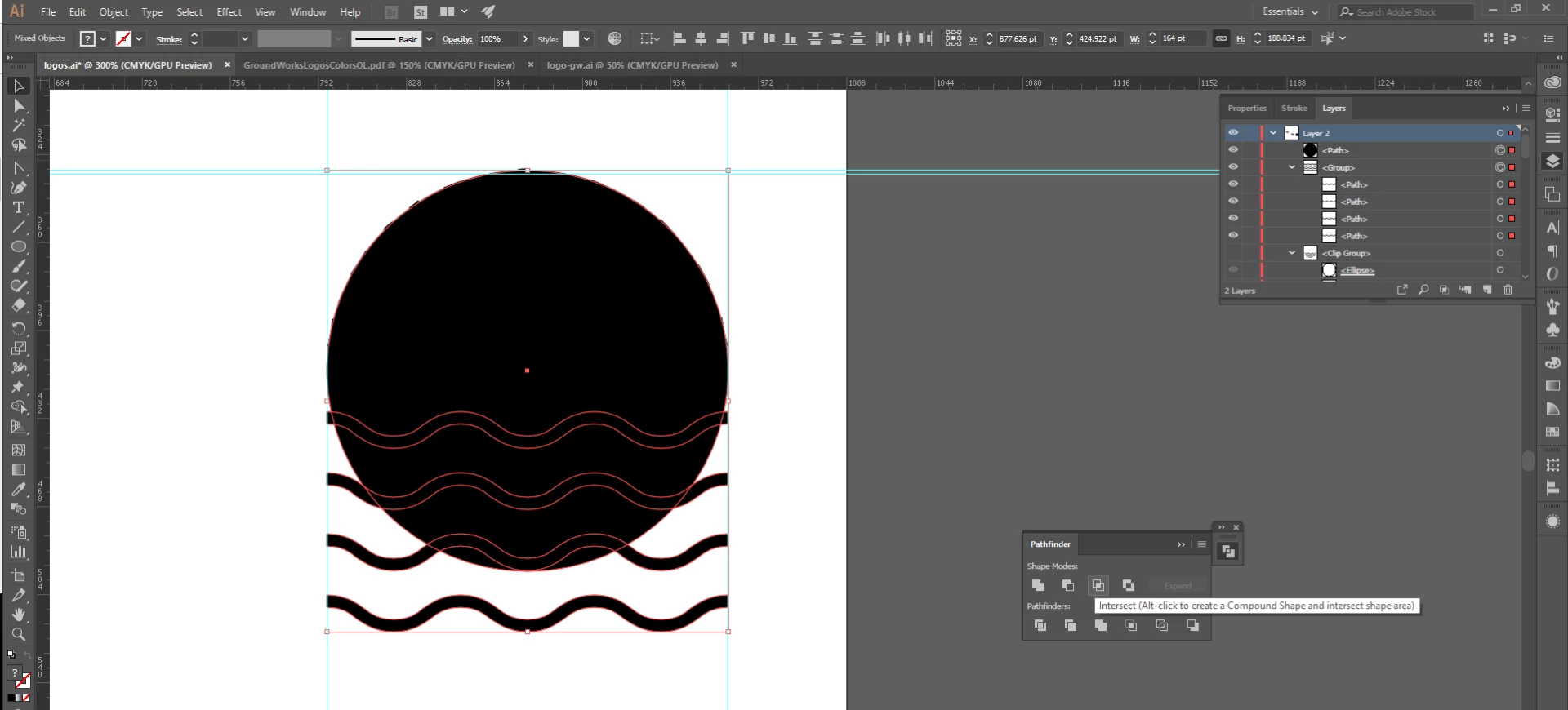
Hi, im still learning this difficult program and i really don't quite get how to work with different types of object. Sometimes it seems to work and sometimes it just doesn't. in this case what i'm trying to do is actually pretty simple. Im trying to combine objects in a way pathfinder should do just fine, but it actually throws an error 'the filter produced no results. please select two overlaping paths'. But they ARE overlaping so i'm completely lost. tried to expand shapes and didn't work. can anyone please help me with this? here's a screenshot so you can understand better:
    This topic has been closed for replies.
    Correct answer SJRiegel

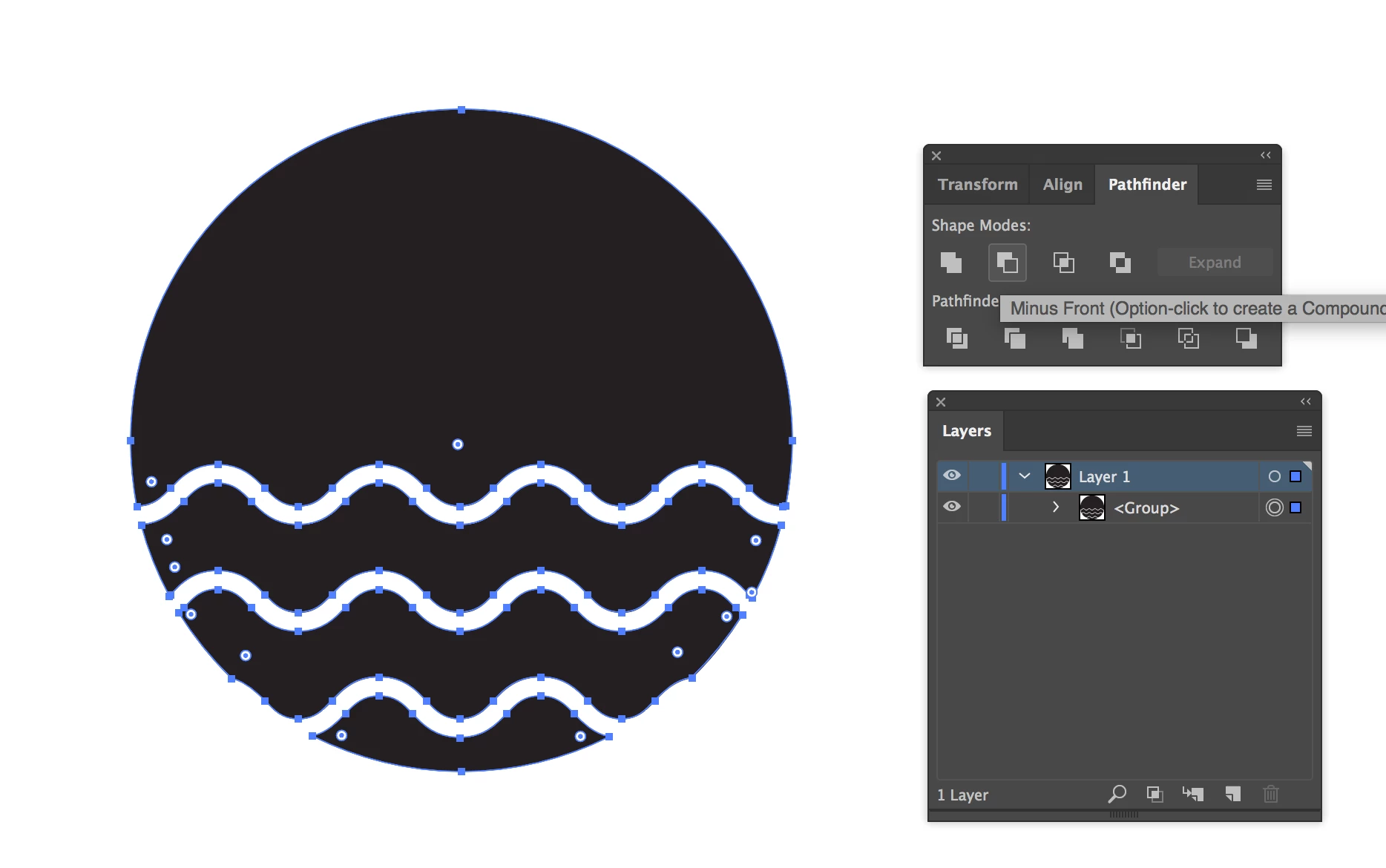
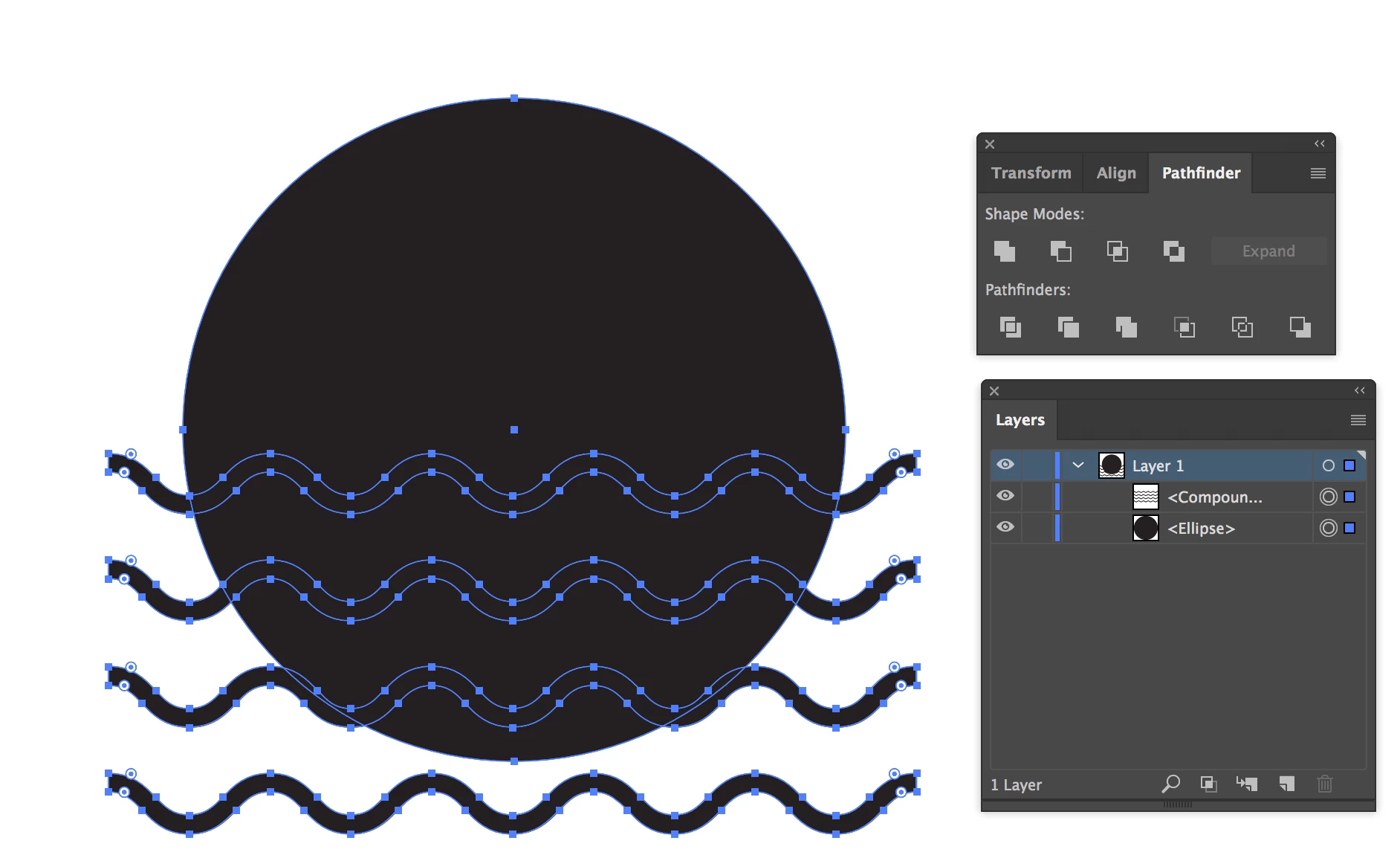
    Are you trying to cut the waves out of the circle? Expand your waves, and then make a compound path (not a group) of them. That should fix your issue.

    7 replies

    entroid
    entroidAuthor
    Inspiring
    May 2, 2018

    Thanks! that was very helpful

    manal shanableh
    Community Expert
    April 28, 2018

    You can use the Shape Builder tool,

    select them all, with shape builder tool, drag with Alt to remove the parts you want to remove.

    Jacob Bugge
    Community Expert
    April 28, 2018

    entroid,

    What happens if you just use Pathfinder>Minus Back (with or without pressing Alt/Option)?

    michelew83603738
    Community Expert
    April 27, 2018

    The problem is that you are trying to use Intersect on a Group. You need to use it on a Compound Path. Ungroup and then right click and make the wavy lines into a Compound Path. Then you will be able to use the Intersect Pathfinder tool on these.

    Willi Adelberger
    Community Expert
    April 28, 2018

    If you want to stay in groups you can use the Pathfinder Effects (look into the Effect Menu), which are working only in groups.

    1. Apply Add to the wave group first,
    2. Group together with the circle and use the next pathfinder effect you want.
    tromboniator
    Community Expert
    April 27, 2018

    Bear in mind that SJRiegel (whose answer is correct) shows the result of using  Minus Front;

    while your screenshot shows Intersect highlighted, which would result in this:

    This assumes, in both cases, that the waves are in front of the circle. If the circle is in front, Intersect will give the same results as above, while Minus Front Yields:

    Peter

    angie_taylor
    Brainiac
    April 27, 2018

    Is it possible that some of your paths may not be closed? I think Pathfinder needs closed paths?

    SJRiegelCorrect answer
    Community Expert
    April 27, 2018

    Are you trying to cut the waves out of the circle? Expand your waves, and then make a compound path (not a group) of them. That should fix your issue.