Participant
December 26, 2022
Answered

Complex and detailed dotted pattern

  • December 26, 2022
  • 2 replies
  • 544 views

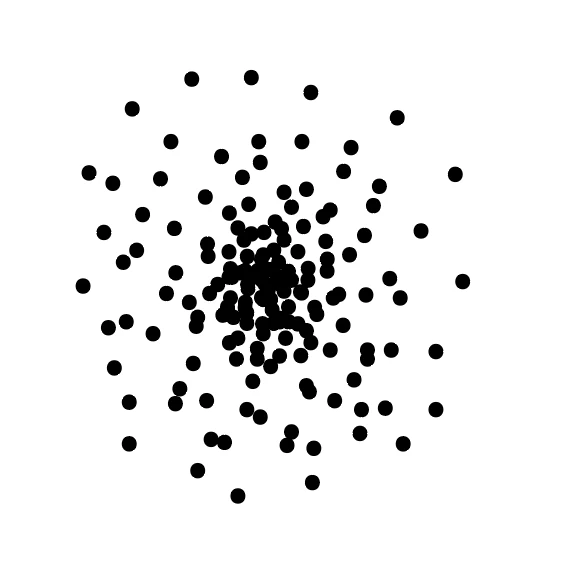
Hi there, just trying my luck here to see if anyone may know how to create the below dotted pattern
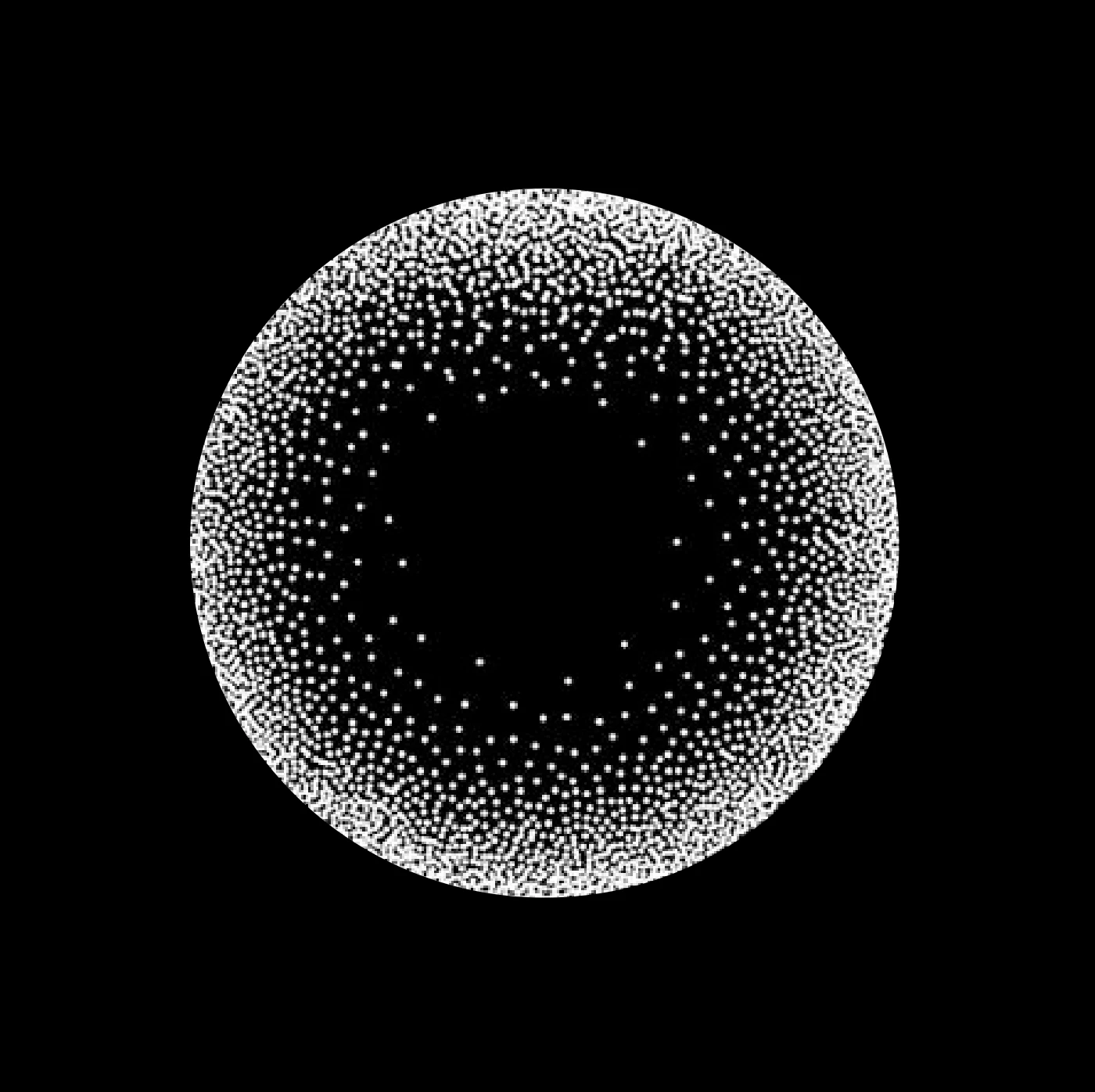


I have tried many different ways but cant seems to get that right.
I would want to create a similar effect to a pill shape.

So hopefully the answer to the above question would work on different shapes.

Thanks!
This topic has been closed for replies.
Correct answer Monika Gause

Make a pattern like this

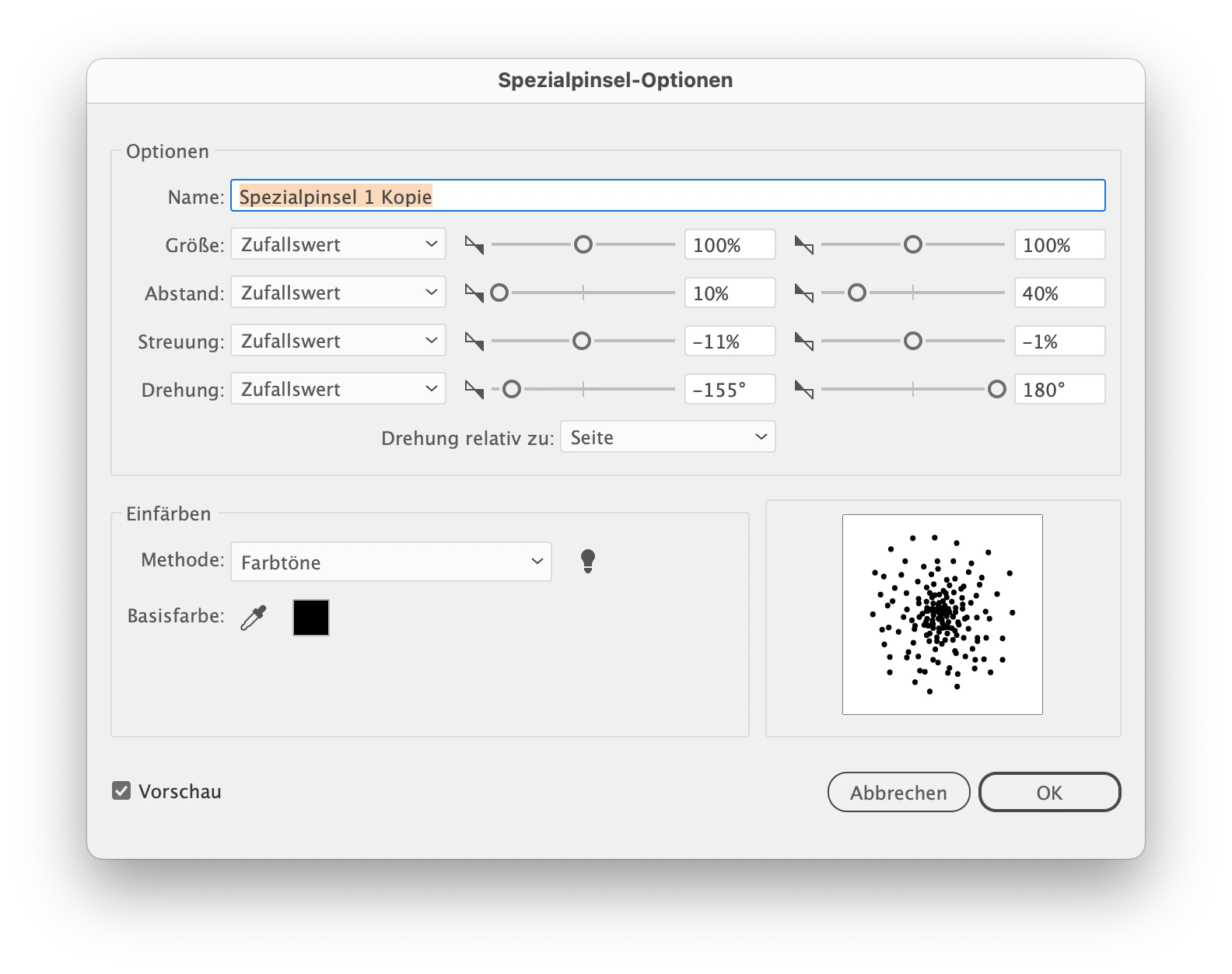
Create a scatter brush


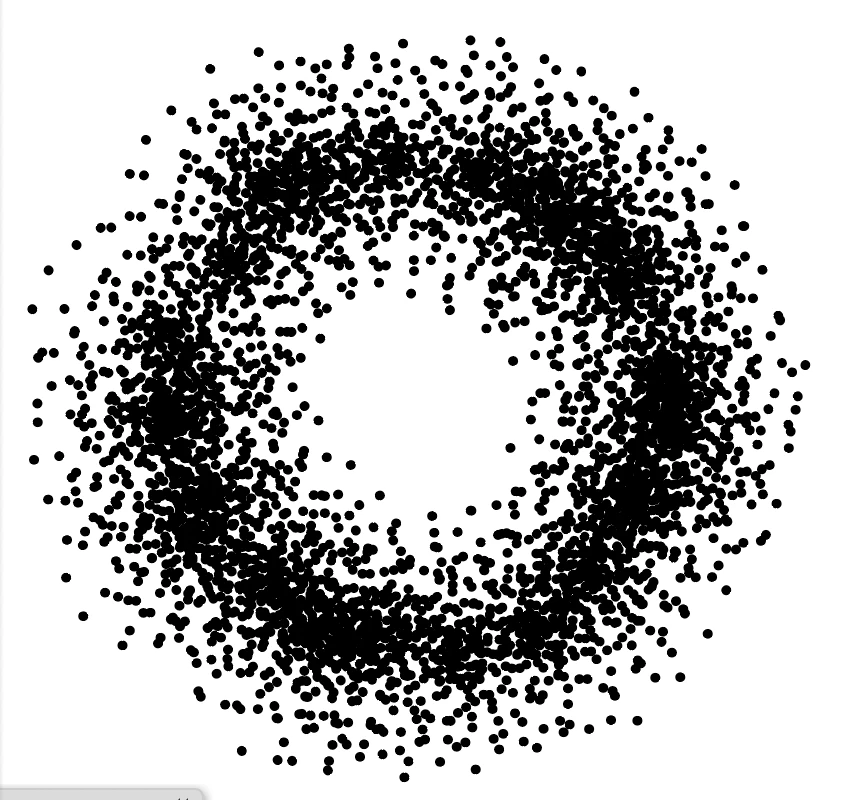
Apply scatter brush to circle


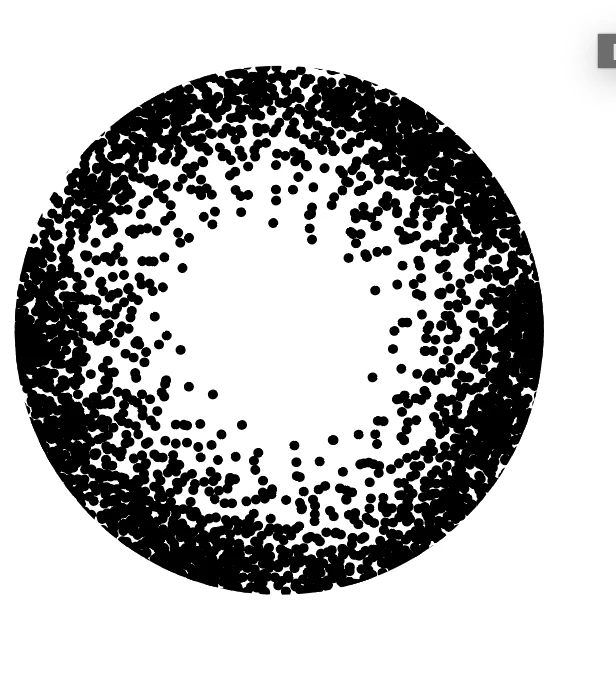
Apply clipping mask to the circle

2 replies

Monika Gause
Community Expert
Monika GauseCommunity ExpertCorrect answer
Community Expert
December 26, 2022

Make a pattern like this

Create a scatter brush


Apply scatter brush to circle


Apply clipping mask to the circle

zoee_ngAuthor
Participant
December 26, 2022

That's a GREAT answer! Thank you so much!

I was struggling on how to create the randomness ... was trying to recreate that with dotted lines / blend tool / transform effect but it looked too uniform and it's almost like a halftone pattern .. which is not what I am after.


This is just brilliant! THANK YOU MONIKA you saved my day!!

Monika Gause
Community Expert
Community Expert
December 26, 2022

You're welcome! Glad you could solve it.

Mylenium
Legend
December 26, 2022

What is it that you're asking? Whethere there's a script, function or magic button? What have you done so far? What you have there simply looks like a spin on Voronoi patterns with the subdivisions/ distance criteria changing toward the outer edge recursively. The rest happens automatically and they opted to only plot the centers instead of the actual polygon edges. Since AI doesn't realy have such a function, it wouldn't be doable mathematically exact, but at the same time I can't see why creating a bunch of rings with some semi-random dot brushes wouldn't work. That methodology could be applied easily to any other shape as well - create the base shape, inset the contours using Offset Paths, apply a brush, tweak parameters. Rinse repeat until it looks right.


https://en.wikipedia.org/wiki/Voronoi_diagram


Mylenium