MahaB82A
Braniac
December 6, 2022
Answered

Converting Stroke to Fill

  • December 6, 2022
  • 6 replies
  • 4640 views

What is the purpose of converting Stroke into Solid fill?

Time 3.50

Logo Design Techniques


This topic has been closed for replies.
Correct answer Doug A Roberts

I have to expriment this split theory to better known. By the time I must know, is it not possible to split the stroke?   


A stroke is an appearance. An appearance's shape depends on the path it is applied to. It cannot be edited with the drawing/editing tools.

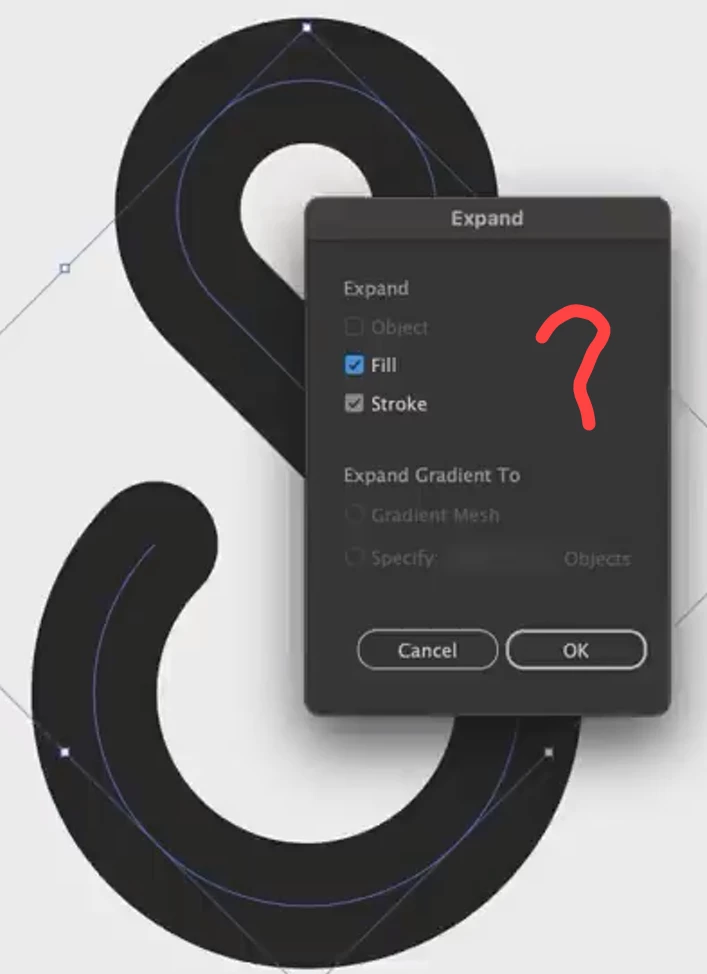
Expand it to a fill creates a path based on the stroke outline.

6 replies

MahaB82A
MahaB82AAuthor
Braniac
December 6, 2022

Thanks all the people for their help.

Monika Gause
Braniac
December 6, 2022

In that even he even shows why he did it directly afterwards: in order to do some construction.


And here are yet 3 nother reason for outlining the stroke: this video is about logos and with logos you have to do it:

- because logos often need to be cut with a plotter

- because logos are often opened in other vector applications and you never know what they will do with your carefully chopsen stroke width

- because you don't want the people from marketing change your stroke to dashed line just because they think it's fancy

Jacob Bugge
Inspiring
December 6, 2022

Maha,


There are (sometimes crucial) reasons to either keep a stroke or to change it to a fill.


Always keep a backup of artwork that you are going to change irreversibly, such as outlining stroke/expanding to get fill instead, so you can go back. It is also easier to keep the stroke until you are sure about the shape of the (spine of the) path.


In connexion with logos, there are (other) specific reasons to end up by outlining strokes, such as to ensure the final appearance and the usability across whichever applications/formats/uses may prove relevant.


Bobby mentions some applications/uses where the usability reason applies here,

https://community.adobe.com/t5/illustrator-discussions/outline-vector-cannot-be-read-from-illustrator-2023/m-p/13384052#M345650


barbara_a7746676
Braniac
December 6, 2022

Sometimes I've converted strokes to paths in order to get to parallel lines on a complex path.

Scott Falkner
Braniac
December 6, 2022

One reason is to manipulate the paths once the outlines are converted to fills.

Rene Andritsch
Braniac
December 6, 2022

Actually there are so many reasons to do this which will become more obvious the more you work with Illustrator.

MahaB82A
MahaB82AAuthor
Braniac
December 6, 2022

What is the reason for this work?

Rene Andritsch
Braniac
December 6, 2022

Once you convert your stroke into a solid fill, it is “immune” to scale effects. It will always keep its shape as you intended it to be. As long as you have a path that is only a stroke you could change the stroke width while scaling. This setting can be found in the Transform Panel.


Also: If you want to create a font out of a shape it has to be outlines (no strokes) only. 

Rene Andritsch
Braniac
December 6, 2022

Another reason is that Pathfinder operations will have very different results when applied to expanded paths or shapes versus paths with strokes. See the results below using two overlapping circles. On the left paths with a stroke. On the right the same shape though strokes expanded.