


Answered
Copy & Paste Path from illustrator to Photoshop isn't working
Hi there,
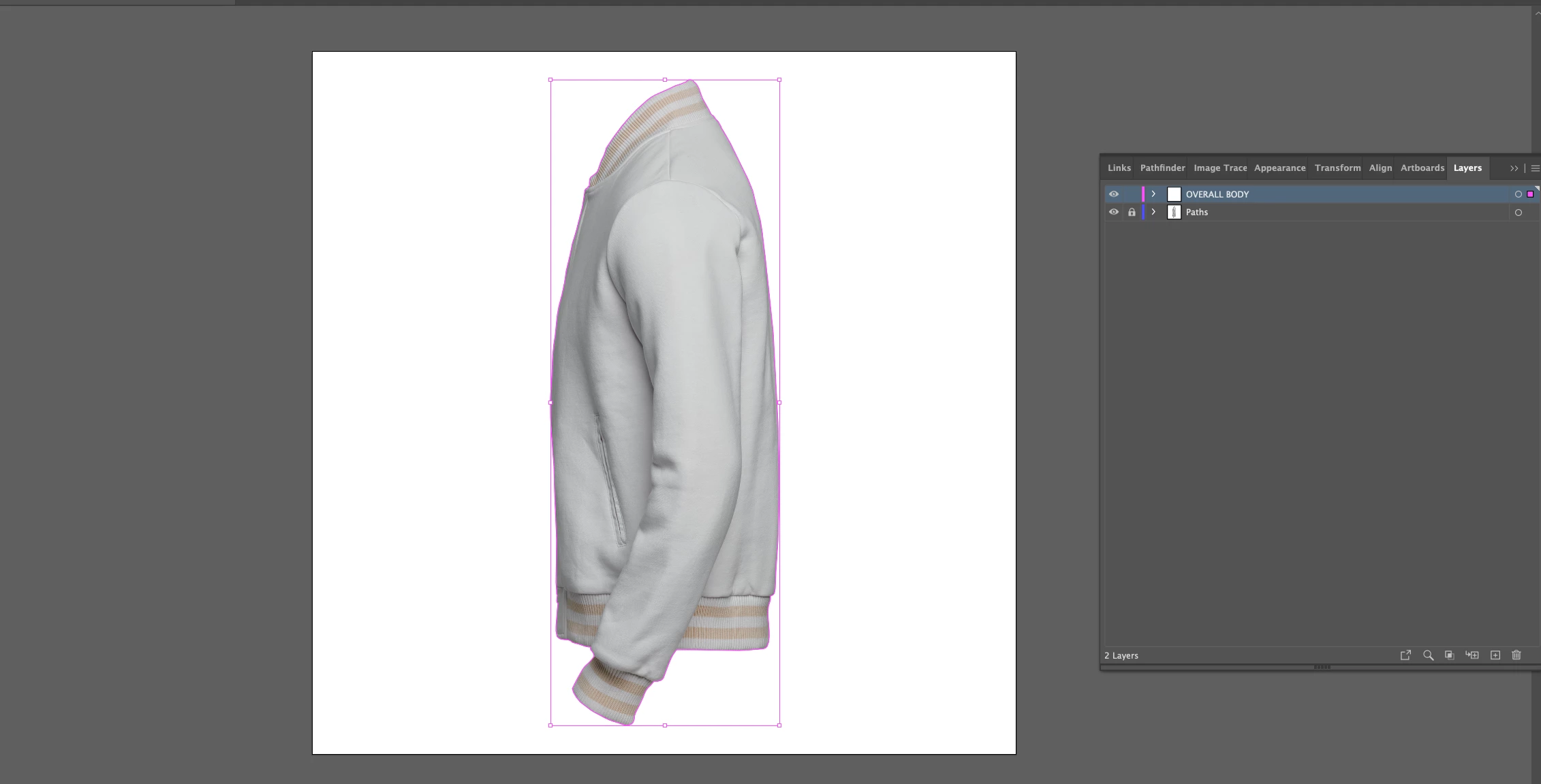
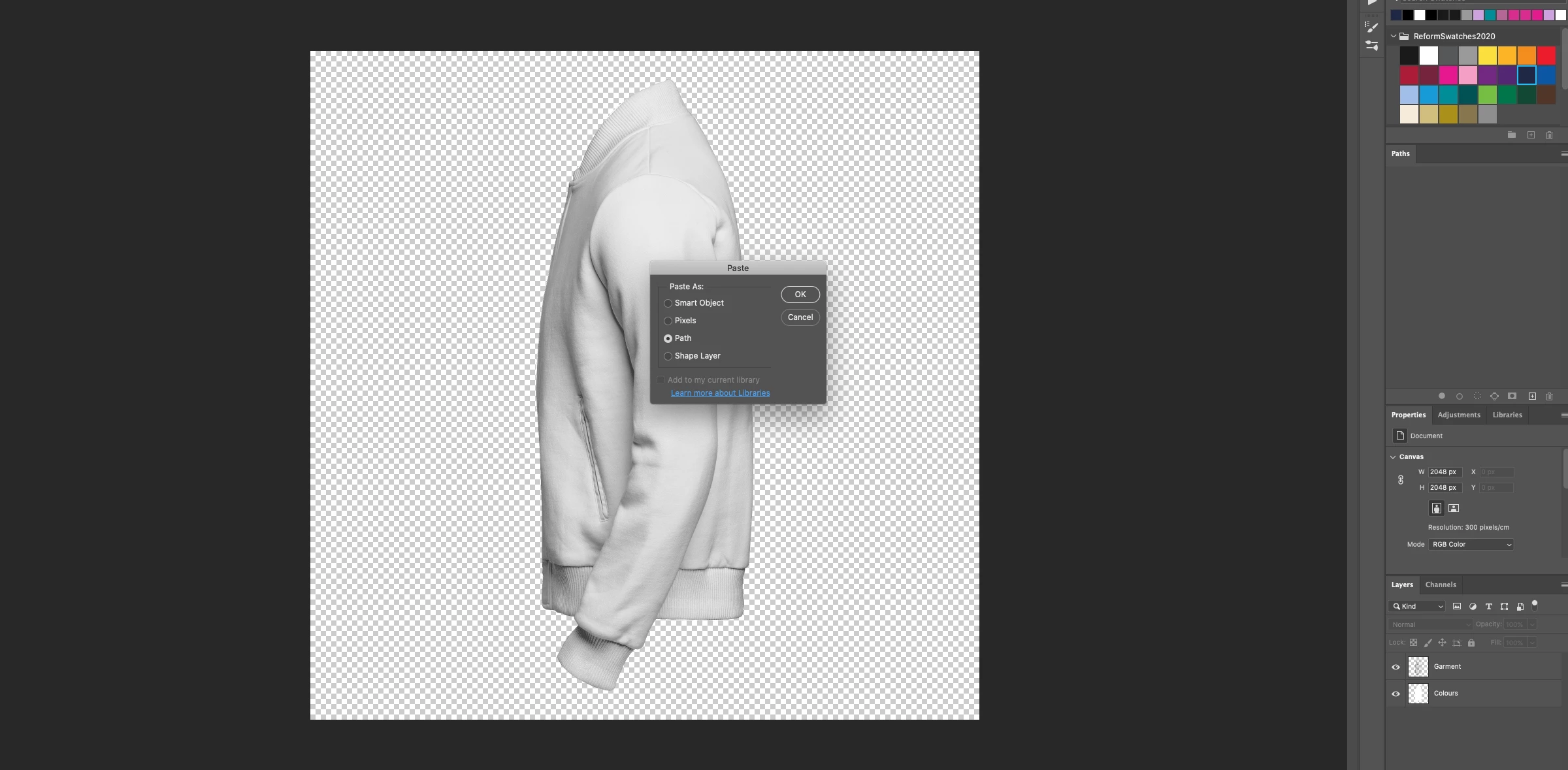
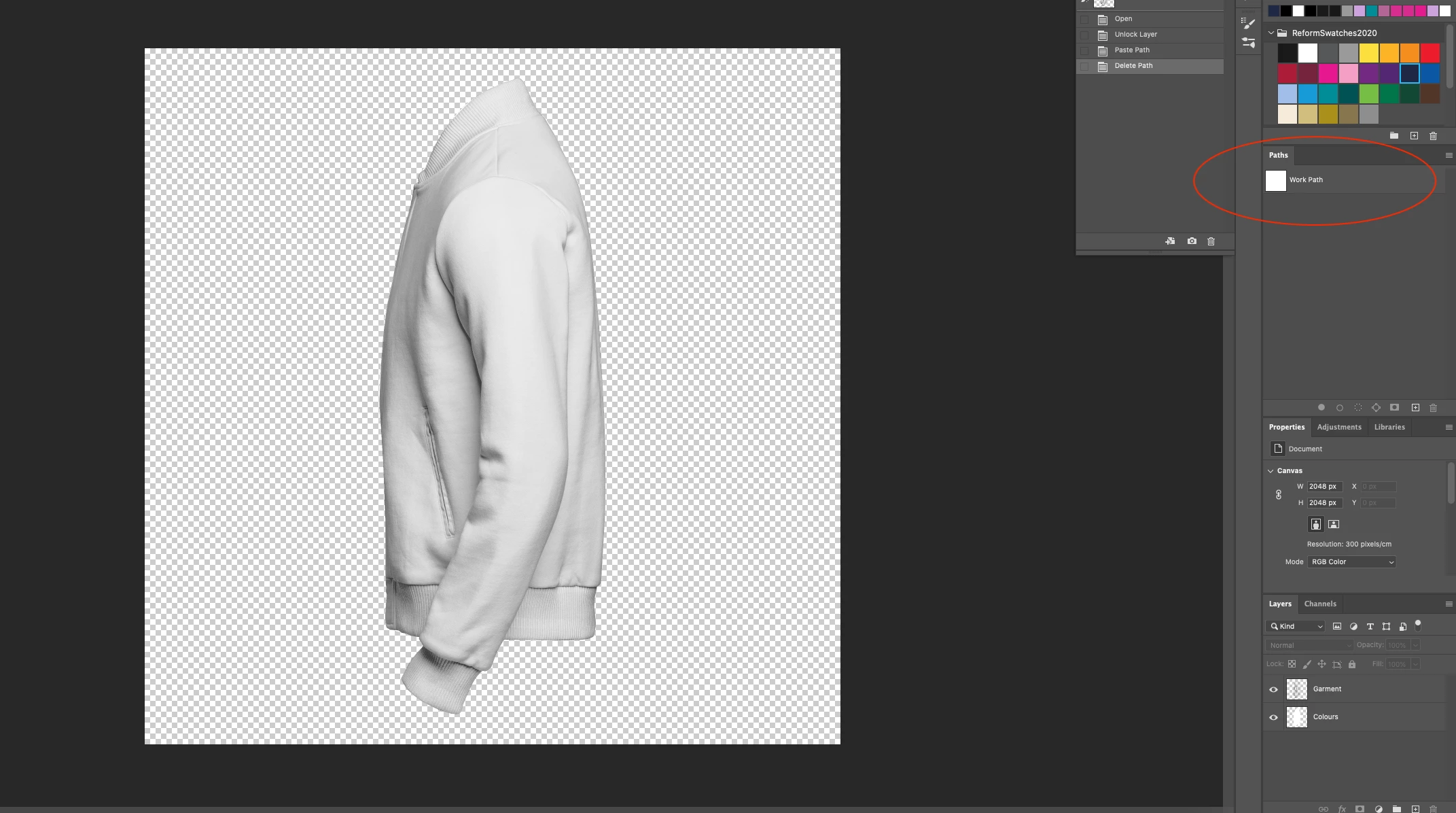
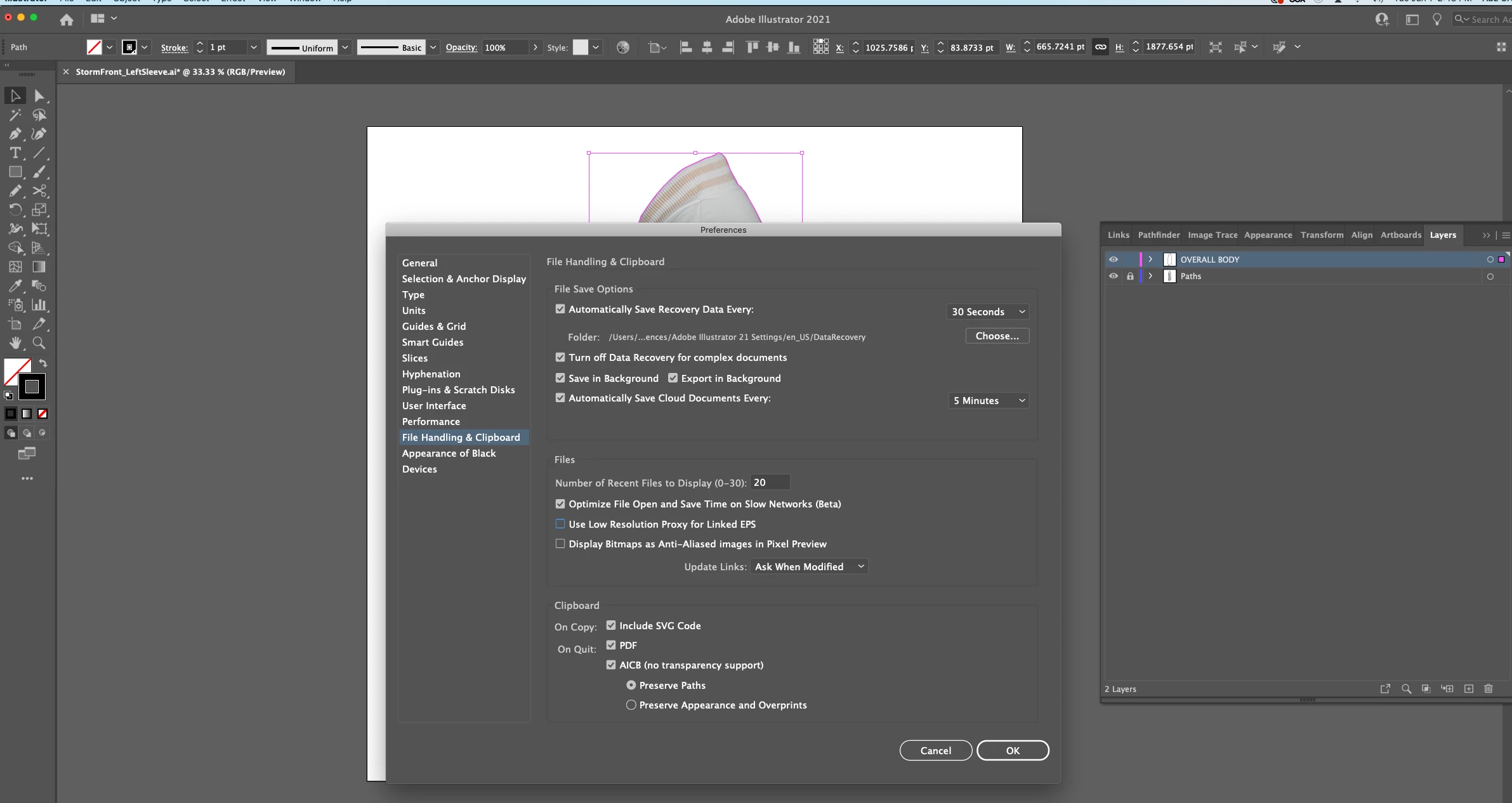
I have had no luck with copying a simple path from illustrator into photoshop. I need to create the same working path in photoshop. I have the ultimately the same image in both AI and PS and when I use the copy/paste feature, the prompt to select how to import e.g. smart object, path, pixel pops up, when I select PATH, the path doesn't copy over. It's just an empty work path. What am I doing wrong? Any help would be much apprecaited!
 AdChoices