



Creating a sliced path (dashed/dotted path)
Hey there!
I am trying to achive following effect for my paths. I need to divide my path into 2 separate colored paths. For example after each 200pt long black path is a 20pt long pink path. For a simple shape as a circle i have found a simple solution, that would work for me.
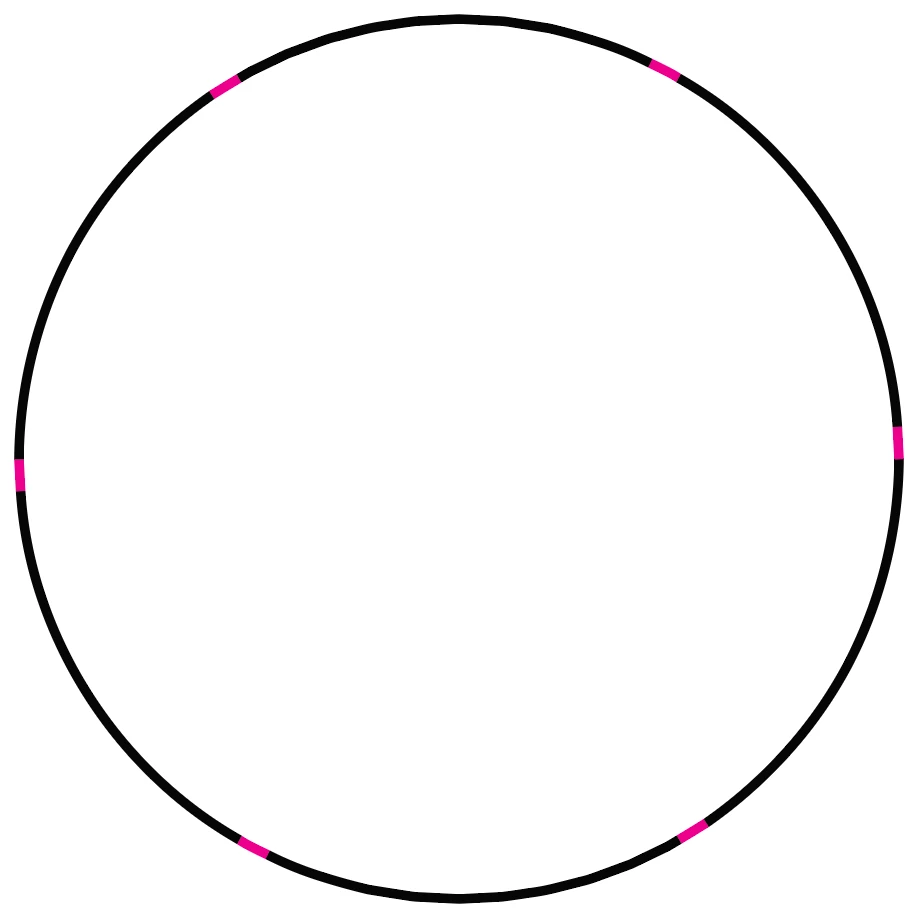
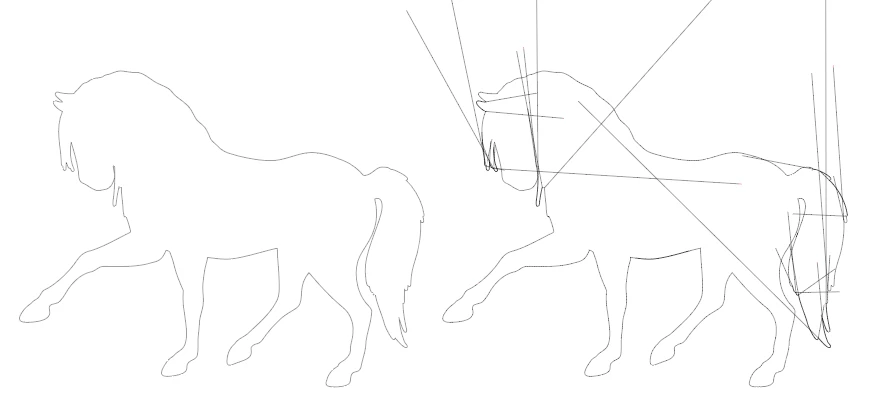
I use a pattern brush and can expand the apperance to have unique paths for black and pink. Unfortunately this solution isn't working for more complex paths beacause i require a long pattern (280pt balck and 1.5pt pink) and illustrator cant handle this on corner points. I get the following result. On the left is the original path and on the right is the pattern brush applied.
After adjusting the corner options of the pattern brush, i get a better result, but illustartor applies the pattern between corner points, which leads to results like this:
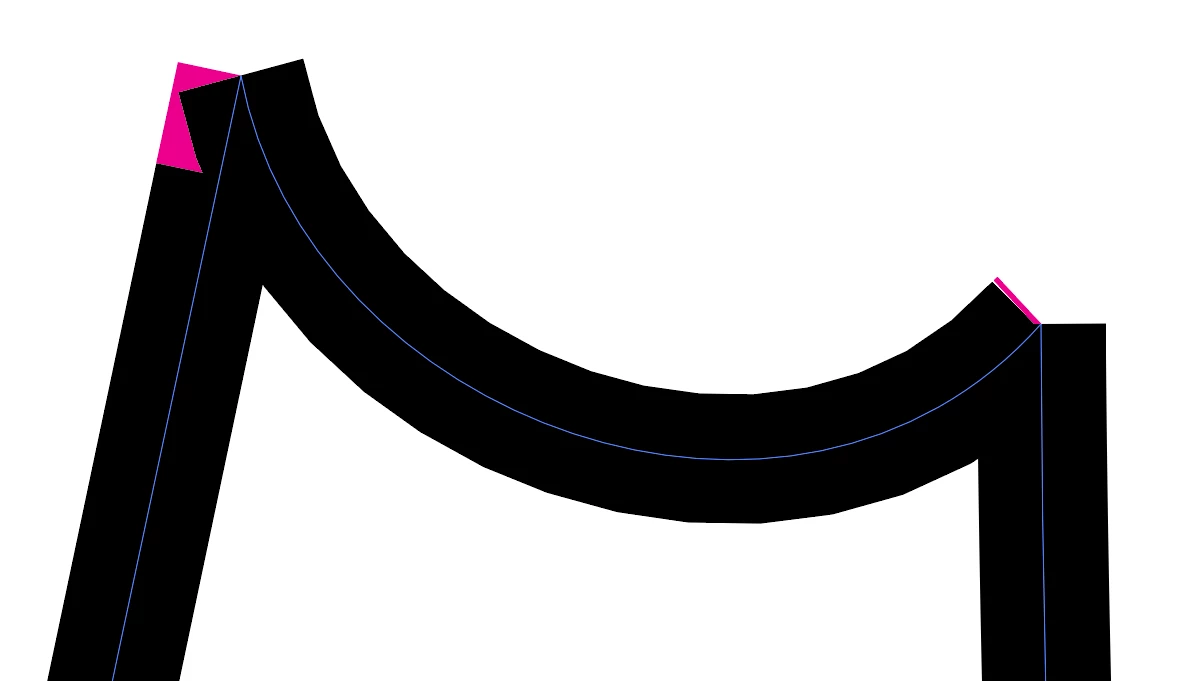
The whole pattern is compressed to a mush shorter path than wanted as you can see on the curved path. On the right side is the pink path, which should be much longer or even not on this position regarding the whole shape
Is there a way to achive it in Illustrator or even a script that manage to do that?
I dismissed following aproaches:
- Dotted path can only be transformed to shapes and not paths and cant create a solution with the pathfinder tool and the original shape.
- the cut tool can only be used manualy and I need a solution that potentualy can be run with an action or a script
Thank you in advance
-Maxim
 AdChoices