

Answered
Creating transparent brush strokes
There's probably an easy solution to this but I'm stuck. I'd like the white brush blotches to be transparent, so that when I overlay the black portion over an image it will have transparent blotches. 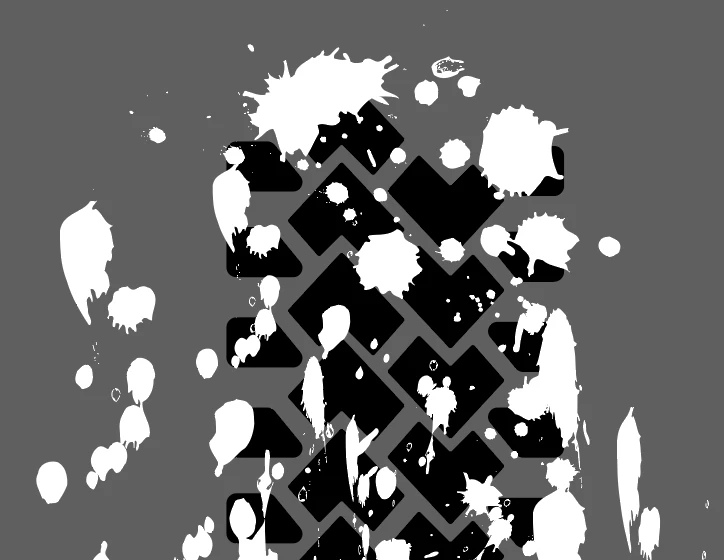

There's probably an easy solution to this but I'm stuck. I'd like the white brush blotches to be transparent, so that when I overlay the black portion over an image it will have transparent blotches.
You could do this with an opacity mask.
Group the artwork below and group the brush artwork and then in the transparency panel click on "Make mask"
You have to turn off the option "Clip" and turn on the option "invert"
Already have an account? Login
Enter your E-mail address. We'll send you an e-mail with instructions to reset your password.
 AdChoices