


Participant
March 19, 2023
Question

Cropping Text on Path Graphic

  • March 19, 2023
  • 2 replies
  • 468 views

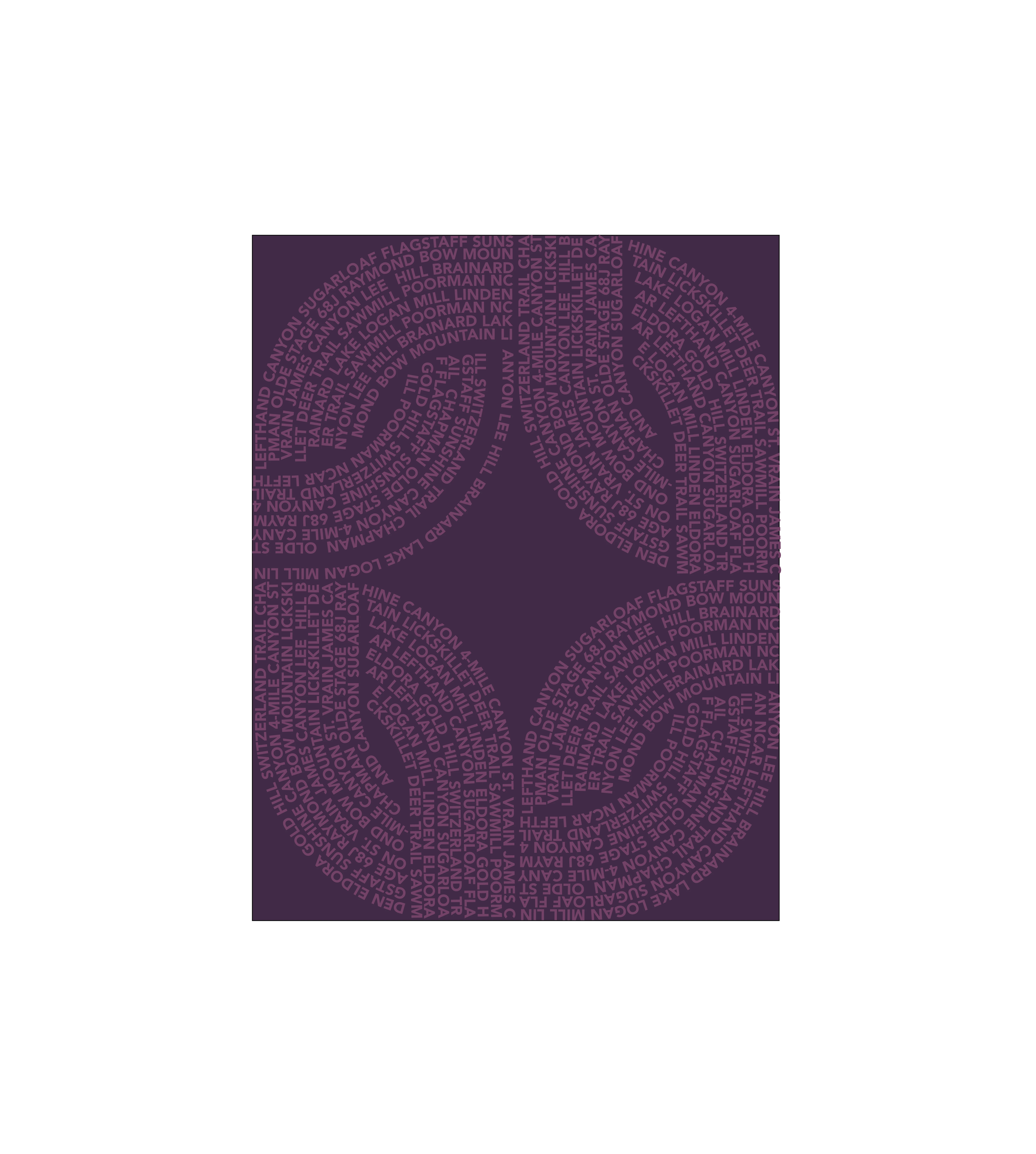
Hi there - I have a design where I have used overapping curved edge squares.  My text is only on a portion of the square outline so some of the empty paths fall outside of my artboard.  I am try to crop these empty paths so that I can make a pattern repeat.  I have tried adding a bounding box the size of my artboard and cropping that way and it has not worked.  Is there a different method I should try?  Below is png of the art.  It yelled at me when I tried to upload the .ai file
This topic has been closed for replies.

2 replies

Monika Gause
Community Expert
Community Expert
March 19, 2023

So you are doing what? Sending the repeat to a printing service such as spoonflower? Or creating a pattern swatch?


For the latter: draw a rectangle the size of the artboard, apply fill & stroke of none and send it to the background. Then drag everything into the swatches panel.


If you just want to export, then please tell us exatly how you are doing this. Maybe checking "Use artboards" does it?

Ares Hovhannesyan
Community Expert
Community Expert
March 19, 2023

There is Trim View command in View Menu that mask objects outside the artboard and you can use it for printing also, https://youtu.be/YcVkRBxhdKY


In old Illustrator we do that by adding rectangle object over artboard and do "Make Clipping Mask"

Participant
March 19, 2023

Thanks for the quick reply but that isn't working for me...  I went to trim view and the paths are still outside of the artboard and then create padding / margin in my printing files.