


Answered
Cutting "pixels" out of text in Illustrator
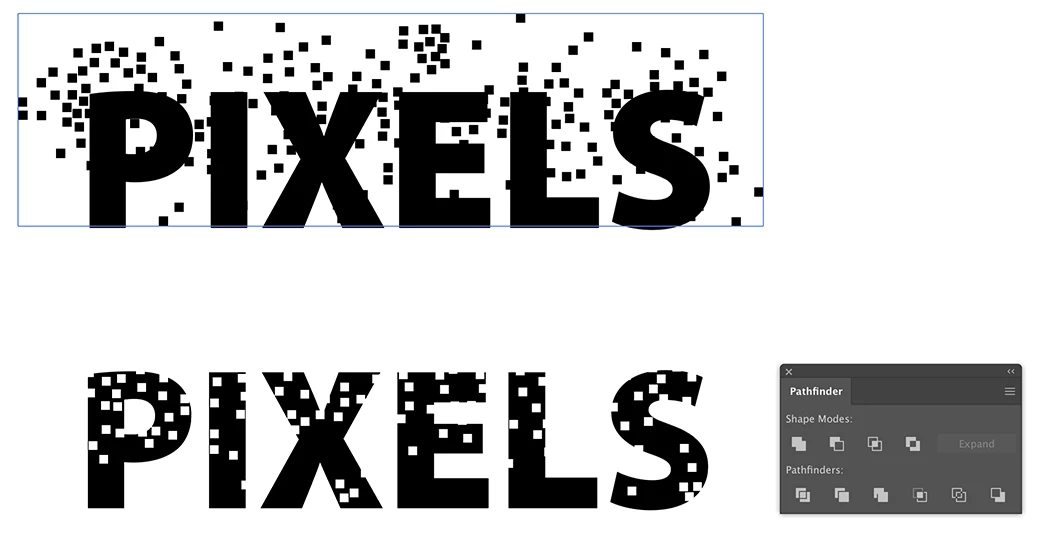
I want to design a logo where pixels fly out of a text. I have problems with cutting out the pixels from the text. I made a brush that scatters little squares. I scattered white squares in front of black text and made a group of the squares. Then I tried to use pathfinder tools to cut those out from the text. It does not work. Is the problem that you simply can't cut out parts from text, only from other objects?
I can make this effect with photoshop, but I don't like how it looks after I change it in to vectors in Illustrator. It has to look like pixels.
How would You do it?
 AdChoices