


JasonCarne
New Participant
October 24, 2017
Answered

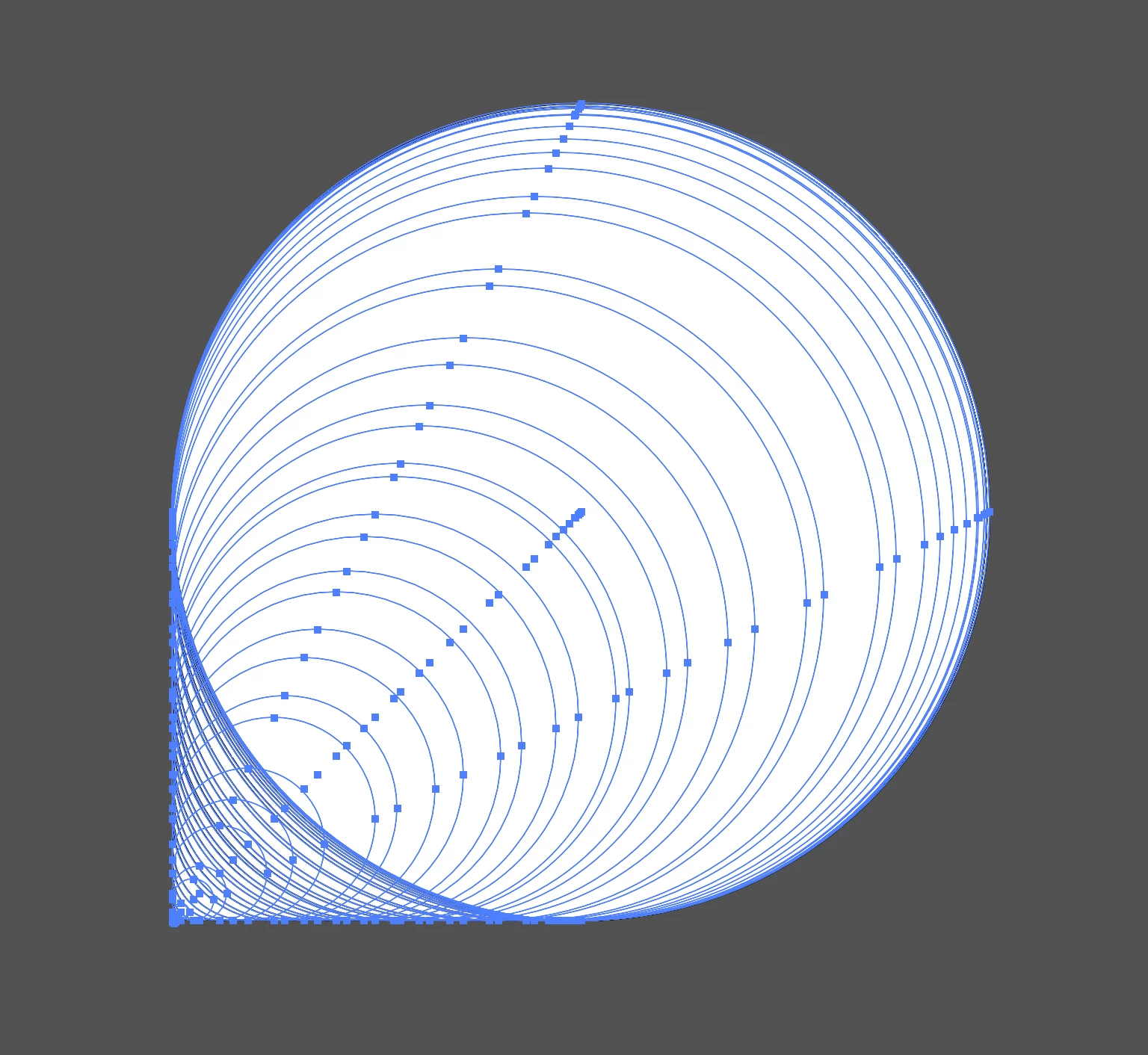
Dragging out shapes makes many objects instead of one.

  • October 24, 2017
  • 3 replies
  • 868 views

Attached below is an image of the issue I'm experiencing currently. When dragging out a shape it creates tons of objects instead of just creating a singular shape - have I mistakenly turned on some crazy setting here, or is this just a glitch? I'm running the most up to date version of Illustrator CC and Mac OS.
    This topic has been closed for replies.
    Correct answer Ton Frederiks

    It is caused by the tilde key (or the equivalent on your keyboard).

    A restart may also help.

    3 replies

    New Participant
    March 31, 2023

    This is happening to me. Did we find a solution?


    Thanks!


    Ton Frederiks
    Ton FrederiksCorrect answer
    Adobe Expert
    March 31, 2023

    It is caused by the tilde key (or the equivalent on your keyboard).

    A restart may also help.

    New Participant
    March 31, 2023

    Thank you! A restart worked perfectly. 

    Ton Frederiks
    Adobe Expert
    October 24, 2017

    Looks like the effect you get when you hold down the Tilde key ~

    Maybe it's stuck?

    Adobe Employee
    October 24, 2017

    Hi,

    Can you please send a screen recording of the issue and you system info on sharewithai@adobe.com

    Thanks,

    Sarah