
Draw gradient in ScriptUI panel?
Hi all -
I'm working on extending a script someone has made that assigns random colors (within user parameters) to the fill and/or stroke of selected objects.
Currently, to set the parameters for the Hue, the script uses two input boxes to enter values from 0-255, indicating the range of hues the script uses. I'd like to have some way to visually indicate the hue range selected, to assist those who might not have the hue spectrum memorized. 🙂
First thought was to use a hue spectrum image, with two sliders underneath to select the range, but I couldn't find any documentation for using two indicators on the same slider (like in Photoshop's "Blend if" sliders in Layer options).
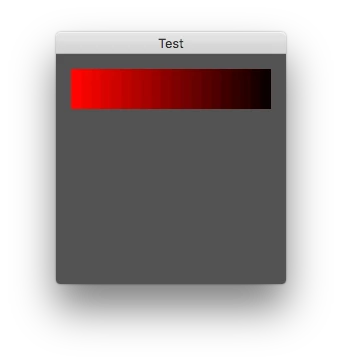
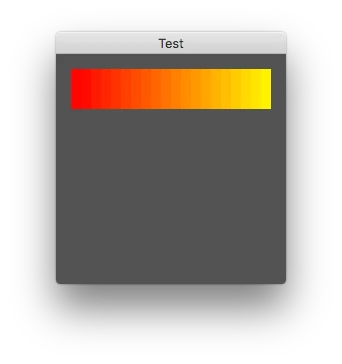
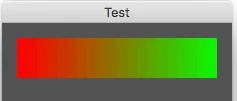
Second thought was to use the input boxes, and draw a rectangle above them in the dialog that's filled with a gradient ranging from the start to end values (and update it by redrawing each time the values are changed)
However, the latest ScriptUI documentation doesn't show a gradient as an option for drawing with ScriptUIPath, only solid fills of a rectangle with the Brush, for example.
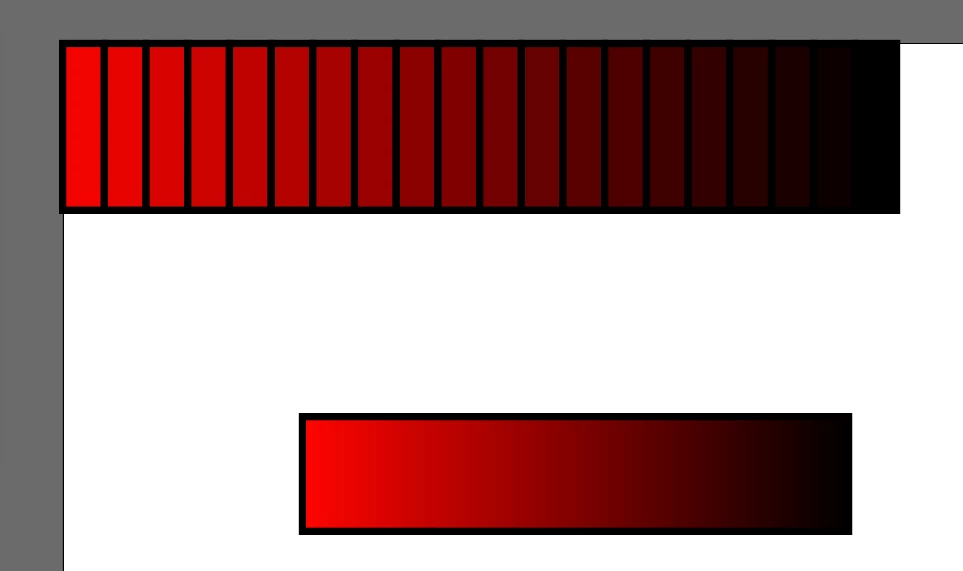
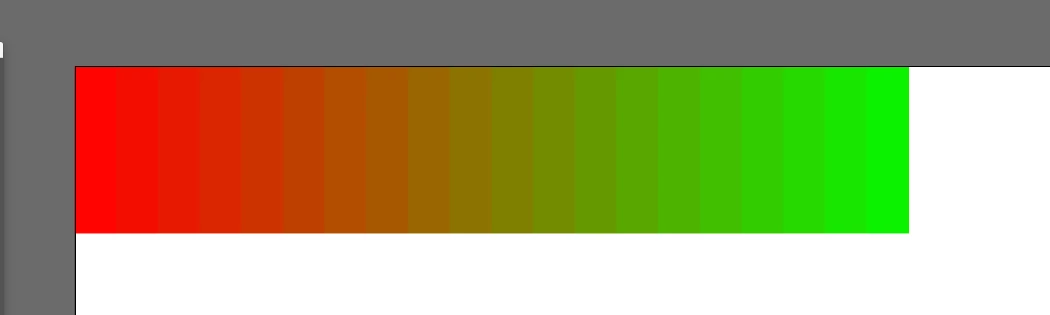
Anyone know of a way to create a gradient fill inside a ScriptUI window? Failing that, I'm thinking my best bet is to generate a series of small rectangles in a line, and fill each with an appropriate hue to create a rough "gradient" effect, but that's not ideal.
Thanks in advance!
 AdChoices