



svilen5C9E
Known Participant
November 10, 2022
Answered

editing adobe stock vector icons

  • November 10, 2022
  • 4 replies
  • 1059 views

Hi guys


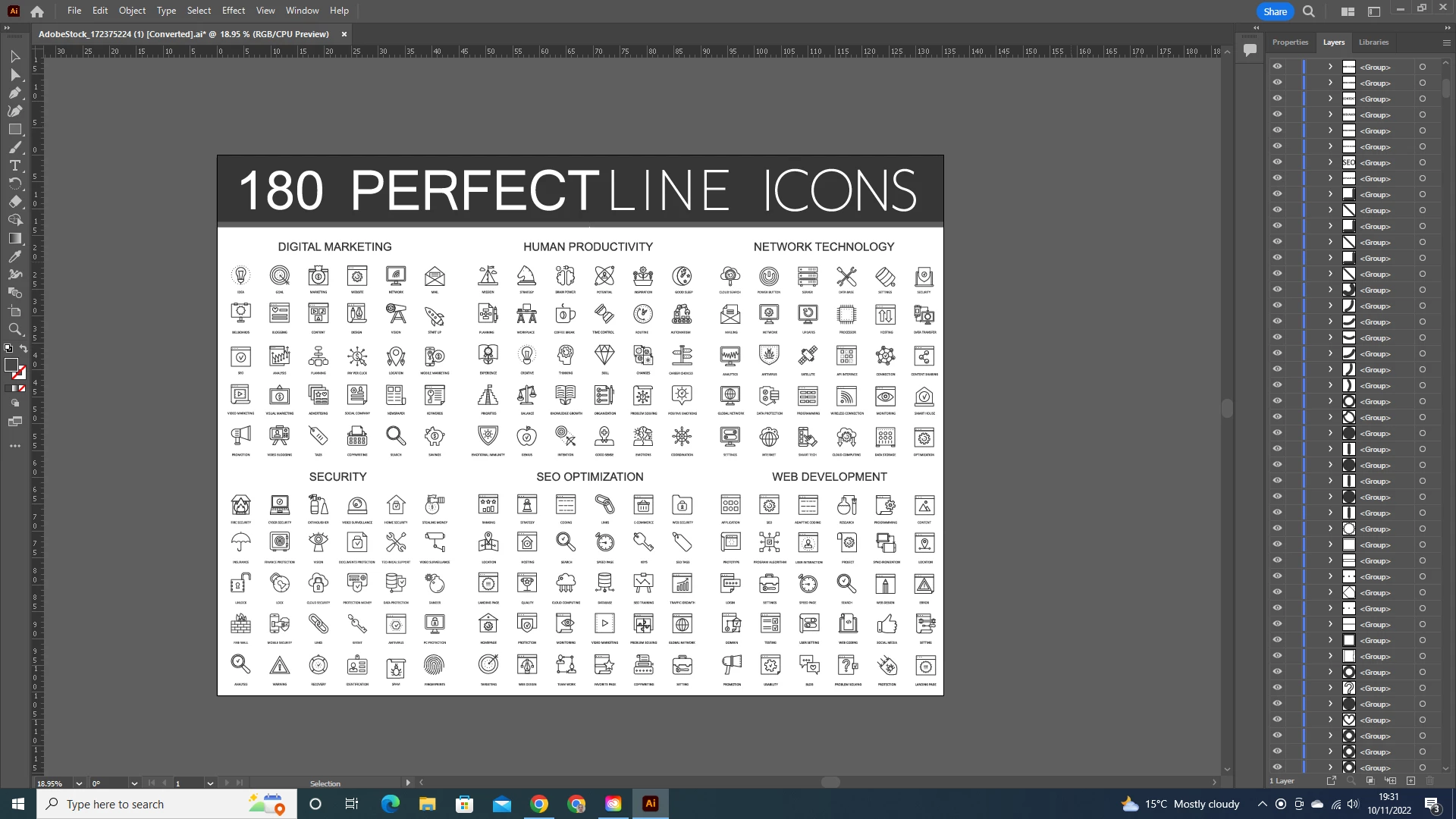
I am struggling to understand how to select and export vector ICON LOGO that I purchased from Adobe Stock library. I can manage to select just individual parts of the ICON, and not the whole thing.

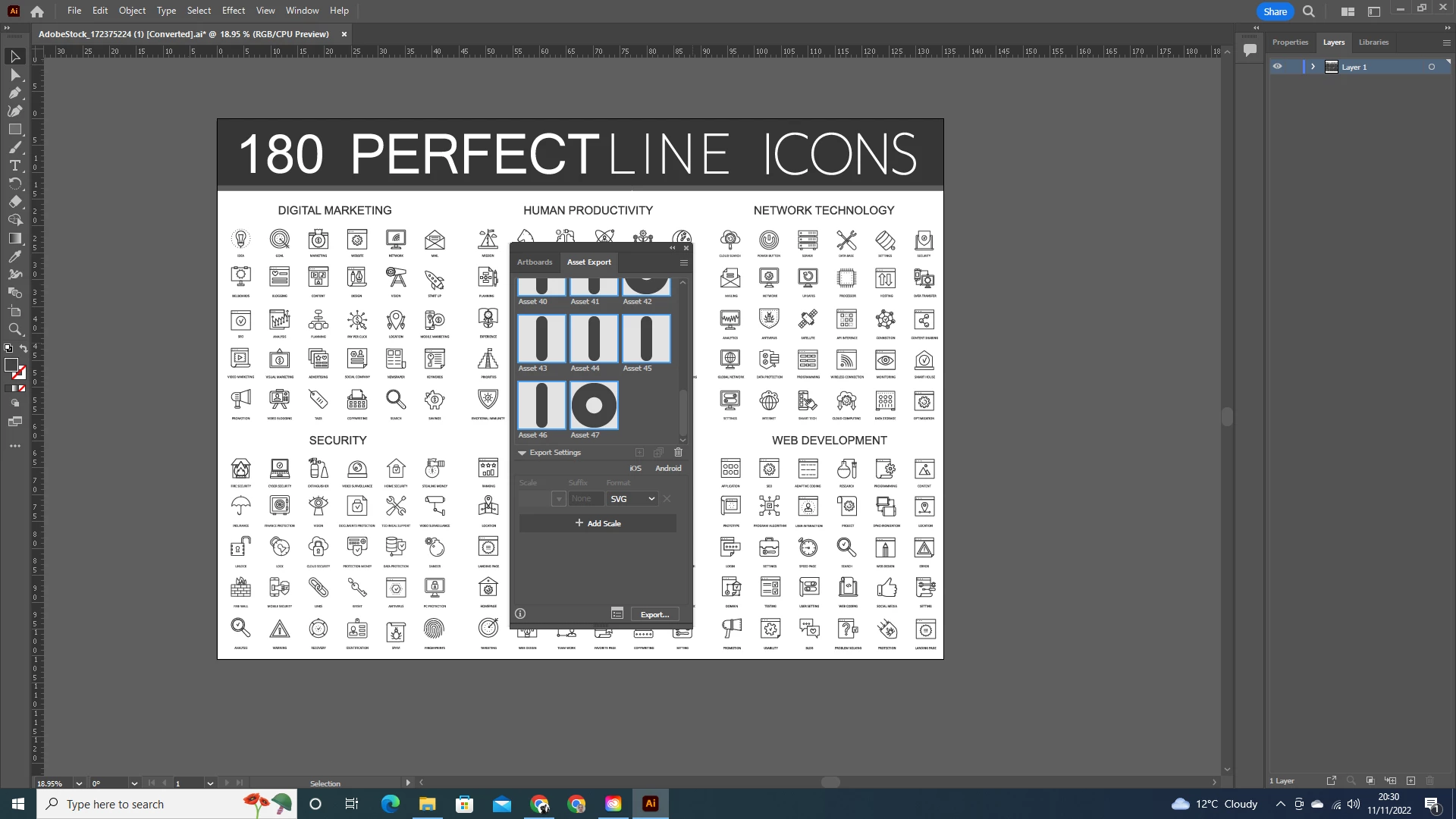
See the screenshot for illustration. Any help would be greatly appreciated. YouTube video addressing the topic would be great.
Kind regards 
This topic has been closed for replies.
Correct answer Doug A Roberts

It does't work. They appear as separate items in the download file.

Update. 

I just find a way to do it. I selected the whole icon, right click - group it, and then drag it to Asset export.


Yes, that's how it works. Also if you hold Alt while dragging multiple (ungrouped) objects to the panel, they will be added as a single asset.

4 replies

Monika Gause
Adobe Expert
November 10, 2022

You could try if this helps you understand the files: https://www.youtube.com/watch?v=H5NQyO2Tsjw

Met1
Brainiac
November 10, 2022

There's a white box behind the whole thing, just delete that, and then drag select over the entire icon you want. (You would think they'd be grouped but they aren't...)

svilen5C9E
Known Participant
November 10, 2022

How to delete the white background?

When I try to select Icon the whole window is being selected and exported. See the photos

Doug A Roberts
Adobe Expert
November 11, 2022

If you just want to export them individually, try the Asset Export panel (Window menu). Drag and drop icons to the panel.

Adobe Expert
November 10, 2022

If you are having trouble dragging a marquee around the icon you want, try changing to outline view, and then drag around the icon. 

Mylenium
Brainiac
November 10, 2022

Is a marquee selection not working or the usual modifier keys like Shift? It sounds like you may need to read the online help on some basics. Once everything is selected you can then of course simply group the elements and copy & paste them to a new art boards or file for export.


Mylenium

svilen5C9E
Known Participant
November 10, 2022
Could you please, give me some links and info - I am a complete AI beginner.

Your help is much appreciated.
Regards