

Inspiring
January 4, 2019
Answered

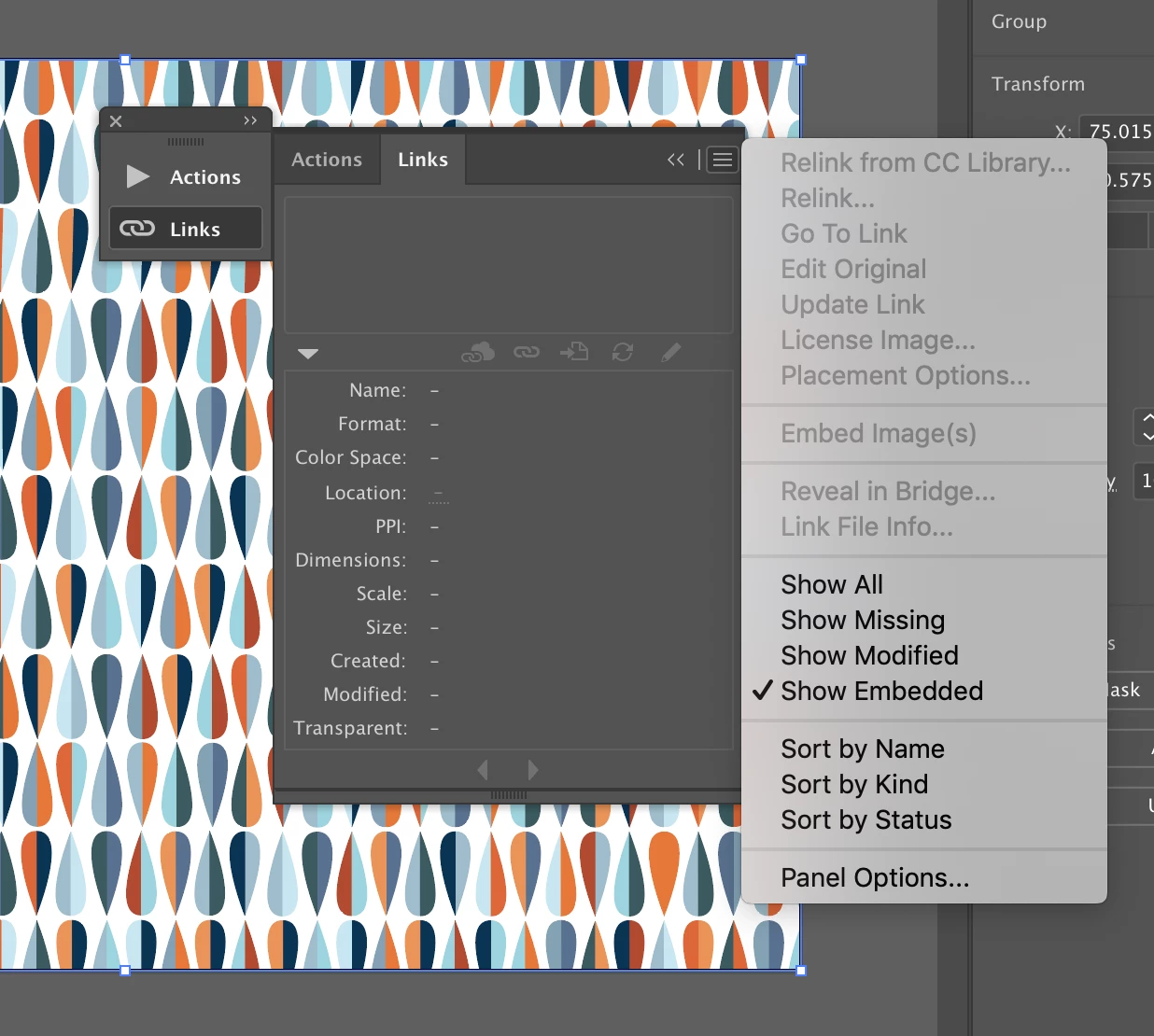
Embed image option greyed out

  • January 4, 2019
  • 3 replies
  • 13991 views

Trying to figure out why my embed image function is greyed out.  I can't link or embed the file...
    This topic has been closed for replies.
    Correct answer Eric Dumas

    Hi,

    I think it. is because you have no files currently linked.

    Try

    • File > Place
    • Browse for a file
    • Make sure the option for 'link' is selected
    • Insert the file
    • Check you Link panel again and its options

    3 replies

    JTTaylor
    Participating Frequently
    August 23, 2024

    Make sure the option for 'link' is selected?

    Embed image option is greyed out.

    New Participant
    February 15, 2023

    Despite the image being linked, embed images are greyed out in the links tab for me, only if selecting the image from the artboard the embed is showing up.

    Ton Frederiks
    Adobe Expert
    February 15, 2023

    Looks correct to me. If nothing is selected how would Illustrator know which images to embed and which ones to keep linked?

    If you want to embed all images, either select all or choose Include Linked Files when saving the file.

    Eric Dumas
    Eric DumasCorrect answer
    Brainiac
    January 4, 2019

    Hi,

    I think it. is because you have no files currently linked.

    Try

    • File > Place
    • Browse for a file
    • Make sure the option for 'link' is selected
    • Insert the file
    • Check you Link panel again and its options
    Inspiring
    January 4, 2019

    Thanks Eric, yep, I thought I had it set to auto link but was mistaken.  Thanks much!

    Eric Dumas
    Brainiac
    January 4, 2019

    No worries, glad to be of help
