Participant
November 29, 2019
Question

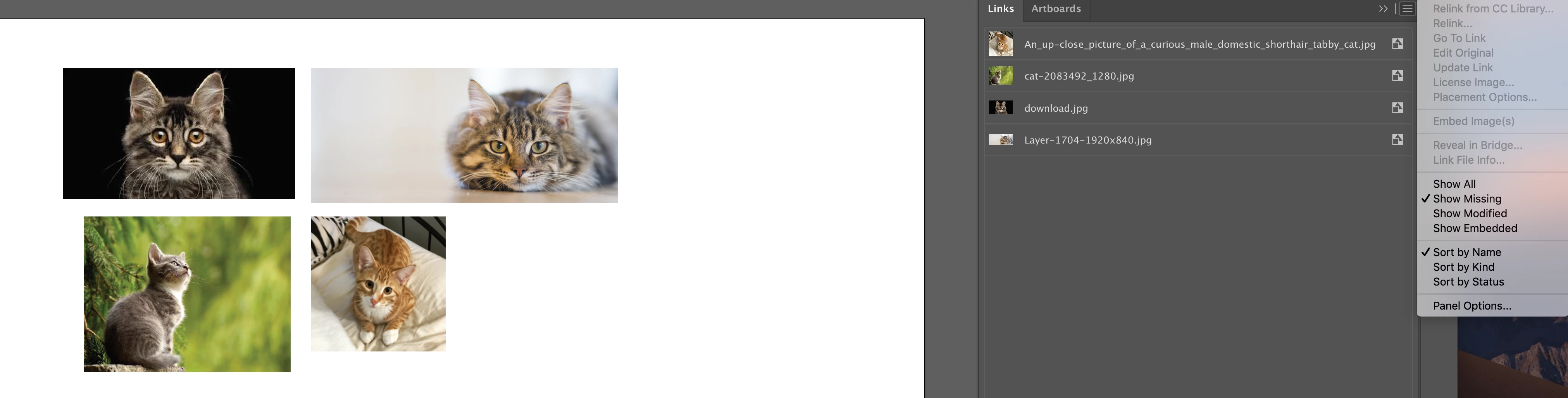
Embedded links in Illustrator 2020 show up as both Embedded and Missing on macOS Mojave

  • November 29, 2019
  • 2 replies
  • 1535 views

Linked images that gets embedded in Illustrator 2020 shows up on both MISSING links panel and EMBEDDED panel - triggers the "Some files are missing or modified in Links Panel. Would you like to update them now?" popup every 10-15 mins (but all images are embedded).  
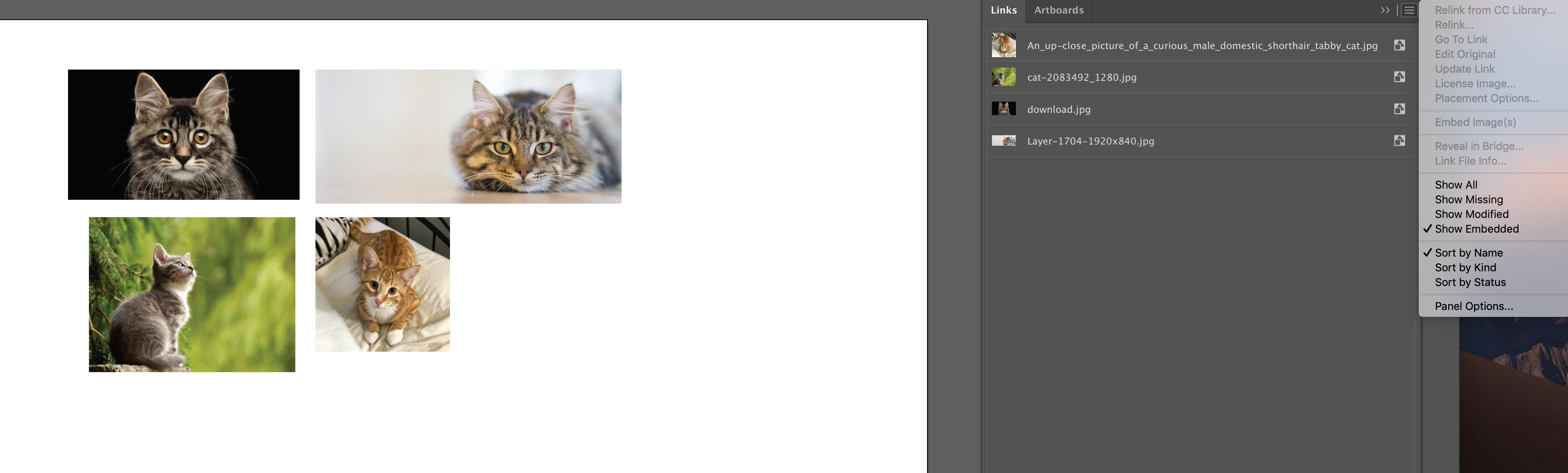


How to ensure embedded links stay embedded and stop Illustrator from asking me to update them/thinking they are missing?

Source images before embedding also lived within same folder as the AI workfile.

This is on a 2019 Macbook Pro running Mojave 10.14.6, latest version of Illustrator from Creative Cloud. 

Thanks!


{Renamed by MOD}

This topic has been closed for replies.

2 replies

Srishti Bali
Community Manager
Community Manager
November 29, 2019

Hi there, 


Thanks for reaching out and highlighting this. We are currently investigating this issue. Please upvote this issue here: https://illustrator.uservoice.com/forums/601447-illustrator-bugs/suggestions/39025888-modified-link-missing-link-pop-ups and share the information asked on this UserVoice thread. This way you'll keep getting updates about this issue.


This is the best way of communicating with the Engineering and Product Management teams regarding issues and suggestions so they can be implemented in future releases.


Regards,

Srishti

flam711Author
Participant
December 2, 2019

Hi Srishti,

I have created an inquiry in Illustrator User Voice already: ( https://illustrator.uservoice.com/forums/601447-illustrator-bugs/suggestions/39154411-embedded-links-in-illustrator-2020-show-up-as-both )


I also upvoted the above thread as per your link, but it seems their issue is with linked images but my live linked images perform as per usual, the issue is only triggered when I embed links.

Thanks!

Srishti Bali
Community Manager
Community Manager
December 3, 2019

Thanks for sharing the details. I have passed it on to our Product team and they are looking into it. Till the time it is fixed, please try this workaround and let us know how it goes:

Go to Illustrator > Preferences > File Handling & Clipboard and set Update Links to Manually.


Regards!

Ton Frederiks
Community Expert
Community Expert
November 29, 2019

I think you should report it here:

https://illustrator.uservoice.com

Maybe this helps:

Put the source image inside a folder named Links in the same folder as your workfile.