


Answered
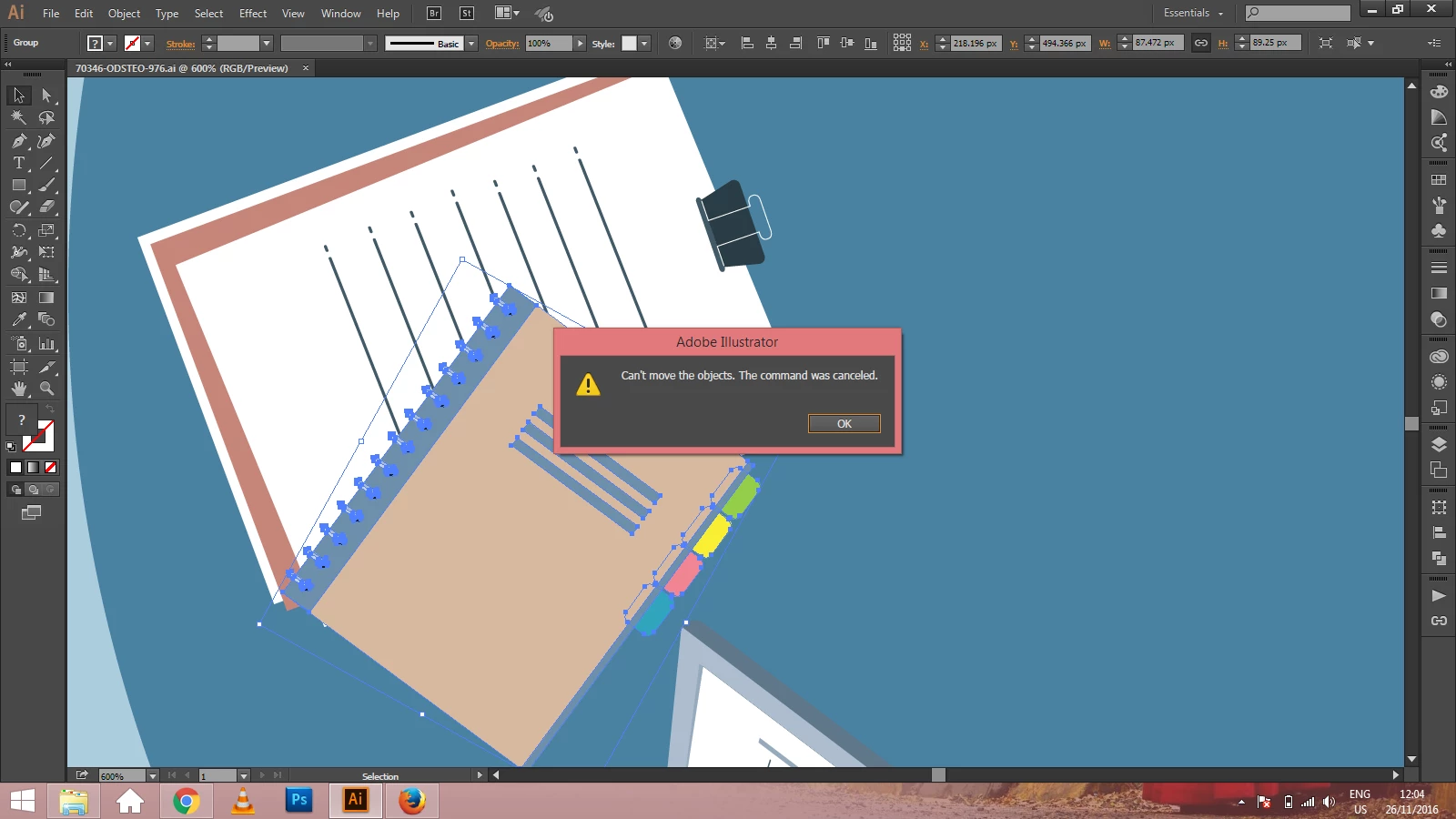
Everytime i use move tool...i get this message "Can't move the objects. The command was canceled."

Hello Anubhav,
Always appreciate your responsiveness!
I solved my issue - somewhat ..
Turns out there were box objects - eg basic outlined boxes - created in Word along with the text in this form type of .docx file. When I created the PDF from Word, then brought into AI, I was able to create outlines and move the text, but not the graphics (boxes) from Word. They were frozen, unselectable. Thereby entire document could not be moved, nor copy/pasted into another AI file.
Therefore I somehow isolated those problematic boxes using the direct selection tool (took many clicks on those suckers to get the points to appear), deleted all the graphic boxes, and re-created those boxes in Illustrator.
Voila - All the text + the boxes can now be moved.
In summary - Realizing any imported shapes from Word into AI causes issues.
Hope someone finds this helpful.
Already have an account? Login
Enter your E-mail address. We'll send you an e-mail with instructions to reset your password.
 AdChoices