


Answered
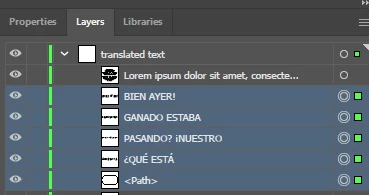
Files saved using Area Type Tool are saved as separate layers for each line and path
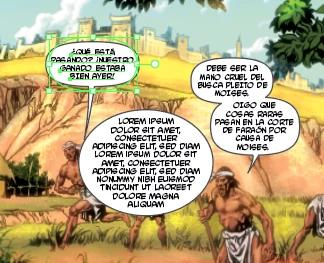
I don't recall this happening before so I think it is a new bug. I have the latest version of Adobe Illustrator 27.5 and am running on both Windows 11 and MacBook Pro computers. I create an oval path and then select it with the Area Type Tool. I add the text and formatting and then save the file. The next time I open the file, the path and each line of text within the path are saved as new objects in the layers panel rather than one single object. The picture shows an example object I created after I reopened this document so you can see the difference in the layers pallette between what an object should look like and what is actually happening upon save.
 AdChoices