KlausKi
Inspiring
September 23, 2017
Answered

Font/object outline option "behind object"?

  • September 23, 2017
  • 3 replies
  • 3894 views

Migrating from CorelDRAW I'd like to add outline to text in Adobe Illustrator.

Currently, in Illustrator I cannot find an option to put an object's (text's) outline behind the object.

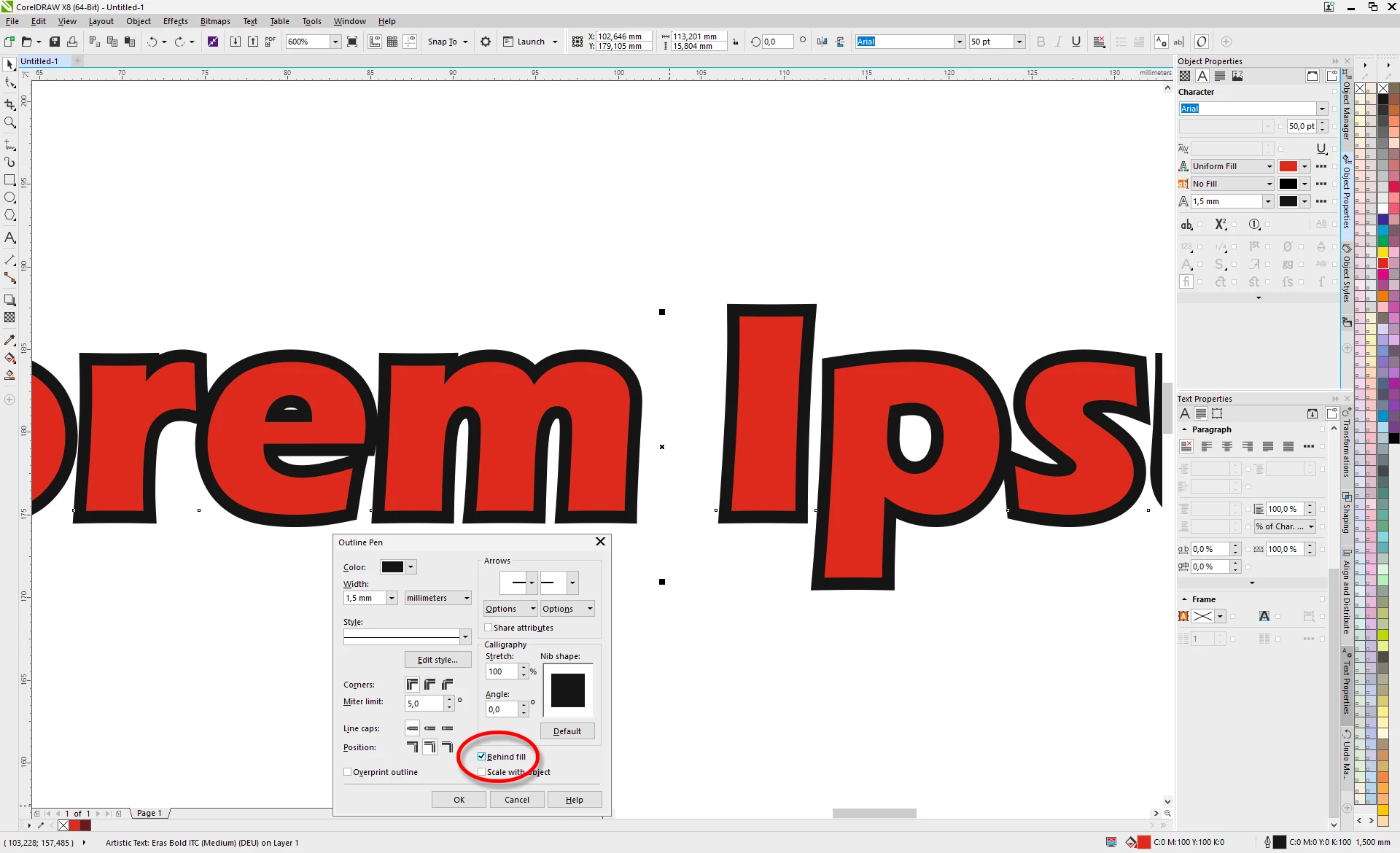
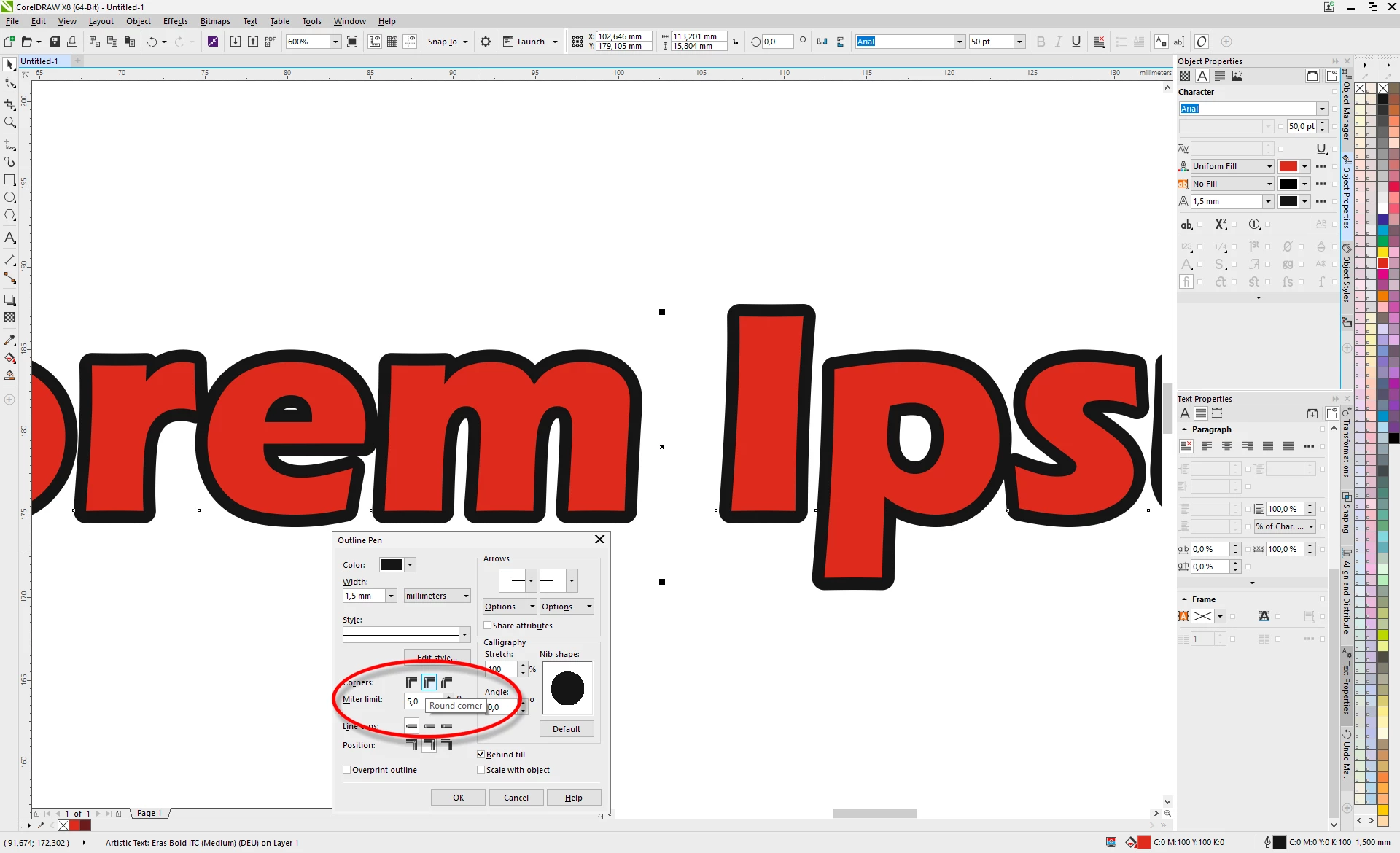
Here's what I would be doing in CorelDRAW (adding text, adding outline to text, put outline behind text, change outline from mitered to round):

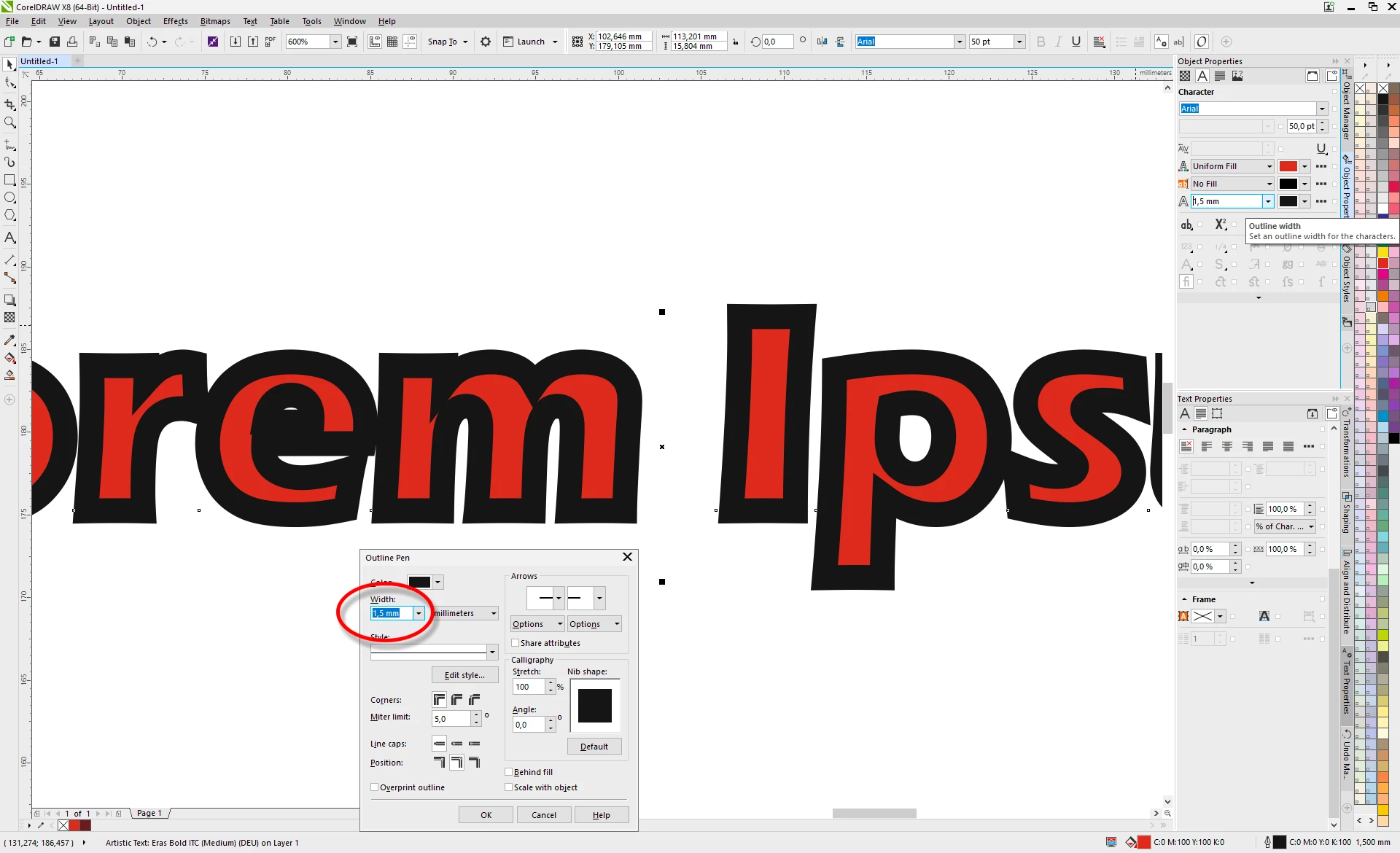
Your help is appreciated.

This topic has been closed for replies.
Correct answer Kurt Gold

Select the text object (only fill colour is applied). Go to the Appearance palette and add a new stroke. Then drag the Stroke item below the Type item.

3 replies

Jacob Bugge
Community Expert
Community Expert
September 23, 2017

Klaus,

Now that Kurt and Angie have answered the question fully, and now that we have safely reached Midfall, there may be time for a silly question:

Which stroke alignment (equivalent construction) is best (depending on font(s), colours, other artwork, background (if any), moon, stars, sun, time of night/day)?

angie_taylor
Legend
September 25, 2017

Not sure I understand your question? Can you explain or upload a screenshot of what you want to do?

Jacob Bugge
Community Expert
Community Expert
September 25, 2017

Angie, this is the question (about (opinions on) preference/preferableness):

angie_taylor
Legend
September 23, 2017

Here's more information about the Appearance panel;

The Appearance Panel in Illustrator - YouTube

KlausKi
KlausKiAuthor
Inspiring
September 25, 2017

Thanks, Kurt & Angie, for your valuable help! Excellent answers, which were very enlightening to me.

Kurt Gold
Community Expert
Kurt GoldCommunity ExpertCorrect answer
Community Expert
September 23, 2017

Select the text object (only fill colour is applied). Go to the Appearance palette and add a new stroke. Then drag the Stroke item below the Type item.