


Answered
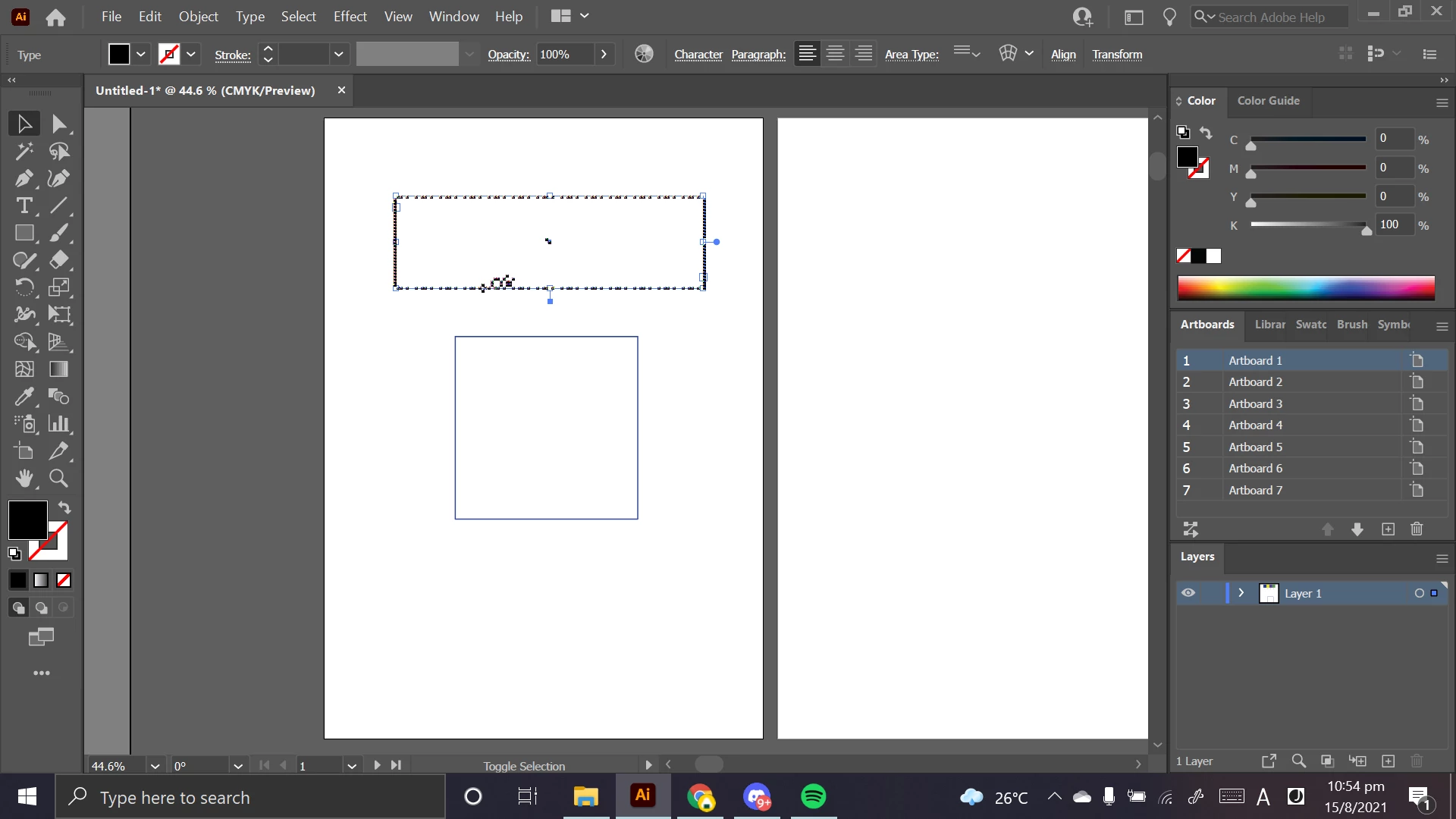
General smart guides and lines look pixelated and fried, the words cannot be read.
Hi, I would like to ask for some help regarding a persisting issue I have been facing for a while now. I just changed to a new laptop due to complications in my old one, and I have just started using Illustrator on this laptop. An issue that never happened before in my old laptop but is consistently happening now is that my guidelines or boxes are constantly looking fried, and so are its contents, especially text boxes. I have no idea what is causing it, and I would like to get some advice from veterans here to try and solve it. It is hindering my work progress, and any help would be appreciated!
Attached below is a screenshot of the said issue so you can see it for yourselves.
Thank you, and stay safe!!
 AdChoices