Boomstick,
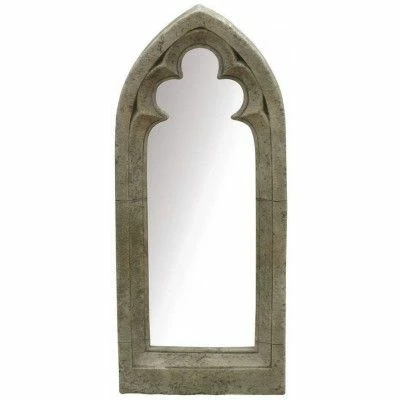
Disregarding an inferior Image Trace, in any case you can start by placing (a copy of) the image on a Template Layer and then redraw on a (live) Layer above it.
For a close resemblance including the asymmetry, the obvious way will be to (re)draw with the Pen Tool.
For a more stylized symmetric appearance you can start with an adapted (Rectangle Tool) rectangle at the bottom and an adapted (Ellipse Tool) ellipse (to fit the lower part of the arch) at the top (same width), then Pathfinder>Unite (or use Shape Builder), and then use the Convert Anchor Tool (bundled with the Pen Tool) on the top Anchor Point and ShiftClickDDrag it up to (the best fit of) the pointed top.
Or you can draw the left/right part (depending on which you prefer) with the Pen Tool from the top to the bottom corner, then (Object>Transform>) Reflect it vertically and join, then join again to create the bottom segment and close the path.

 AdChoices