


Question
Help Creating a Script from an Action
Hello All,
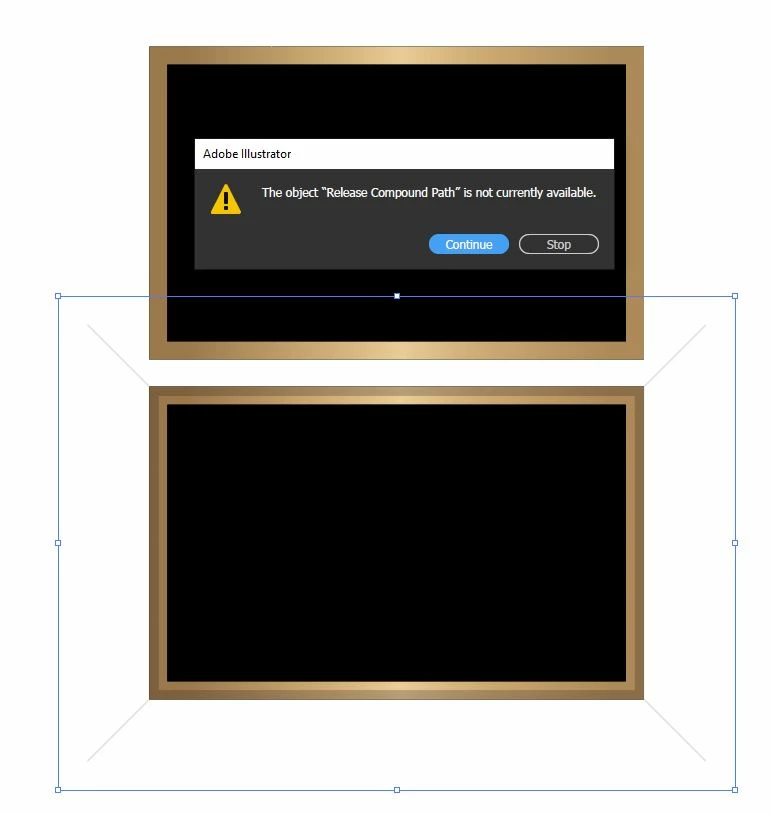
I have a rather lengthy action that applied a bevel effect and I believe could be completed faster if it were a script. Anyone out there willing to give it a shot or give me some pointers?
Thank you!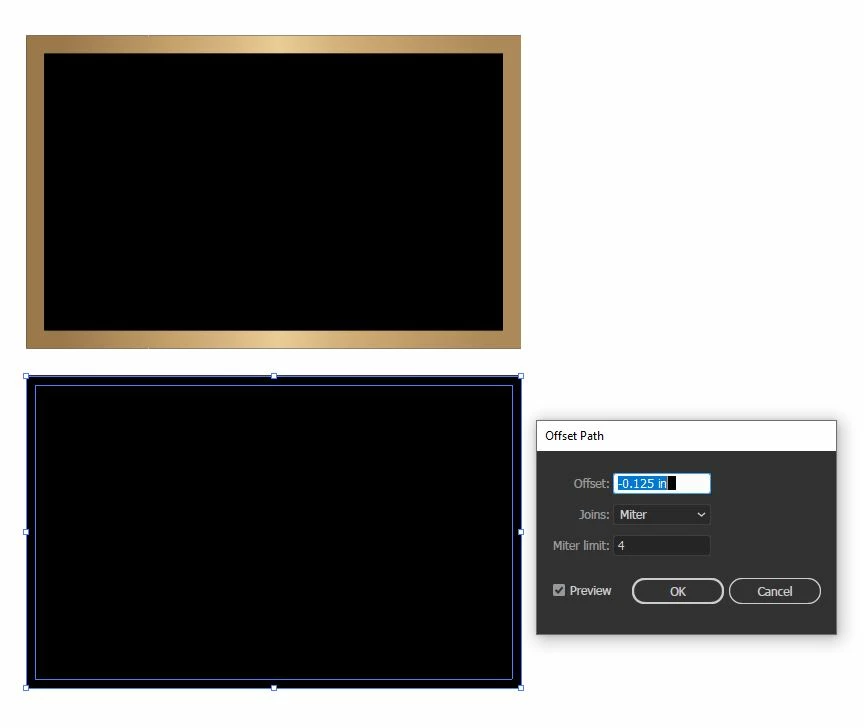
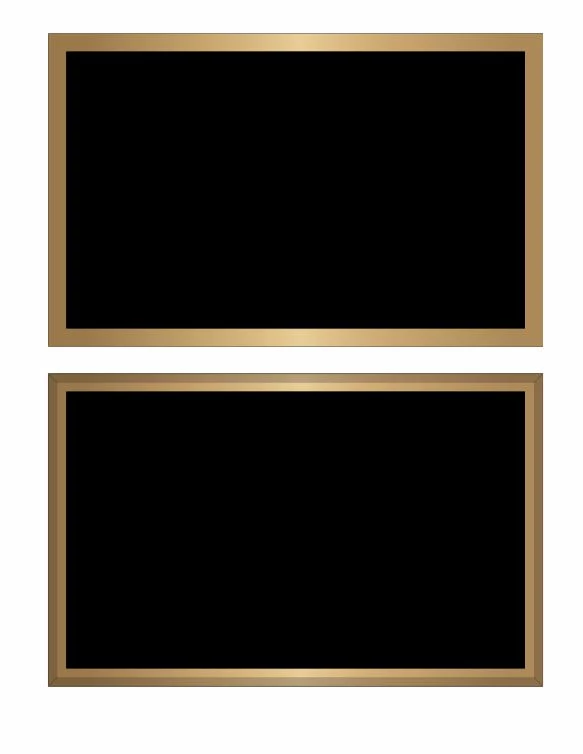
Bevel Maker Effect Action -


Copy
Select All
Lock
Paste in Front
Release Compound Path
Swatches
- Apply Swatch: 100% Black
Pathfinder
- Add
Offset Path
- [Enter Value]
- Miter Limit: 4
- Line Join: Miter
Select
- Same Fill & Stroke
Set Stroke
- Weight: 1pt
- Cap: Round Cap
- Join: Round Join
- Dashed Line(s): 0
- Dash Adjustment: No
- Alignment: Inside
Pathfinder
- Exclude
Transparency
- Opacity: 12%
Brush
- Apply: Bevel Maker
Expand Appearance
Paste in Front
Release Compound Path
Swatches
- Apply Swatch: 100% Black
Pathfinder
- Add
Set color
- Fill color
- To: None
Set color
- Stroke color
- Cyan: 99%
- Magenta: 99%
- Yellow: 99%
- Black: 100%
Transparency
- Opacity: 30%
Select
- Same Stroke Color
Pathfinder
- Divide
Transparency
- Opacity: 12%
Set Stroke
- Weight: 1pt
- Cap: Round Cap
- Miter Limit: 10
- Join: Miter Join
- Dashed Line(s): 0
- Dash Adjustment: No
- Alignment: Center
Set Stroke
- Weight: 1pt
- Cap: Round Cap
- Join: Round Join
- Dashed Line(s): 0
- Dash Adjustment: No
- Alignment: Center
Rectangle Tool
- Width: 72 pt
- Height: 72 pt
- Centered: No
- Center X: 1301.35 pt
- Center Y: 409.71 pt
Set color
- Stroke color
- To: None
Set color
- Fill color
- To: None
Select
- Same Fill & Stroke
Clear
Set color
- Stroke color
- Cyan: 70%
- Magenta: 99%
- Yellow: 99%
- Black: 100%
Set Color
- Fill color
- To: None
Transparency
- Opacity:12%
Select
- Same Fill & Stroke
Clear
Select All
Group
Unlock All AdChoices