Vivacious_problem0101
Participant
August 9, 2017
Answered

Help! Weird Illustrator behavior, can see my work progress in outline mode but not in normal mode?!

  • August 9, 2017
  • 1 reply
  • 1186 views

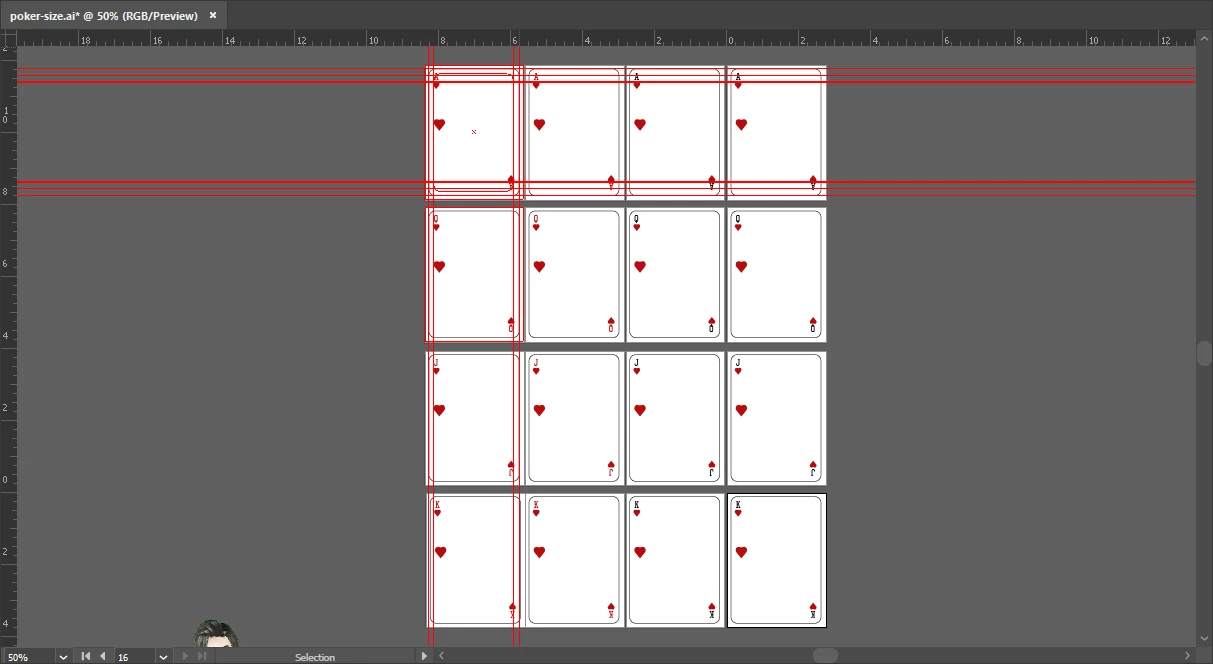
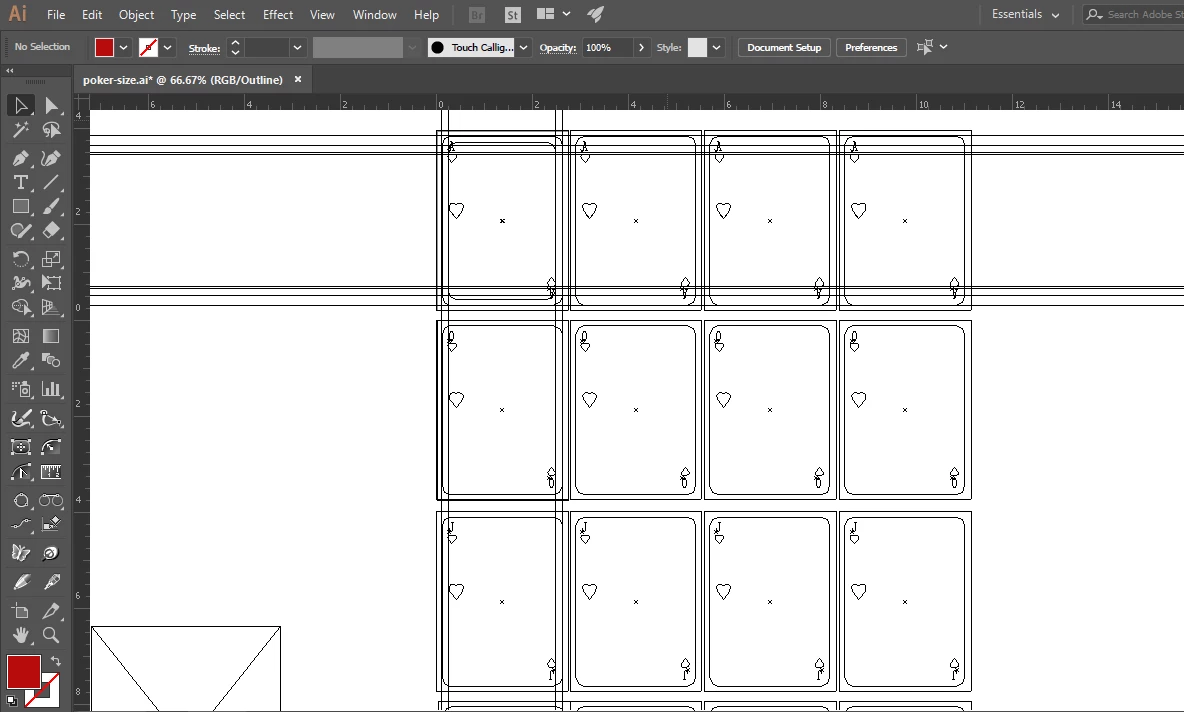
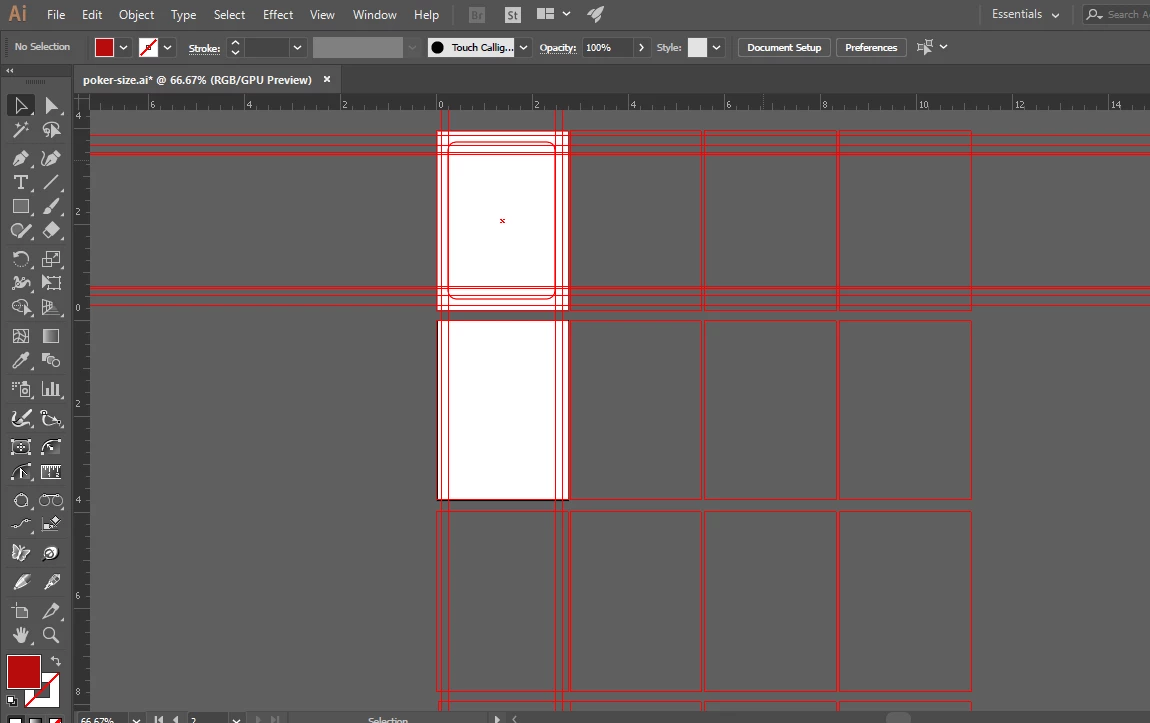
Hello people! I was working on illustrator cc 2017 and suddenly it started behaving weirdly. I can see my work progress in outline mode (ctrl+y) (Image 1) but when I go in normal mode its blank. Please any solution?
This topic has been closed for replies.
Correct answer Vivacious_problem0101

snappingrose  schrieb

Yes I have checked, the alphabets and symbols are half in red and other are in black. There are no groups at all.

What about the layers?

Please show a screenshot of the layers panel.


I rechecked what might be causing the problem and realized that I recently installed the Astute plugins so I uninstalled them and now I can see all the elements

1 reply

Monika Gause
Community Expert
Community Expert
August 9, 2017

CHeck all the colors that are applied to

- fills of your object

- the group

- the layer

Maybe some of those are white

ALso check the opacity of all of them

If there's nothing suspicious: when did you last restart the computer?

Vivacious_problem0101
Participant
August 9, 2017

Yes I have checked, the alphabets and symbols are half in red and other are in black. There are no groups at all. I was just about to that when it started acting weird. I saved the file and closed illustrator then reopen it but its still the same.

I will try to reboot the computer and see if something else is causing the problem.

Vivacious_problem0101
Vivacious_problem0101AuthorCorrect answer
Participant
August 15, 2017

snappingrose  schrieb

Yes I have checked, the alphabets and symbols are half in red and other are in black. There are no groups at all.

What about the layers?

Please show a screenshot of the layers panel.


I rechecked what might be causing the problem and realized that I recently installed the Astute plugins so I uninstalled them and now I can see all the elements