


Help with pathfinder modes not working as expected
Hi All and thanks for the help.
I am trying to create a file for a graphic plotter and wanting to add weeding lines. Plotters cut EVERY path so extraneous paths are a no-no.
This is my workflow:
Type text. Convert to outline. Select all and pathfinder> Merge (this stops the plotter from cutting teeny bits where the letters overlap
Add a line where I want an extra cut however I don't want the plotter to cut through the letters so I need to trim the line around the letters.
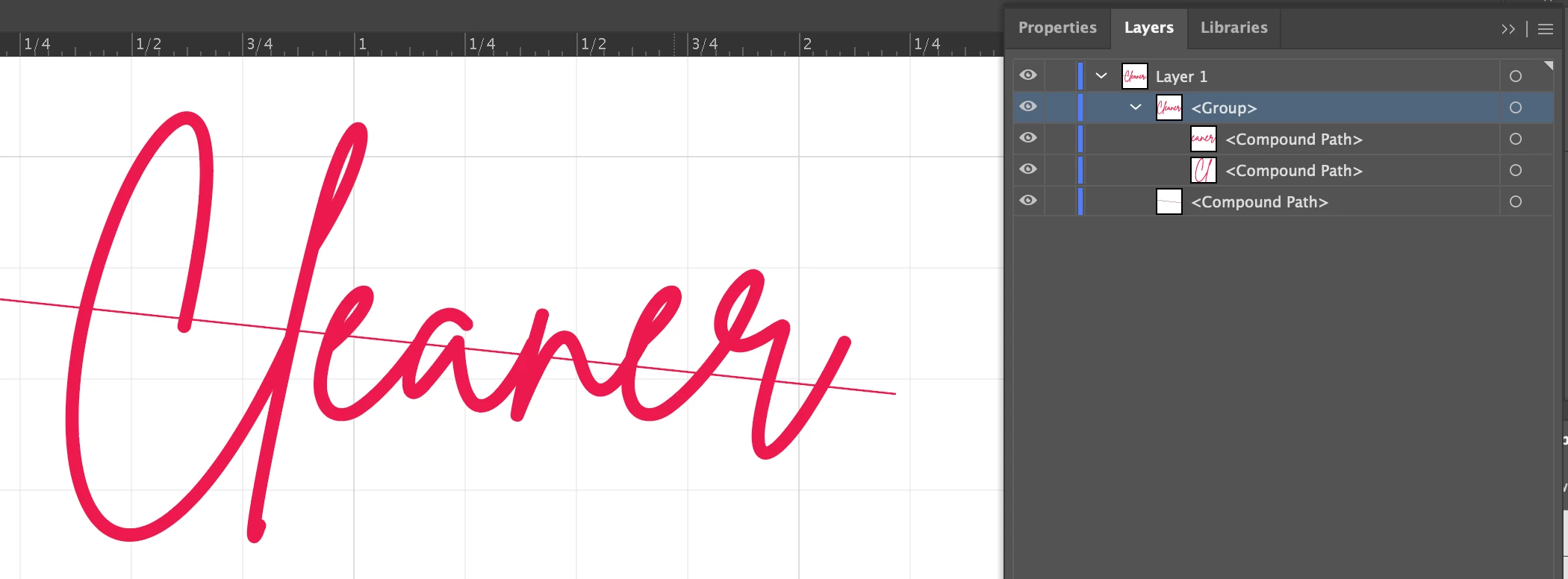
It doesn't seem to matter whether I leave the line as a line or convert it to a compound path. It does seem to be important that the line has a color for fill.
I also make sure the line is at the back.
When I try and use minus front Shape Modes>Minus Front, (which would leave the line segments I need, get the following error:
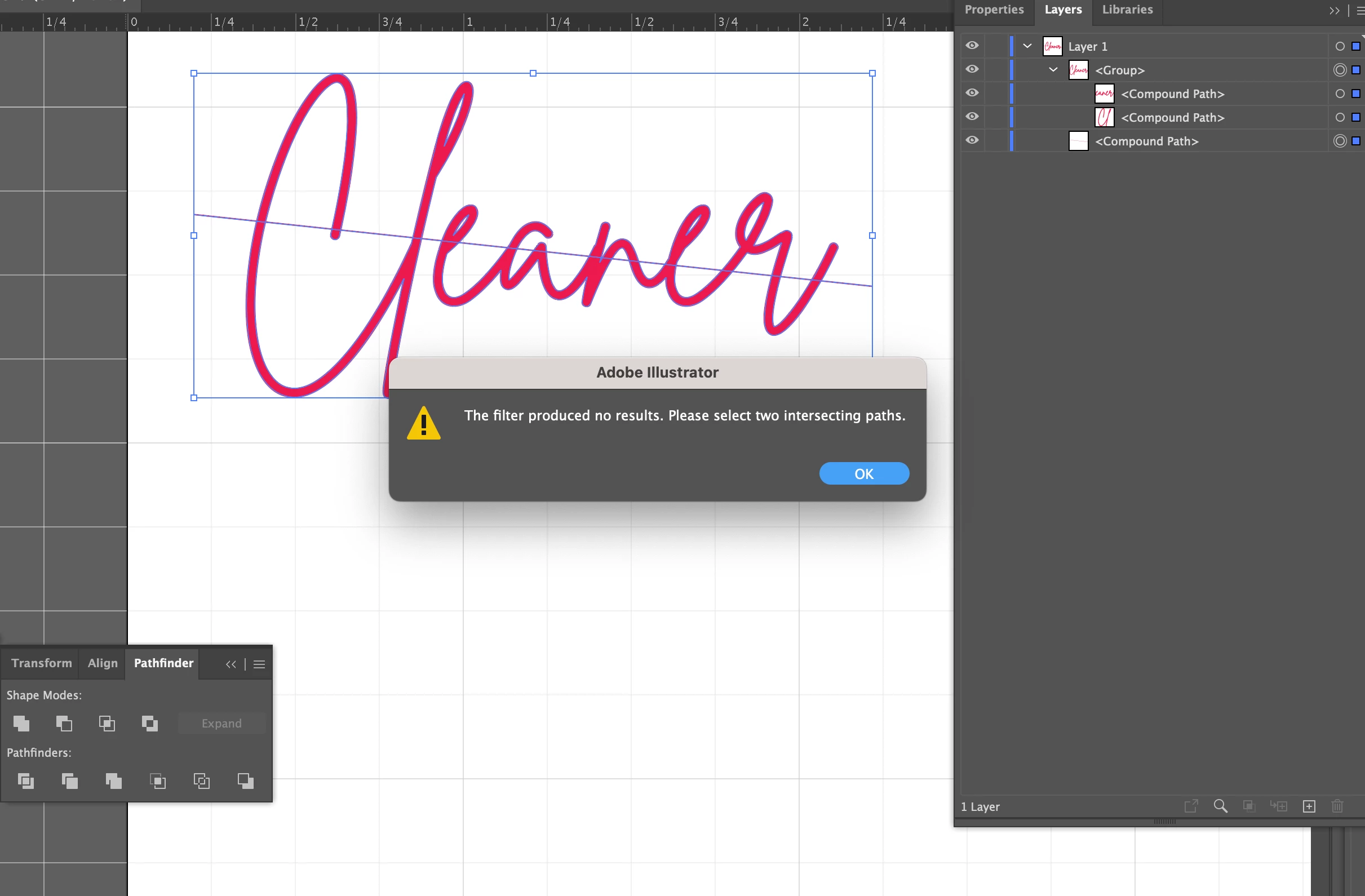
Yet I DO have two intersecting paths selected.
If instead, I use the Pathfinder>Trim option, I get this which looks correct
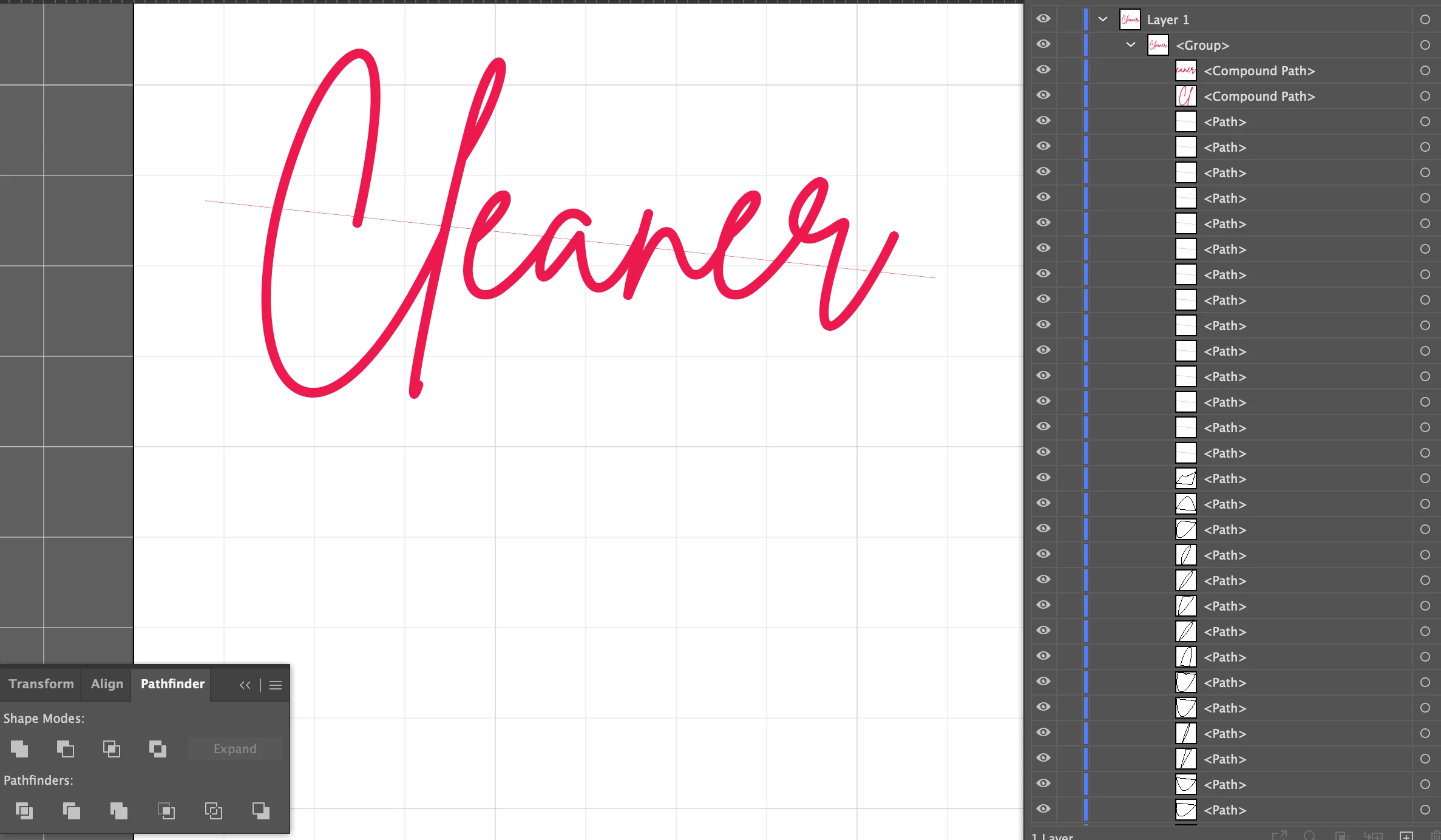
until you remove the letters to see what's left and I have all these artifacts - look at the paths and see below
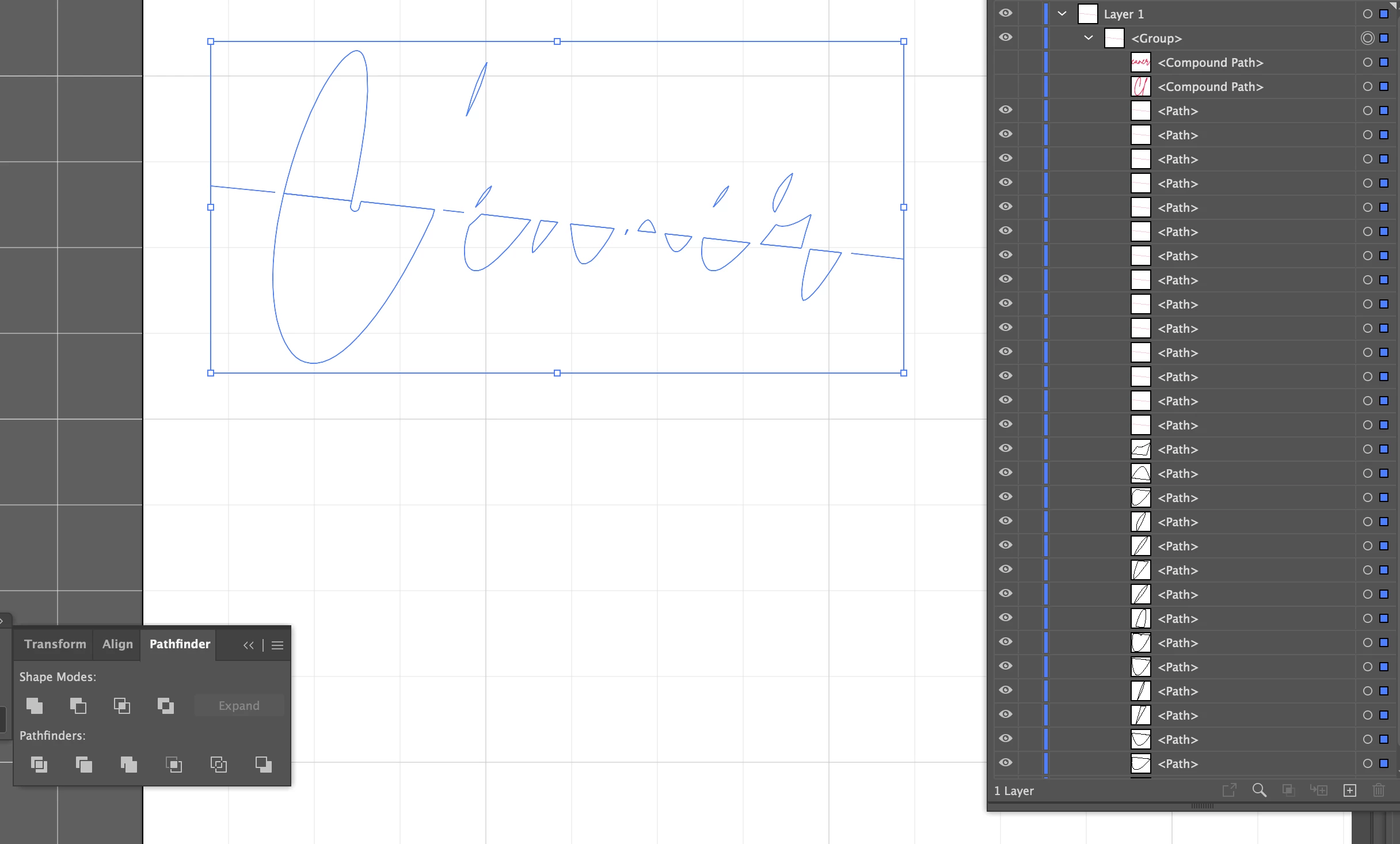
What I really need is just the line segments:
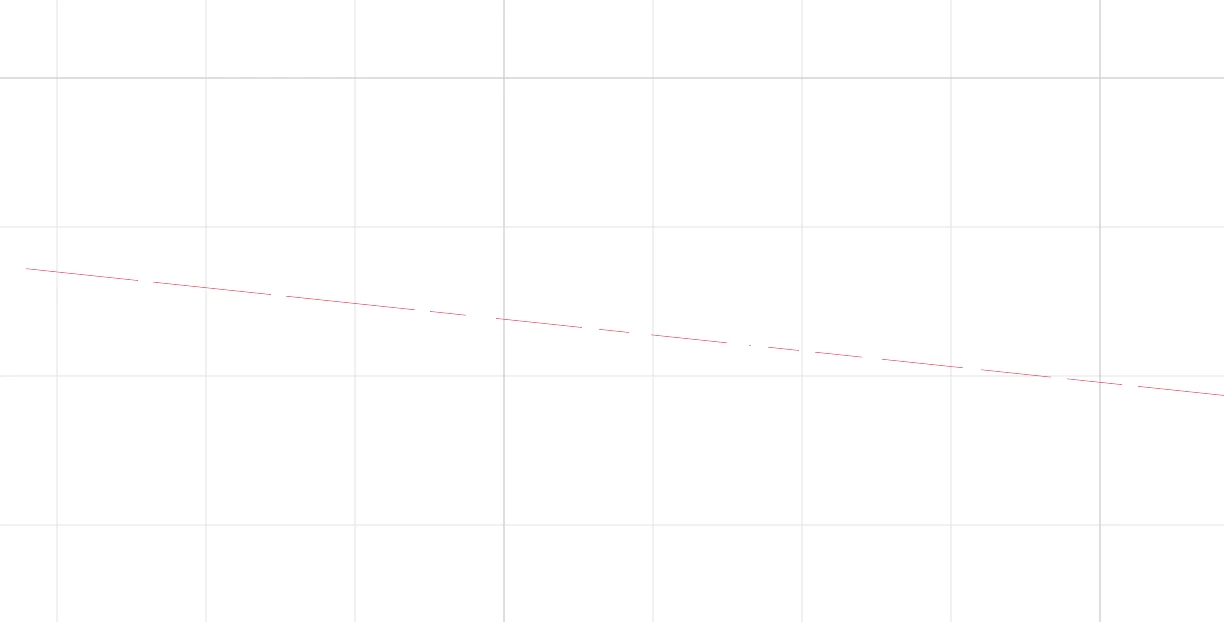
I work on big projects and the cleanup is too time consuming. What am I missing?
 AdChoices