


Answered
High Memory Usage for All Adobe Apps on macOS
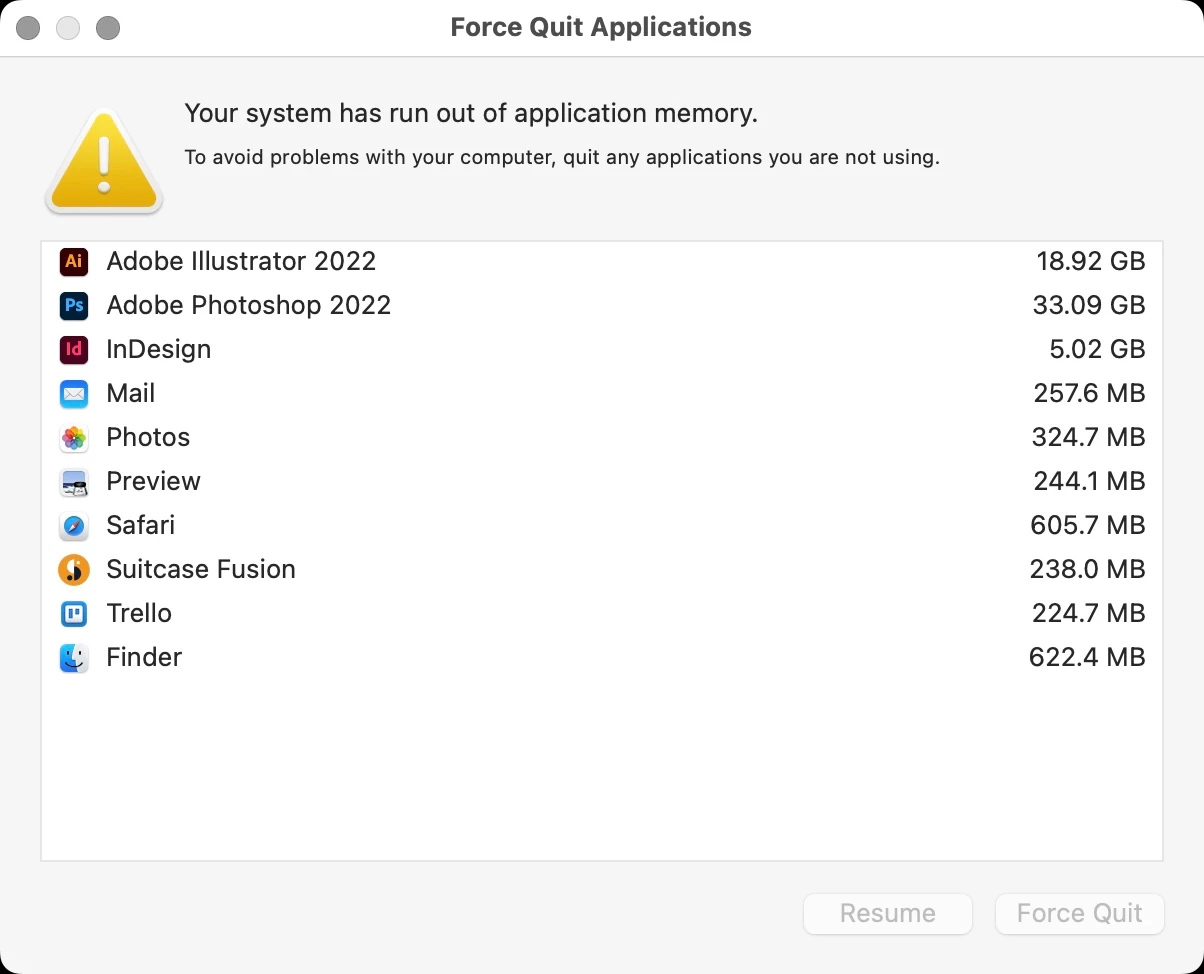
Reoccuring issue with Adobe apps using excessive memory. I'm getting pop-up warnings. For example, AI is open but no files open (18.92GB RAM), PS has 4 files open totaling less than 100MB file size using (33.09GB RAM). PS and ID are randomingly crashing without any crash report or pop-ups.
I've reopened PS, and still using 22GB with a couple small files open.
I really don't know where to go with this, but it's getting really frustrating.
On a side note: why is this forum forcing to select a topic with only choices unrelated.
MacBook Pro (16-inch, 2021), Apple M1 Max, 64GB Memory.
 AdChoices