

Answered
How do i combine multiple closed paths so that I get one single closed paths instead of many small closed paths?
the paths look something like this but i want only a single blue path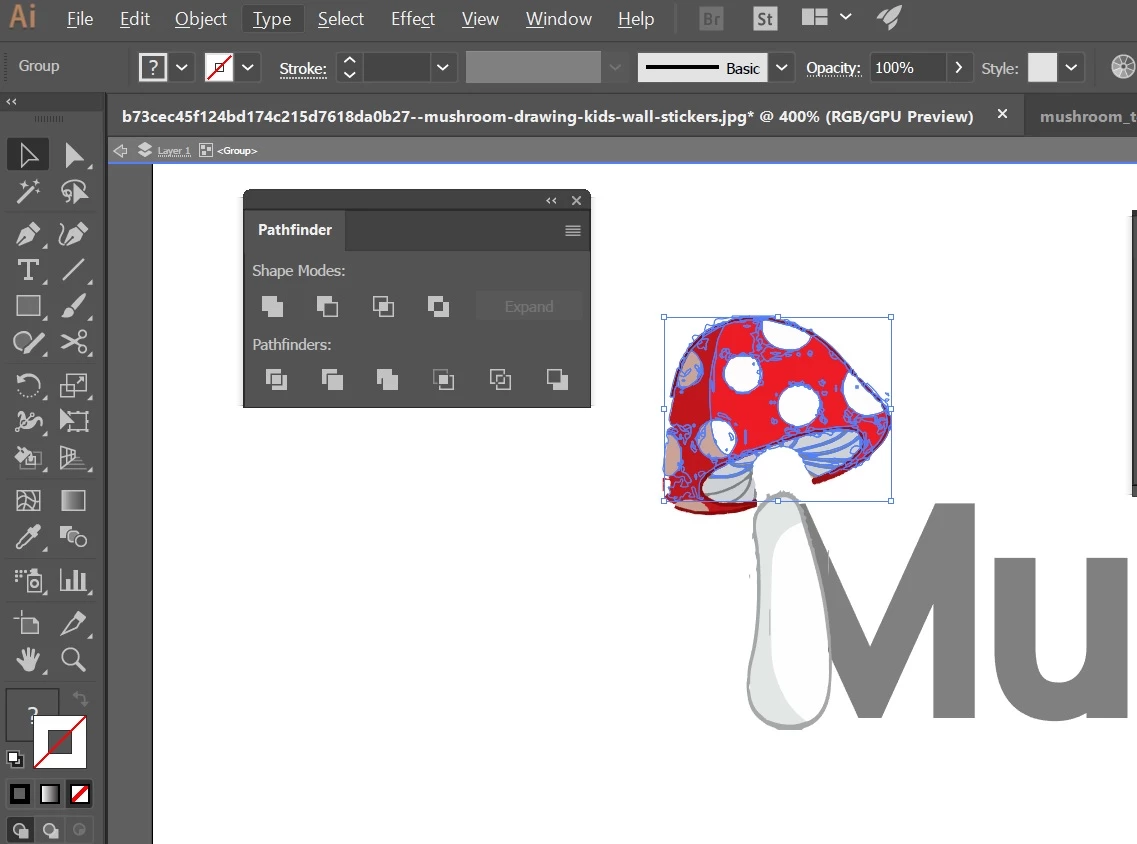

the paths look something like this but i want only a single blue path
If you're saying that you want to make all of your selected paths into a single path which would essentially be just an outline of the mushroom cap then you would click on the "Unite" icon—while these are selected—which is the icon on the far left under the Shape Modes in your Pathfinder panel shown in your screen shot. If for some reason you want to still have all of the paths intact but somehow joined as a single unit then you can't. If you want all of the paths so that you can select them all at once then you can group them (Command/Control-G) and select them all at once with the regular selection tool (black arrow).
Already have an account? Login
Enter your E-mail address. We'll send you an e-mail with instructions to reset your password.
 AdChoices