ultrAslan
Known Participant
May 3, 2017
Answered

How do I create this effect with Illustrator?

  • May 3, 2017
  • 5 replies
  • 1108 views

Dear members,

After the succesfull previous question, here another big challenge for me to get this done.

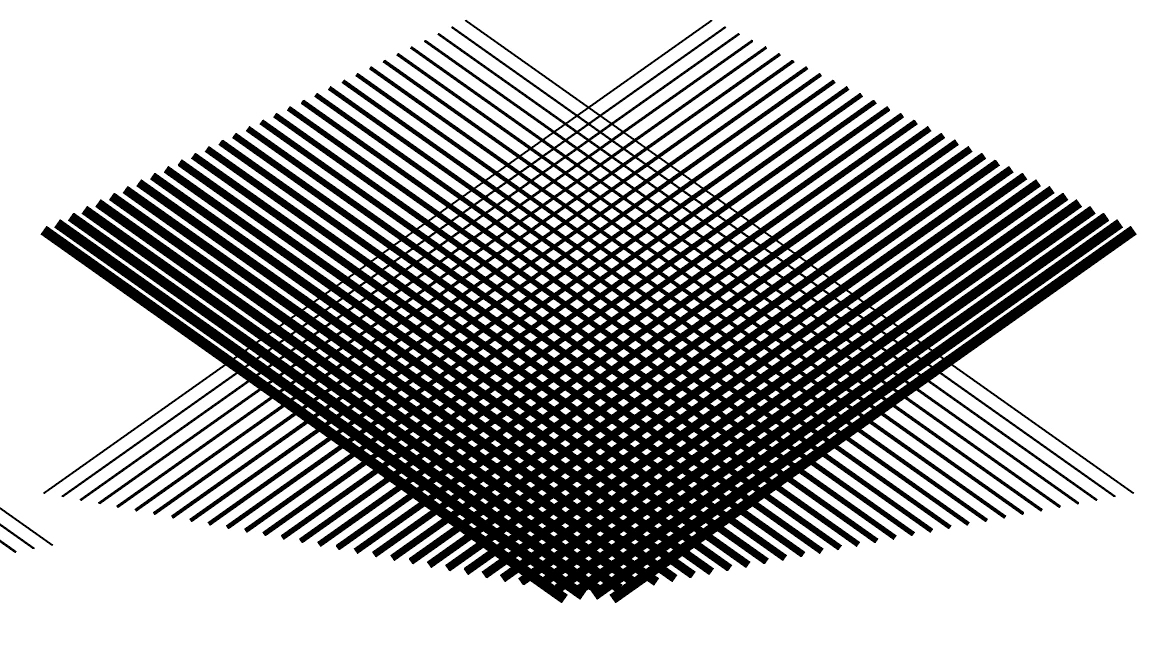
I want to create this effect on Illustrator:

(spiderman effect)

http://bit.ly/2qtMREC

I'm a beginner*

any help and advice are welcome!
This topic has been closed for replies.
Correct answer Monika Gause

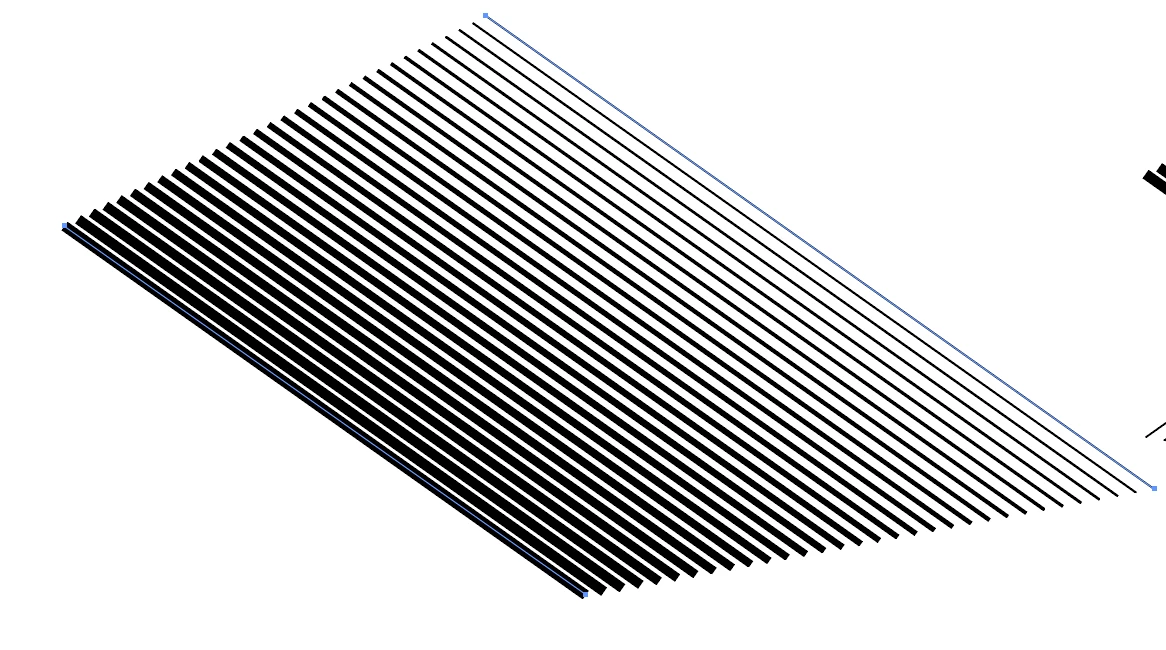
I don't think this includes variable stroke widths.

To me it just looks like a blend between a thick and a thin stroke and then it's mirrored.

5 replies

ultrAslan
ultrAslanAuthor
Known Participant
May 4, 2017

What am I doing wrong??

If those objects cross each other, you can see the lines of the object who is above the other one.

Monika Gause
Community Expert
Community Expert
May 4, 2017

You mean how to hide the lines you don't need?

ultrAslan
ultrAslanAuthor
Known Participant
May 4, 2017

Yes how to hide the lines and this:

rcraighead
Legend
May 4, 2017

This is a variation that might be easier to edit.

  1. Create a single, vertical blend between two lines of different stroke widths.
  2. Save as "Static Symbol" (Dynamic Symbols will NOT save the editable Blend).
  3. Place Symbol instance and rotate.
  4. Assign Effect>Distort & Transform>Transform to Symbol instance.
  5. Play with rotation and scale of Symbol instance to find the right pattern.
  6. Edit Symbol to update blend for both halves of the pattern at one time.

ultrAslan
ultrAslanAuthor
Known Participant
May 4, 2017

I think you're both right.

I see you have many ways to do this.

In my opinion it is easier to do this with the blend tool.

Nike have these effect everywhere and I think they are using the blend tool:

http://bit.ly/2py1tBH

http://bit.ly/2p0lGSd

Ton Frederiks
Community Expert
Community Expert
May 4, 2017

Create a line with a Variable Width profile, 45 degrees angle.

In the Apearance Panel, add a Distort & Transform > Transform Effect.

Select Preview and choose a large number of copies and a horizontal move distance.

Add another Transform Effect, with 1 copy and Reflect X checked.

Monika Gause
Community Expert
Monika GauseCommunity ExpertCorrect answer
Community Expert
May 4, 2017

I don't think this includes variable stroke widths.

To me it just looks like a blend between a thick and a thin stroke and then it's mirrored.

Mike_Gondek10189183
Community Expert
Community Expert
May 4, 2017

Download the trial of Phantasm

Phantasm v3 - Astute Graphics