Known Participant
July 9, 2018
Answered

How do I delete files showing on recent of start workspace?

  • July 9, 2018
  • 1 reply
  • 786 views

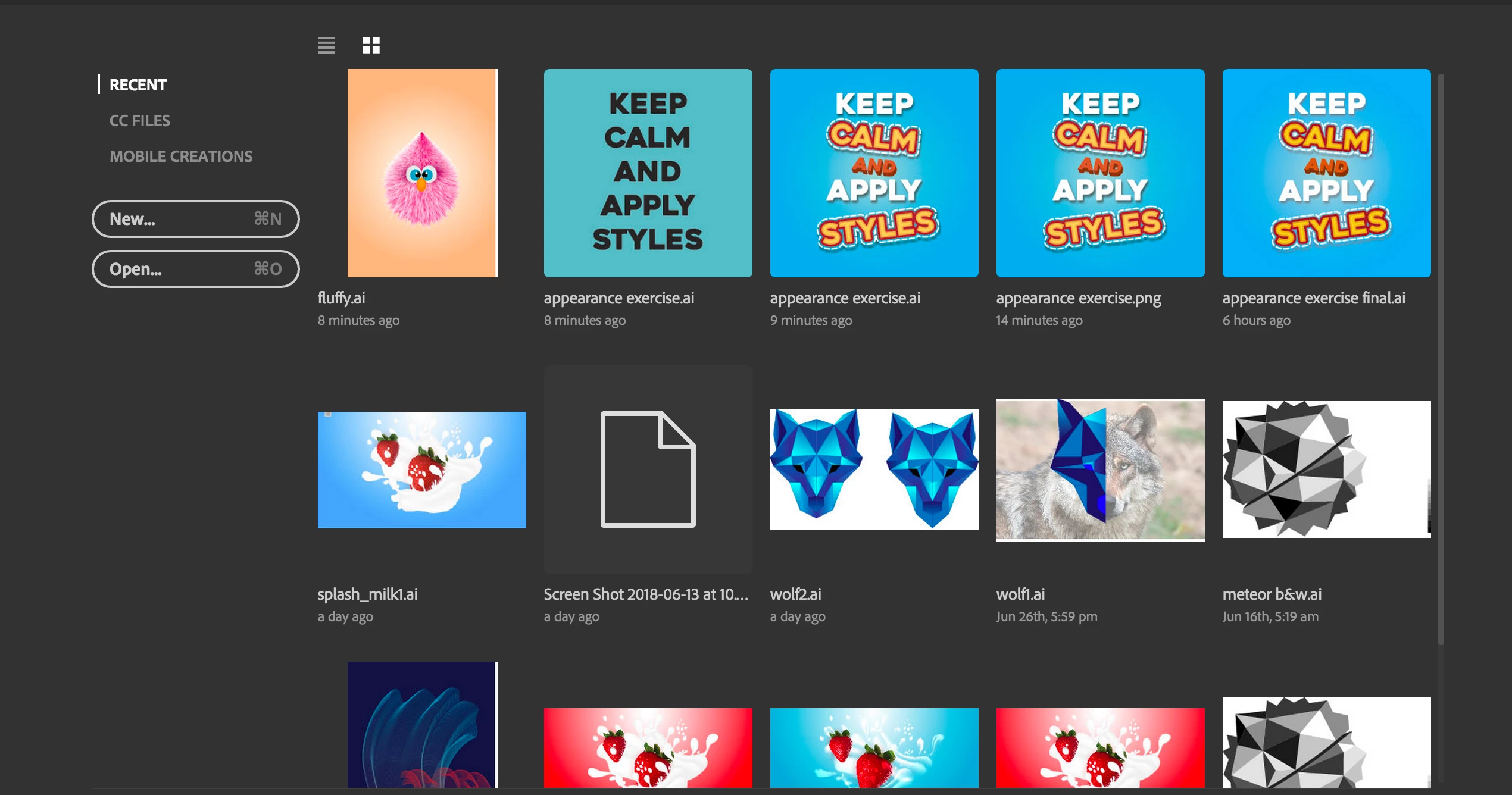
Check the image below which pops up when illustrator opens. I do want to see recents when i open ai but as seen in the picture some files repeat and some are unwanted. How do I delete them?

I use a mac. drag and drop/long press with 2 fingers arent working
    This topic has been closed for replies.
    Correct answer michelew83603738

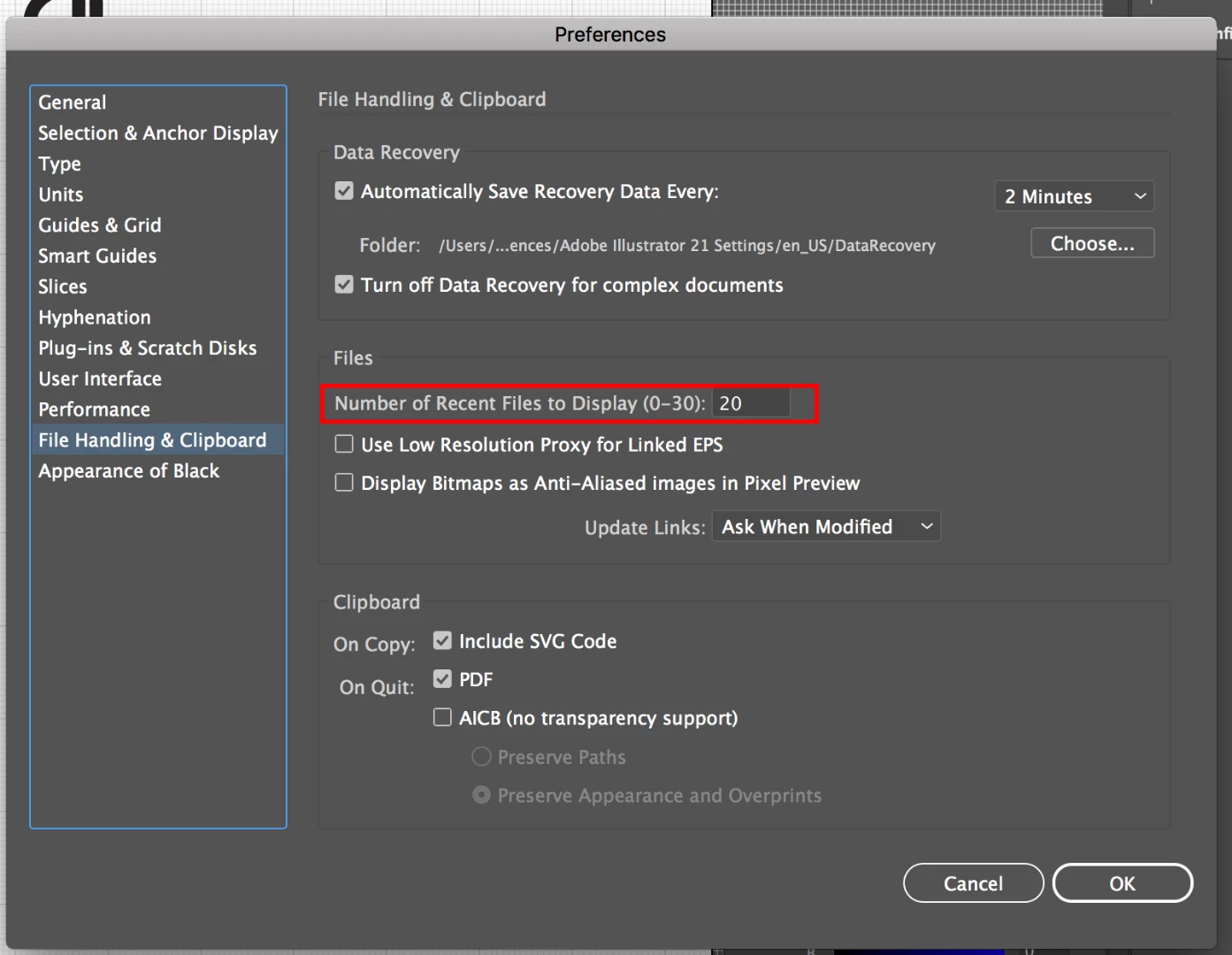
    Under Preferences>File Handling you can set how many recent files you want to show - that should take care of your problem.

    1 reply

    michelew83603738
    Community Expert
    michelew83603738Community ExpertCorrect answer
    Community Expert
    July 9, 2018

    Under Preferences>File Handling you can set how many recent files you want to show - that should take care of your problem.

    sreepraddAuthor
    Known Participant
    July 9, 2018

    Not number of files, I want some to be deleted from there

    sreepraddAuthor
    Known Participant
    July 9, 2018

    Well, Recent Files is recent files.

    They are listed in ruthlessly mechanical fashion, in the order they were last saved. I don't think you can selectively delete from there.


    : ) heheh