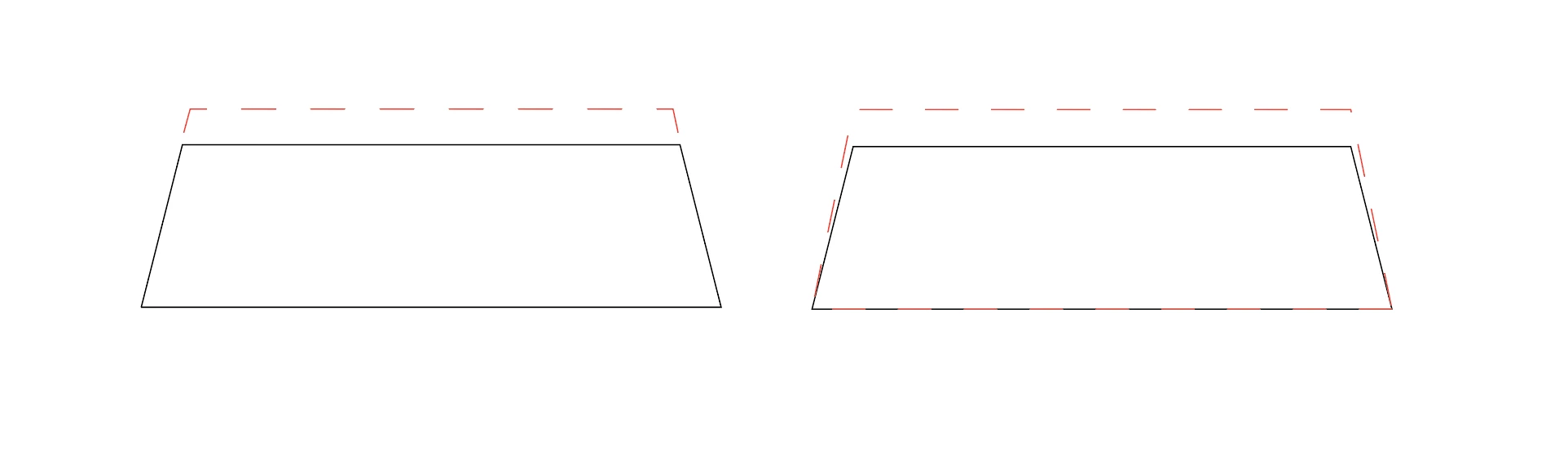
1) A trapezoid (trapezium) of height 0.7cm
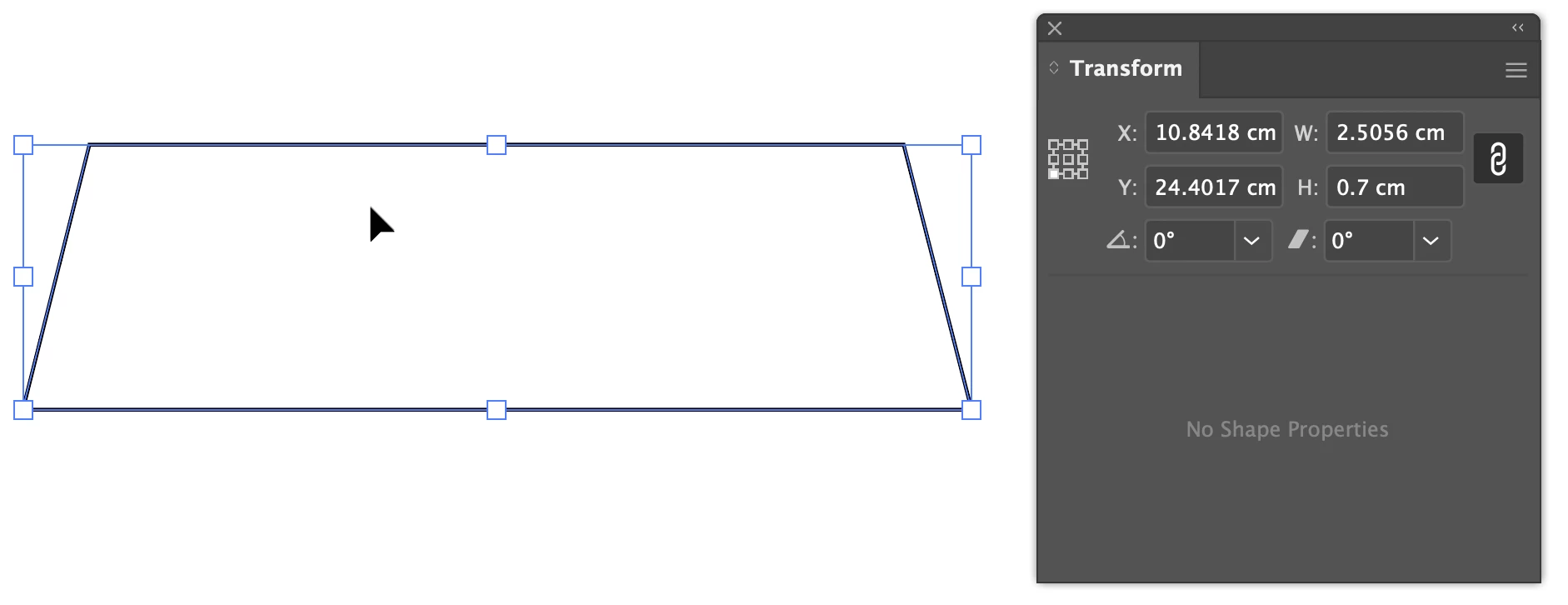
2) Select, copy, and paste in front.
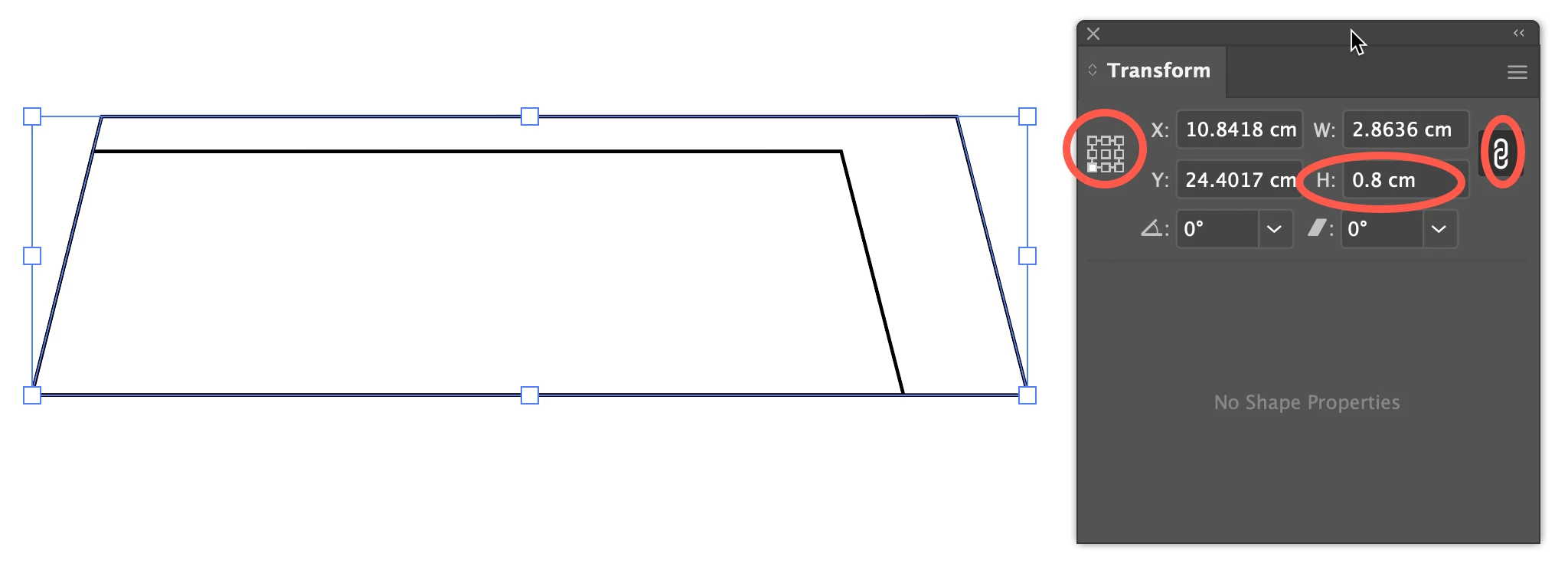
3) Set the Reference Point Locator (left side of Transform panel, or in the Properties panel, or Control panel) to bottom left (or right: one end of the long side), set the height value to 0.8cm, and be sure height and width are linked (chain icon), and press Return.
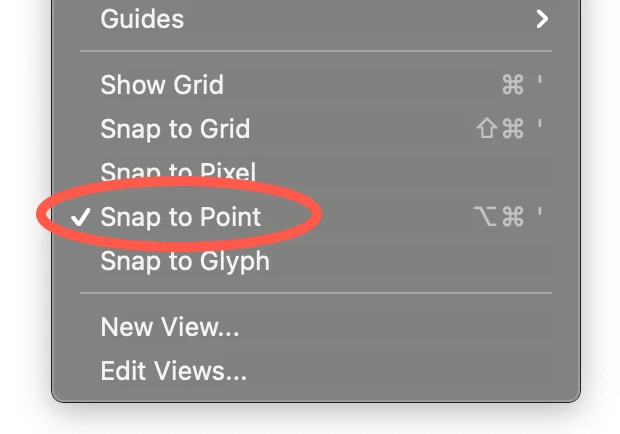
4) Near the bottom of the View menu activate Snap to Point
5) Direct Select (white pointer) the two Anchor Points on the right
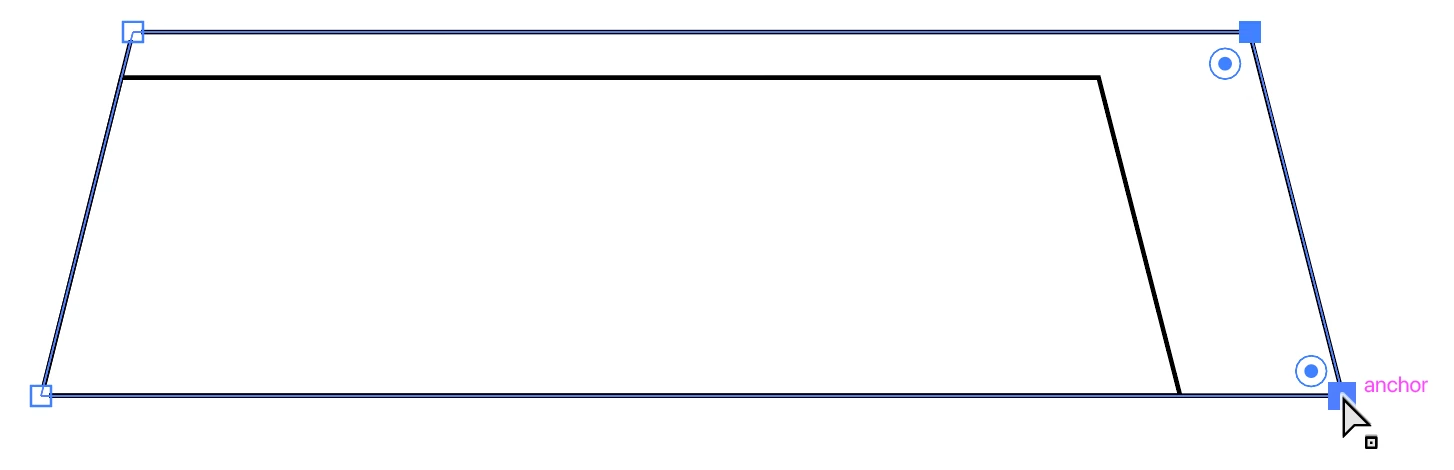
and slide to the left until the bottom point snaps to the bottom right point of the original path.
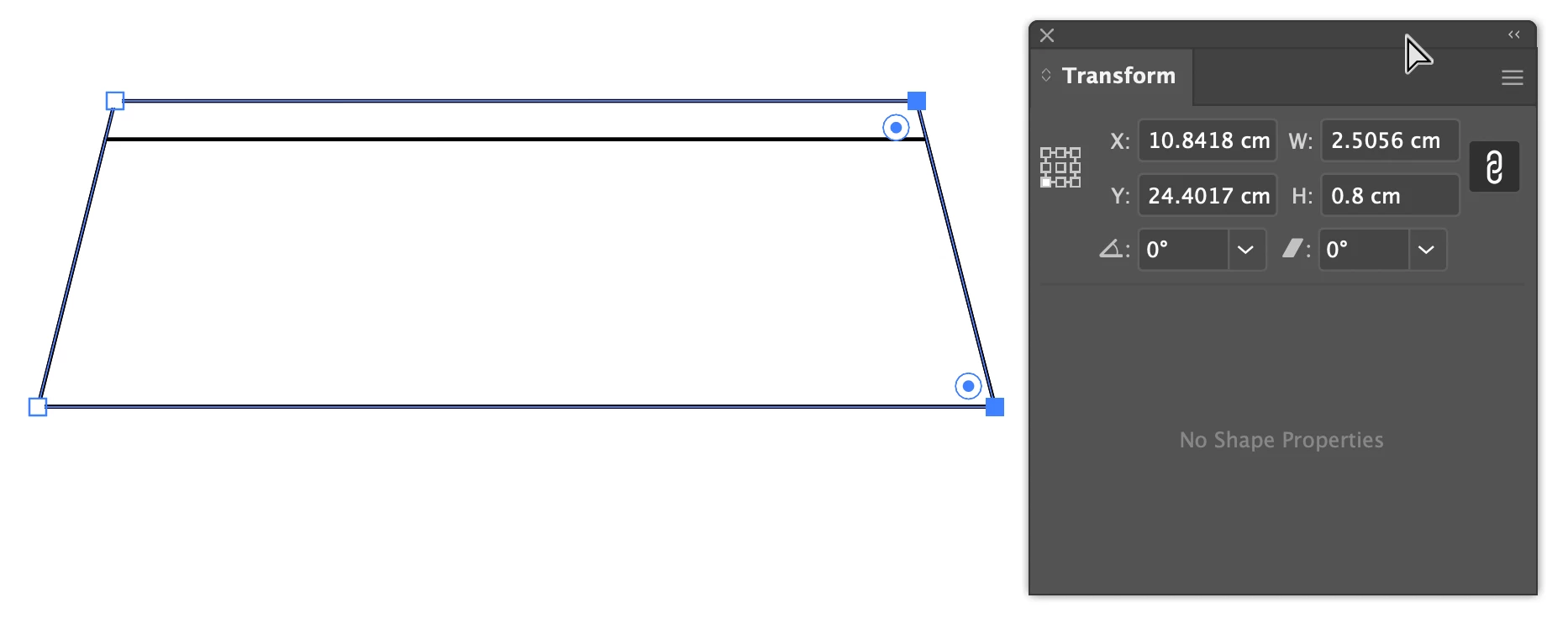
Delete the original path if you wish.
Peter




 AdChoices