


Question
How do I select and remove background of object please?
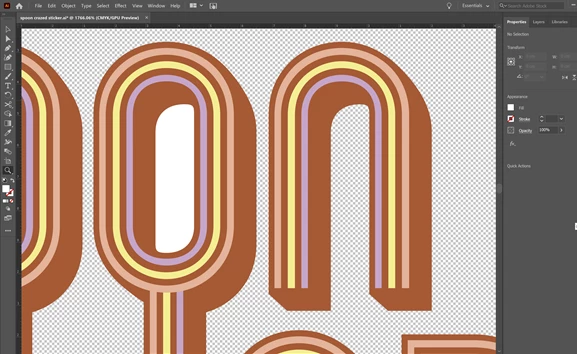
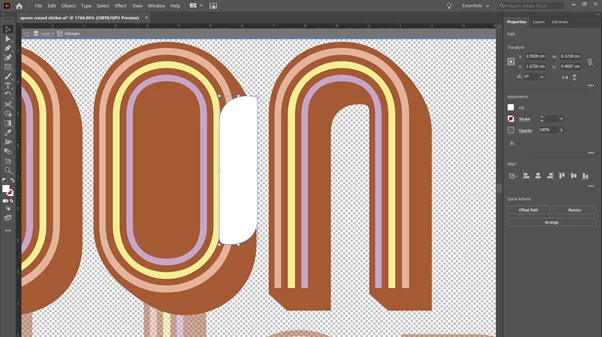
Inside the holes of my font I originally filled in the shape white. I actually need it to have no background.
How do i get this shape cut out of the orange behind to have no background please?
If it was photoshop i would just magic wand select the white layer shape to delete the white and then click the orange layer to delete the same shape out of the orange so that there is no background. how do i do that in Ai please?
 AdChoices